Blog

  • Rank Tracking Setup for Google and AI Search

    Rank Tracking Setup for Google and AI Search

    Quick Summary: Effective rank tracking now combines Google search positions with AI visibility metrics like citations and mentions. Building a keyword set focused on buyer intent and splitting content types helps monitor both search worlds. Regularly reviewing AI citations, adjusting prompts, and tracking metrics like mentions and citations improve understanding of brand presence across AI and traditional search platforms.

    If your client sits at #3 for a money term in Google but stays invisible in ChatGPT, Perplexity, and AI Overviews, your Rank Tracking misses half the market. That is the gap this guide fixes. You will build a simple Rank Tracking system that joins Google data with AI visibility, prompt coverage, and reporting. I work with teams that already use SEO Rank Tools and need cleaner AI Search Optimization. Good Rank Tracking now means tracking both search worlds together.

    Step 1: Build a keyword set that works for both Google and AI search

    Start with buyer-intent prompts, not just broad terms. Google says its systems match both words and concepts, and AI search still sits on core search systems, so natural questions matter as much as short keywords according to Google and its 2026 AI search guidance here. Build lists like:

    • “best crm for small law firm”
    • “shopify seo app comparison”
    • “how to switch from agency to in-house seo”
    Flowchart with grouped keyword prompts on a workspace desk
    Flowchart with grouped keyword prompts on a workspace desk

    Split the set into clear page types:

    • Money pages – product, service, category, demo, pricing
    • Support content – how-to, setup, use case, troubleshooting
    • Comparison queries – best, vs, alternatives, reviews

    Do not track every variation. Track the main query, close variants, and the prompt-style version.

    Also Read: Best SEO Tools: 25 Picks to Improve Rankings in 2026

    Step 2: Configure Google rankings and AI surfaces in one tracking view

    Start with Google organic as your control layer. Track:

    1. Primary keyword rank
    2. SERP feature presence like featured snippets, People Also Ask, local pack, and video
    3. Device and location splits

    Google now blends AI Overviews and AI Mode more tightly into Search, so your baseline report needs both classic rank and feature ownership, not just blue-link position, per Google’s 2026 Search update.

    Then add AI surfaces as a second view for the same keyword set:

    • AI Overview present or not
    • Brand cited or not
    • Competitor cited or not
    • ChatGPT, Claude, Perplexity, and Gemini mention share

    Keep one row per keyword and add columns for each engine. That makes gaps obvious fast.

    Keyword Google Rank AI Overview ChatGPT Perplexity Gemini
    running shoes flat feet 4 cited not cited cited cited

    Google’s AI answers appeared in 43% of searches by mid-2026, according to TechCrunch citing Similarweb.

    Also Read: 10 New Keyword Research Techniques to Try Now

    Step 3: Standardize your metrics so reporting stays clean

    Use average position and share of top 3 or top 10 for Google. Keep those separate from AI search. Google itself says AI Overviews show an AI snapshot with links to dig deeper, so track mentions, linked citations, and citation rate instead of forcing a rank model onto AI results (Google Search Help). That keeps reports honest.

    Channel Core metric Good use
    Google Search Position Rank trend
    AI Search Mentions Brand visibility
    AI Search Citations Source inclusion
    Comparison dashboard with charts and data visualizations
    Comparison dashboard with charts and data visualizations

    Build one simple template your team uses every week:

    1. Google – average position, clicks, landing page.
    2. AI – prompt, mention yes or no, citation yes or no.
    3. Outcome – traffic, leads, revenue.

    Also Read: 10 Organic Growth Strategies to Drive Traffic in 2025

    Step 4: Set your tracking cadence, alerts, and review process

    1. Pick a cadence that matches volatility. Track core money terms daily. Check mid-tier keywords and AI prompts weekly. Review low-risk long-tail sets monthly. Google says it regularly improves ranking systems, so fixed monthly reviews alone miss useful shifts. Set alerts for sharp drops, new AI citations, and page swaps.

    2. Review competitors and refresh the prompt set regularly. Check which rival pages, entities, and answer formats now appear. Update prompts every month so they match real buyer questions. Google’s Generative AI performance report tracks impressions over time by page, device, and country, which helps flag drift fast.

    Homepage
    Homepage

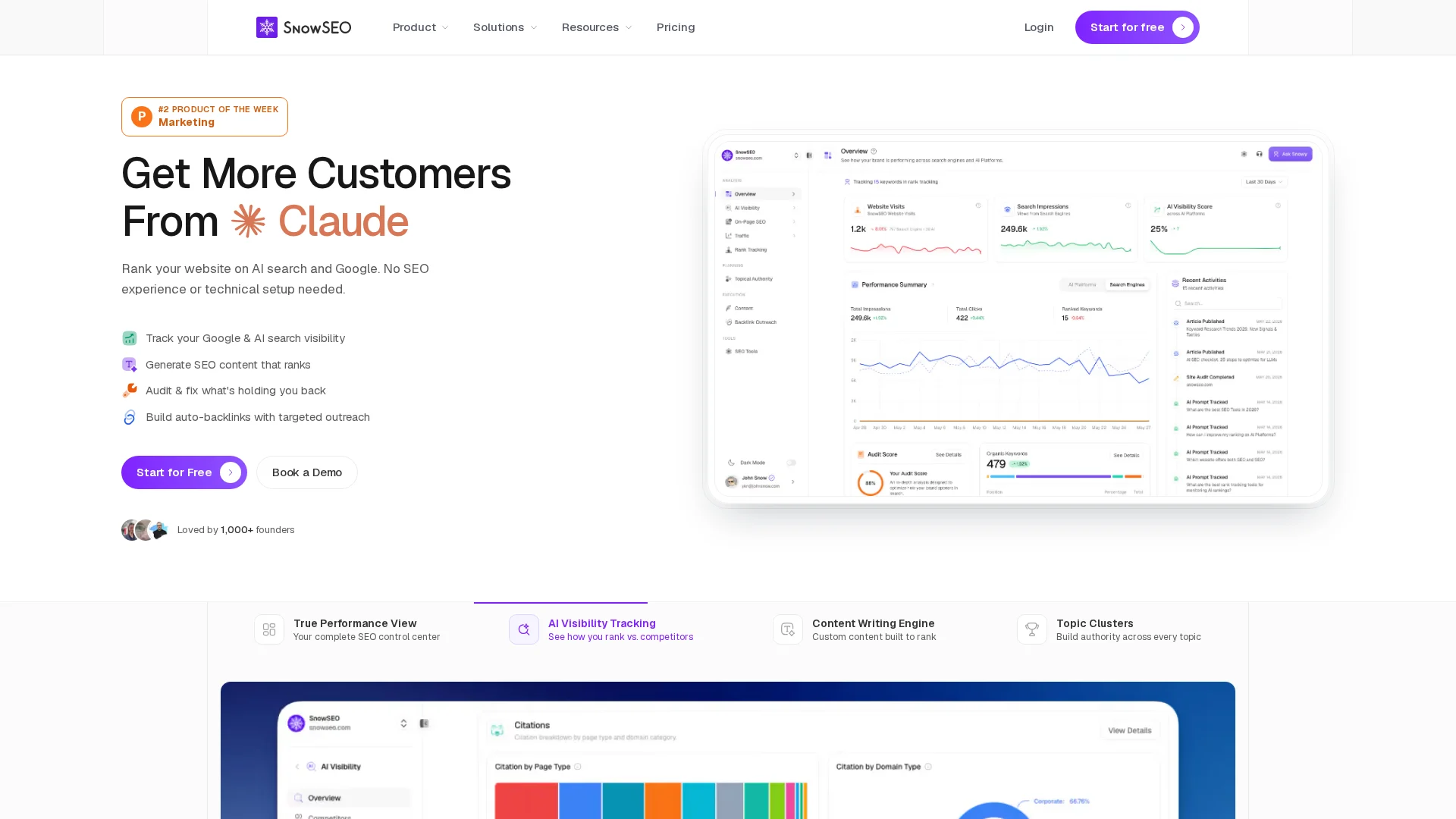
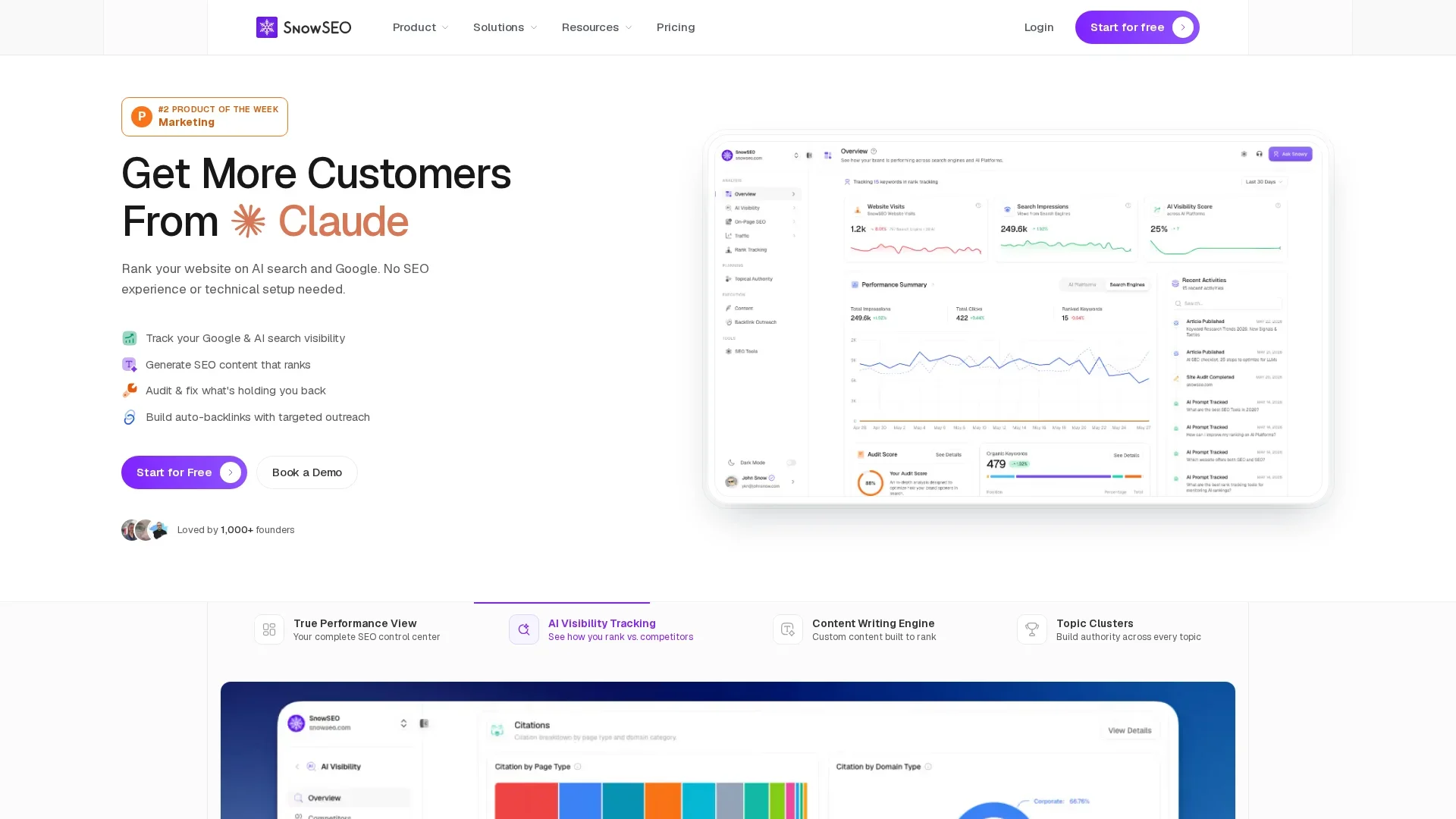
    If you want one workflow for Google rankings and AI visibility, try SnowSEO. Track positions, spot gaps, and turn reports into action faster.

    Frequently Asked Questions

    Q1: What are the essential steps to set up comprehensive rank tracking for Google and AI platforms?

    Track target keywords, prompts, pages, and brand mentions. Split branded and non-branded terms. Set a weekly pull, device and location rules, and one reporting view for rankings, AI citations, traffic, and conversions.

    Q2: How can businesses monitor brand citations in AI-generated results across ChatGPT, Claude, and Perplexity?

    Save a fixed prompt set by topic, intent, and funnel stage. Check whether your brand appears, where it appears, which source gets cited, and whether the answer is accurate. Log changes over time to spot wins and losses.

    Q3: What tools and metrics are best for tracking AI overview visibility and traditional search rankings?

    Use one system that tracks Google positions plus AI answer mentions. Key metrics include rank, share of voice, citation rate, AI overview presence, landing page, traffic, and assisted conversions. SnowSEO helps keep those signals in one workflow.

    Conclusion

    Track Google rankings and AI search visibility in one system, not two. Google says AI features rely on core ranking systems and can show mistakes, so your reporting should pair classic rankings with AI presence and page-level impact Google ranking systems guide AI Overviews help.

  • AI SEO Process Guide for Planning, Writing, and Review

    AI SEO Process Guide for Planning, Writing, and Review

    Quick Summary: Effective AI SEO requires a clear strategy before using AI tools, including defining goals, audience, and intent. Creating detailed briefs and human editing are essential to ensure quality, accuracy, and originality. Content should be regularly reviewed and updated to maintain rankings, with a focus on helping people first rather than just optimizing for search engines.

    If your team uses AI to draft posts from a keyword list but still rewrites every piece, the real issue is often the process. Most teams lack a clear SEO Content Strategy that connects briefs, drafting, review, and updates. This guide shows how to build that SEO Content Strategy, use a Keyword Research Platform, and apply AI Optimization Tools without breaking quality. It is built for teams that need a repeatable SEO Content Strategy that scales and still meets SEO standards.

    1. Build the Strategy Before You Use AI

    Set the plan first. AI should speed up work, not choose what you publish. Google says strong content starts with a clear audience and a real purpose, not pages made mainly to pull search traffic, according to Google’s people-first content guidance.

    • Define the business goal: traffic, leads, sales, or support
    • Name the reader: beginner, buyer, customer, or partner
    • Match each page to one intent: learn, compare, or buy
    Team planning a content strategy with flowchart and dashboards
    Team planning a content strategy with flowchart and dashboards

    Map topics next. Use a keyword platform to group terms by intent, not just volume. Good research shows what people ask, why they ask it, and which page should answer it, as explained in this 2026 keyword research guide.

    If AI writes before strategy is set, teams usually publish fast and miss the right topic.

    Also Read: 10 Organic Growth Strategies to Drive Traffic in 2025

    2. Create a Brief AI Can Actually Follow

    A good AI brief acts like a spec, not a loose idea. NIST’s 2026 GenAI challenge even treats prompters as a real role because prompt quality shapes output quality and believability in its evaluation design.

    • Include the essentials in every brief:
      • Goal
      • Audience
      • Search intent
      • Primary points to cover
      • Format
      • Tone
      • Must-use facts
      • Must-avoid claims

    If any of those are missing, the draft gets vague fast.

    Content strategist reviewing AI article brief with SERP notes
    Content strategist reviewing AI article brief with SERP notes

    Add examples, constraints, and source rules. Harvard’s prompt guidance says specific prompts, examples, and clear “do” and “don’t” instructions improve output quality for text-based generative AI tools.

    Give AI one strong sample paragraph, one bad example, and clear review rules.

    1. Define what good looks like.
    2. Set hard limits.
    3. List trusted references.

    Also Read: 10 Best Tools for Competitor SEO Analysis in 2024

    3. Write, Optimize, and Human-Edit the Draft

    Use AI to build the outline, key points, and first draft fast. That saves time, but it does not remove editorial work. Google says content should help people first, not exist mainly to game rankings, so treat AI as a drafting tool, not the author of record Google’s people-first content guidance.

    Edit next for facts, overlap, and brand voice. Cut filler. Add real examples, sharp claims, and clear source checks. Google’s rater guide also flags pages with little effort, low originality, or little added value, which is exactly what unchecked AI drafts often become Google’s Search Quality Rater overview.

    Optimize last, not first. Tighten headings, internal links, entity mentions, and search intent match. Then check if the page answers the query better than what already ranks. Tools like SnowSEO can speed up brief-to-draft checks, but a human should still approve accuracy, tone, and final publish readiness.

    Also Read: 10 New Keyword Research Techniques to Try Now

    4. Review, Publish, and Refresh the Content

    Use a simple publish-ready checklist

    Check the page before it goes live. Confirm search intent, facts, links, headings, schema, and on-page UX. Google says people-first content should be helpful, accurate, and clearly trustworthy in its content quality guidance.

    Publish only when the page feels complete, not just finished.

    Plan updates before rankings fade

    Set a refresh date when you publish. Review performance, query shifts, CTR, and outdated claims every 60 to 90 days. Google advises waiting at least a week after a core update ends before comparing performance in Search Console, per its core updates guidance.

    Homepage
    Homepage

    Ready to turn your AI SEO process into a repeatable system? Use SnowSEO to plan, write, audit, track, and improve content faster.

    Frequently Asked Questions

    Q1: What are the best strategies for planning an effective AI-driven SEO content workflow?

    Set clear briefs, search intent, owners, and review steps. Map topics first.

    Q2: How can I optimize AI-generated content for search engines and AI platform mentions?

    Edit for facts, structure, entity clarity, and original insight. Add useful examples.

    Q3: What human editing practices ensure AI SEO content ranks well and maintains quality?

    Check accuracy, remove filler, fix tone, and improve headings, links, and trust signals.

    Conclusion

    AI SEO works best as one shared process. Plan with search intent, write for people, review with standards, and improve often. Google says SEO still matters for generative AI search, while content quality matters more than production method.

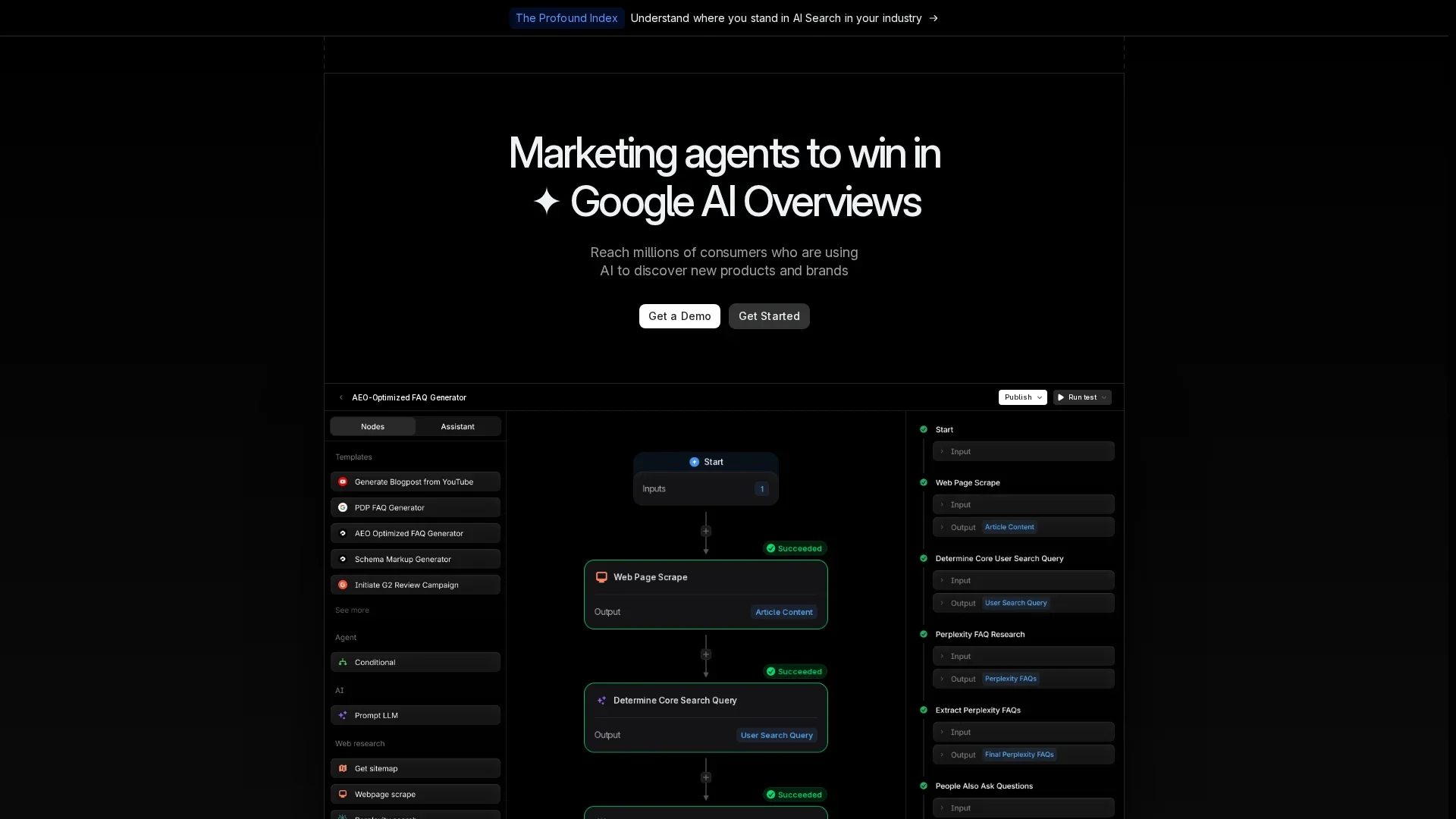
  • 8 Tools to Track ChatGPT Mentions in Search

    8 Tools to Track ChatGPT Mentions in Search

    Quick Summary: Tracking ChatGPT mentions helps brands see when they appear in AI answers and identify competitor dominance. Tools like SnowSEO, AthenaHQ, Peec AI, and OtterlyAI offer different levels of mention, citation, and sentiment tracking tailored for SEO teams, marketers, and agencies. Choosing the right tool depends on whether you need broad AI visibility, deep citation analysis, or GEO-focused insights.

    If your brand shows up in AI answers, you need more than guesswork. You need a clear way to track ChatGPT Mentions, citations, and competitor share. Most rank trackers were built for Google, so ChatGPT Mentions often sit in scattered reports with weak attribution. This guide compares the best AI Mentions Tools and Search Mentions Tracker options for ChatGPT Mentions, based on coverage, reporting, competitor monitoring, and fit for solo marketers, SMBs, agencies, and enterprise teams.

    Quick Comparison

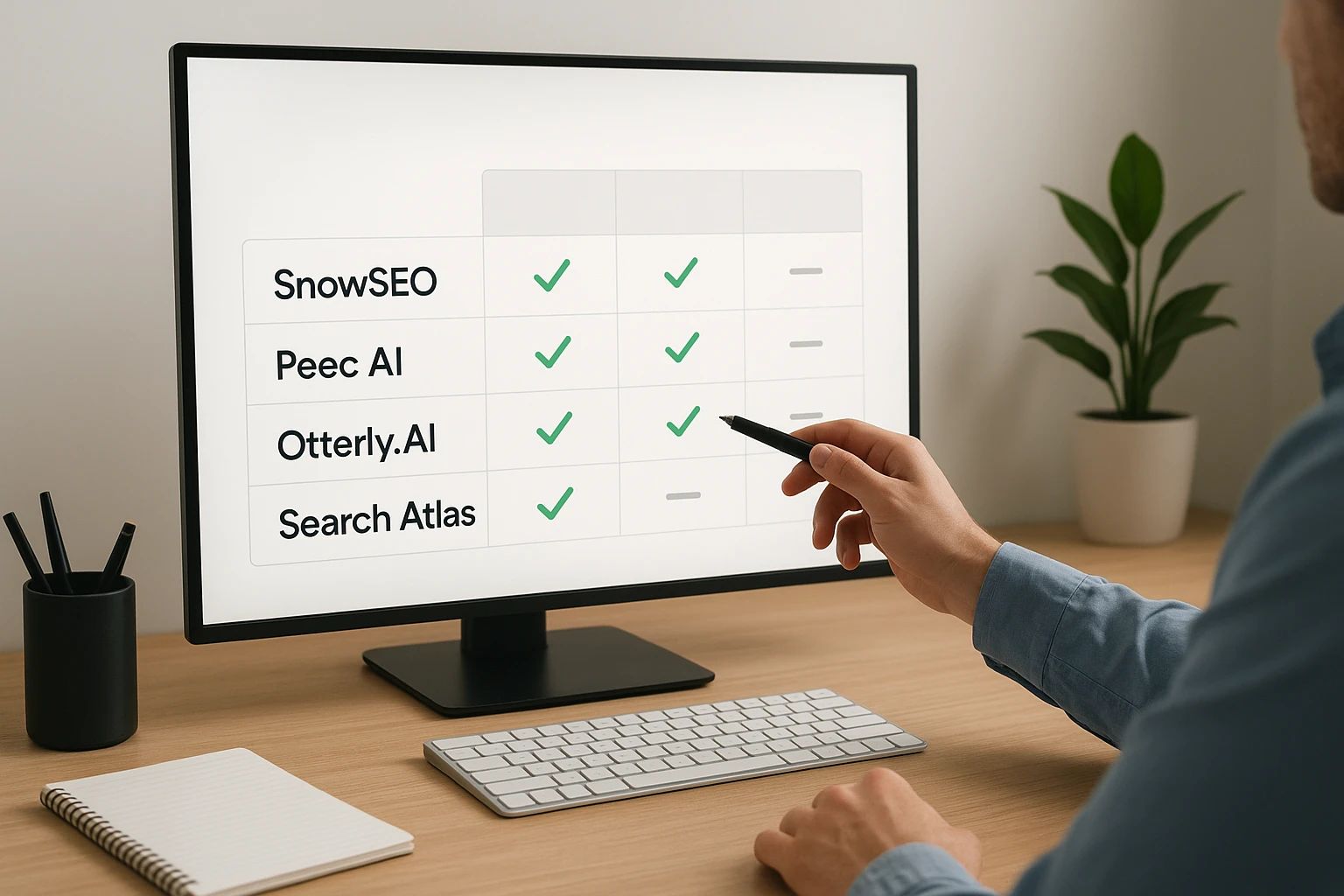
    Tool Best for ChatGPT coverage Citation tracking Team fit
    SnowSEO SEO teams and SMBs that want ChatGPT mention tracking plus broader SEO workflows AI visibility monitoring and mention tracking across ChatGPT Yes, with visibility, citations, sentiment, and competitor context Small to mid-sized teams, agencies, and content-led businesses
    AthenaHQ Teams that want deep citation analysis and multi-platform AI visibility Yes, with mention and citation tracking Strong source and citation analysis AEO/GEO managers, PR teams, and enterprise-minded marketers
    Peec AI Marketing teams that want ChatGPT-first visibility and sentiment insights Dedicated ChatGPT visibility tracker Yes, with source and claim tracing Agencies, in-house marketers, and client reporting teams
    OtterlyAI Teams that want monitoring plus GEO-oriented optimization guidance Yes, with brand mention and citation tracking Yes, including domains and URLs SEO teams, agencies, and content strategists

    What to know about ChatGPT mentions tracking

    ChatGPT mentions tracking shows when your brand appears in AI answers, which sources help those answers form, and how often competitors show up instead of you. It gives SEO teams a clearer view of visibility outside the usual search results.

    That matters now because users often get brand ideas from AI before they click a website. If ChatGPT cites your competitors more often, you can miss demand early.

    Treat this like a new layer of search visibility, not a replacement for SEO.

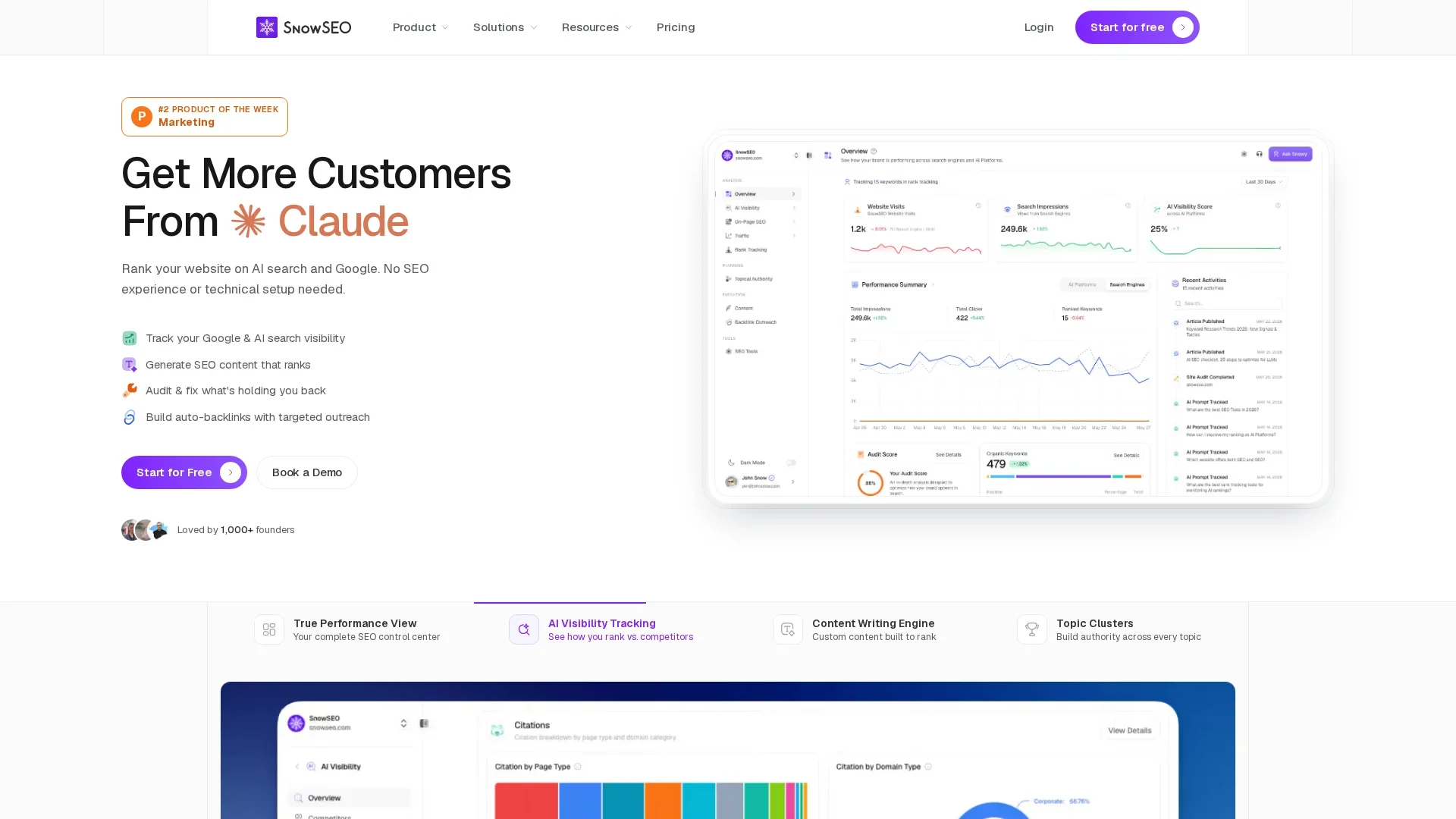
    1. SnowSEO

    SnowSEO puts SEO and AI visibility in one workflow. If you want ChatGPT mention tracking without adding another tool, this is the cleanest fit, especially since ChatGPT Search can show source links and teams now need to watch both mentions and citations across AI answers.
    SnowSEO
    Highlights

    • Tracks ChatGPT mentions, citations, sentiment, and competitors across major AI platforms
    • Combines rank tracking, keyword research, content, and publishing
    • Matches the shift toward dedicated ChatGPT citation tracking

    Specs

    • Best for: SEO teams and SMBs
    • ChatGPT coverage: Mention tracking and AI visibility monitoring
    • Citation tracking: Yes

    Pros

    • Unified workflow
    • Strong execution fit

    Cons

    • Less specialized than niche tools

    It ranks first because it covers ChatGPT mentions well and helps teams act on the data fast.

    Last updated: July 26, 2026

    Also Read: Best SEO Tools: 25 Picks to Improve Rankings in 2026

    2. AthenaHQ

    AthenaHQ fits teams that need deep AI search analytics, not just basic ChatGPT mentions. Its docs and product pages show strong citation tracking, competitor monitoring, and response-level review across multiple AI platforms, including brand monitoring and response inspection.
    AthenaHQ
    Highlights

    • Tracks brand mentions and citations across 8+ AI platforms
    • Includes competitor monitoring and source analysis

    Specs

    • Best for: Teams that want deep citation analysis and multi-platform AI visibility
    • ChatGPT coverage: Yes, with mention and citation tracking

    Pros

    • Strong diagnostic depth

    Cons

    • More complex than lightweight trackers

    It ranks here for its citation-first view of brand visibility in ChatGPT.

    Last updated: July 26, 2026

    Also Read: 10 New Keyword Research Techniques to Try Now

    3. Peec AI

    Peec AI is built for marketing teams that want clear AI search analytics, especially inside ChatGPT. It tracks brand visibility, sentiment, and source-level claim tracing across ChatGPT and other AI platforms, as shown on its ChatGPT visibility tracker and brand perception product page.
    Peec AI
    Highlights

    • Dedicated ChatGPT visibility tracker
    • Sentiment, benchmarking, and source tracing
      Specs
    • Best for: Marketing teams wanting ChatGPT-first visibility and perception insights
    • Team fit: Agencies, in-house marketers, client reporting teams
      Pros
    • Strong match for ChatGPT mentions tracking
      Cons
    • Narrower than broad SEO suites
      It ranks here because it fits ChatGPT mention tracking better than most tools.

    Last updated: July 26, 2026

    Also Read: SEO Tools Comparison: Ahrefs, Semrush, and SnowSEO Feature Set

    4. OtterlyAI

    OtterlyAI is built for GEO-focused AI search monitoring, prompt research, and citation tracking. It tracks ChatGPT mentions plus other engines, while its feature set also covers content audits and optimization guidance.
    OtterlyAI
    Highlights

    • Tracks ChatGPT, Gemini, Perplexity, Copilot, and more
    • Includes prompt research, content audits, and GEO tips
      Specs
    • Best for: SEO teams, agencies, and content strategists
    • Citation tracking: Yes, with domains and URLs via prompt monitoring
      Pros
    • Strong research plus optimization mix
      Cons
    • More GEO-led than pure rank tracking
      It ranks here because it helps teams turn ChatGPT mention data into action.

    Last updated: July 26, 2026

    Honourable Mentions

    These tools still help with AI visibility, but they miss the top four for tracking ChatGPT mentions specifically.

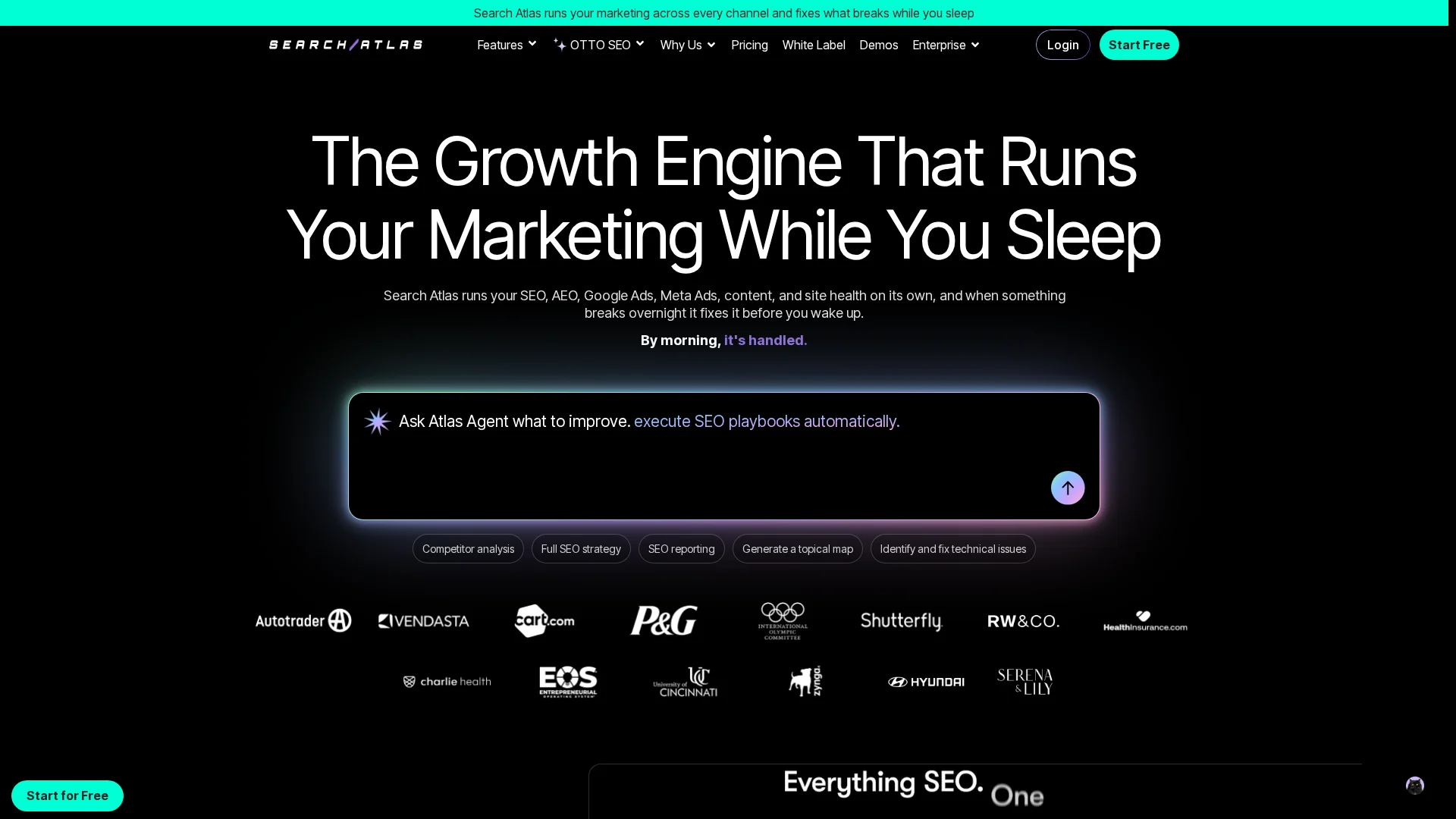
    1. Search Atlas – Strong all-in-one platform for teams that want ChatGPT visibility inside broader SEO and marketing automation.
    2. SE Ranking – Good fit for agencies that want AI visibility added to an established SEO stack.
    3. LLM Pulse – Useful for teams prioritizing a narrower AI mention monitoring workflow.
    4. Promptwatch – Specialized option for prompt-level monitoring and AI visibility analysis.

    How to choose the right ChatGPT mentions tracker

    Use these criteria to pick fast:

    • Pick a dedicated tracker if your main KPI is brand visibility in AI answers.
    • Pick SnowSEO if you want ChatGPT tracking plus SEO tools in one place. It fits teams that also need audits, keywords, content, and reporting.
    • Check citation analysis if you need to see why ChatGPT mentions you or a rival.
    • Look for competitor benchmarking if you build client reports or need clear stakeholder updates.
    • Require prompt-level tracking. Broad brand snapshots miss real gaps.
    • Make sure it covers ChatGPT, Gemini, Perplexity, and AI Mode.
    Homepage
    Homepage

    Want one place to track AI visibility and act on it? Try SnowSEO to audit mentions, track rankings, spot gaps, and grow ChatGPT search presence faster.

    Frequently Asked Questions

    Q1: What are the top tools to track ChatGPT brand mentions across multiple AI platforms?

    SnowSEO, AthenaHQ, Peec AI, Otterly AI, Profound, and LLM Pulse are strong options. Pick based on coverage, alert speed, citation tracking, and team workflow.

    Q2: How does Dageno AI improve monitoring and attribution of ChatGPT brand mentions?

    Dageno AI is not in this comparison set. Focus on tools that track mention frequency, source pages, prompt coverage, and citation overlap so you can tie visibility back to SEO work.

    Q3: What metrics should I track to measure ChatGPT brand visibility and citations effectively?

    Track mention count, citation rate, prompt coverage, sentiment, share of voice, source quality, competitor overlap, and changes after publishing or page updates.

  • AI Content Marketing Playbook for Topic Clusters and SEO

    AI Content Marketing Playbook for Topic Clusters and SEO

    Quick Summary: This guide emphasizes that AI-generated content alone won’t rank well without a strong content strategy, topic clusters, and smart internal linking. It stresses aligning content with buyer intent, building authoritative topic hubs, and continuously measuring and refining performance. Effective AI content marketing combines speed with relevance and clear site structure to improve rankings and generate leads.

    A B2B software brand can publish AI-written posts every week and still miss rankings if pages do not connect or match buyer intent. That is the real gap this guide fixes. You need Content Strategy, Topic Cluster Formation, and smart SEI Optimization working together. This playbook shows how strong Content Strategy turns AI output into linked SEO assets, better leads, and a measurable Content Strategy system.

    1. Define the business goal behind your content strategy

    Start with the result you need. Content should drive a business outcome, not just fill a calendar.

    Set the right content KPIs

    Match KPIs to the goal. If you want pipeline, track qualified leads, demo requests, and influenced revenue, not just clicks. Content Marketing Institute notes that leadership cares more about ROI and business outcomes than vanity metrics in 2026 The New Rules of Content ROI.

    Pick 1 primary KPI and 2 support metrics for each cluster.

    Map content to buyer intent

    Intent tells you what content to create next. Awareness pages answer basic questions. Consideration pages compare options. Decision pages remove risk. HubSpot says intent-based marketing uses buyer signals to focus on people more likely to buy intent-based marketing.

    • Ask what the reader wants
    • Match format to that need
    • Link pages by journey stage

    Also Read: Best SEO Tools: 25 Picks to Improve Rankings in 2026

    2. Build topic clusters that create topical authority

    Pick one pillar topic your brand can truly own. Google says helpful content should show a clear site focus and enough depth to satisfy readers, not just chase traffic Google Search Central. Good pillar topics usually have:

    • broad search intent
    • clear business value
    • at least several strong subtopics

    Use AI to turn that pillar into a topic map. Start with one core query, then ask AI to group related questions by intent, funnel stage, and format. HubSpot’s 2026 guide notes keyword clustering helps build topic authority by grouping terms around one subject HubSpot’s keyword clustering guide.

    Flowchart of pillar page, related articles, and internal links
    Flowchart of pillar page, related articles, and internal links

    Design links like a hub, not a pile of blog posts.

    1. Link the pillar to every core cluster page.
    2. Link each cluster page back to the pillar.
    3. Add side links only when two cluster pages truly help each other.

    Keep anchor text clear and natural. Forced exact matches weaken the structure.

    Also Read: AI Content Generation News: New Tools Shaping SEO in 2026

    3. Create AI-assisted content that is useful, unique, and searchable

    Start with the query, not the draft. Build an outline that matches intent: what the reader wants, what stage they are in, and what proof they need next. Google says helpful content should satisfy people first, not just chase rankings (people-first content guidance).

    • Map each section to one question
    • Put the clearest answer first
    • Cut anything that does not help the task
    Content strategist refining AI outline beside analytics dashboard
    Content strategist refining AI outline beside analytics dashboard

    AI gives speed. You still need proof. Add product screenshots, test results, expert quotes, examples, and first-hand notes. Google also says AI content is fine if it adds original value, but scaled low-value pages can trigger spam concerns (AI-generated content guidance).

    If the page could fit any brand, it is too generic.

    Make the page easy for both search engines and answer engines to parse:

    1. Use clear headings and direct answers
    2. Add internal links to cluster pages
    3. Match titles, summaries, and visible content
    4. Include schema only when it reflects the page

    Also Read: 10 Best Tools for Competitor SEO Analysis in 2024

    4. Measure, refine, and scale what is working

    Use performance data to choose your next update

    Check rankings, clicks, conversions, and assisted leads before you touch a post. Google says core updates reward helpful, people-first content, not quick fixes, so update pages with real demand and weak business results, not just traffic drops Google’s core update guidance. Prioritize:

    • High impressions, low CTR
    • Good traffic, weak conversion
    • Strong links, stale facts

    If a page already performs well, avoid random rewrites.

    Turn one post into a repeatable system

    When one cluster page wins, copy the process, not just the format. Build a simple loop:

    1. Pick the query pattern
    2. Reuse the outline logic
    3. Refresh internal links
    4. Track leads by page type

    Google also warns against scaled content made mainly to manipulate rankings Google’s March 2024 spam policy update. Scale quality controls, not page volume.

    Homepage
    Homepage

    Build smarter topic clusters, stronger internal links, and measurable SEO wins with SnowSEO. Run audits, plan content, track rankings, and turn AI content into leads.

    Frequently Asked Questions

    Q1: How can AI content marketing strategies improve website ranking and lead generation in 2023?

    AI speeds up research, content briefs, and updates. That helps you publish around clear search intent, cover supporting topics, and improve internal links. Better relevance lifts rankings. Better journeys from article to offer lift leads.

    Q2: What are the key steps to build effective topic clusters using AI for SEO and content authority?

    Start with one core topic, map search intent, group related keywords, and assign one page per subtopic. Use AI to find gaps, draft outlines, and suggest links. Then review for accuracy, overlap, and business fit.

    Q3: How does AI-powered internal linking enhance topical authority and search rankings?

    AI spots pages that should connect based on topic, intent, and page depth. That spreads authority, helps crawlers, and guides readers to the next step. Stronger link paths usually improve coverage, rankings, and conversions.

    Conclusion

    AI content marketing works when clusters, internal links, and clear intent work together. Google still rewards helpful, people-first content in AI search, not shortcuts, per Google’s guidance and its AI optimization guide.

  • AI Content Generation News: New Tools Shaping SEO in 2026

    AI Content Generation News: New Tools Shaping SEO in 2026

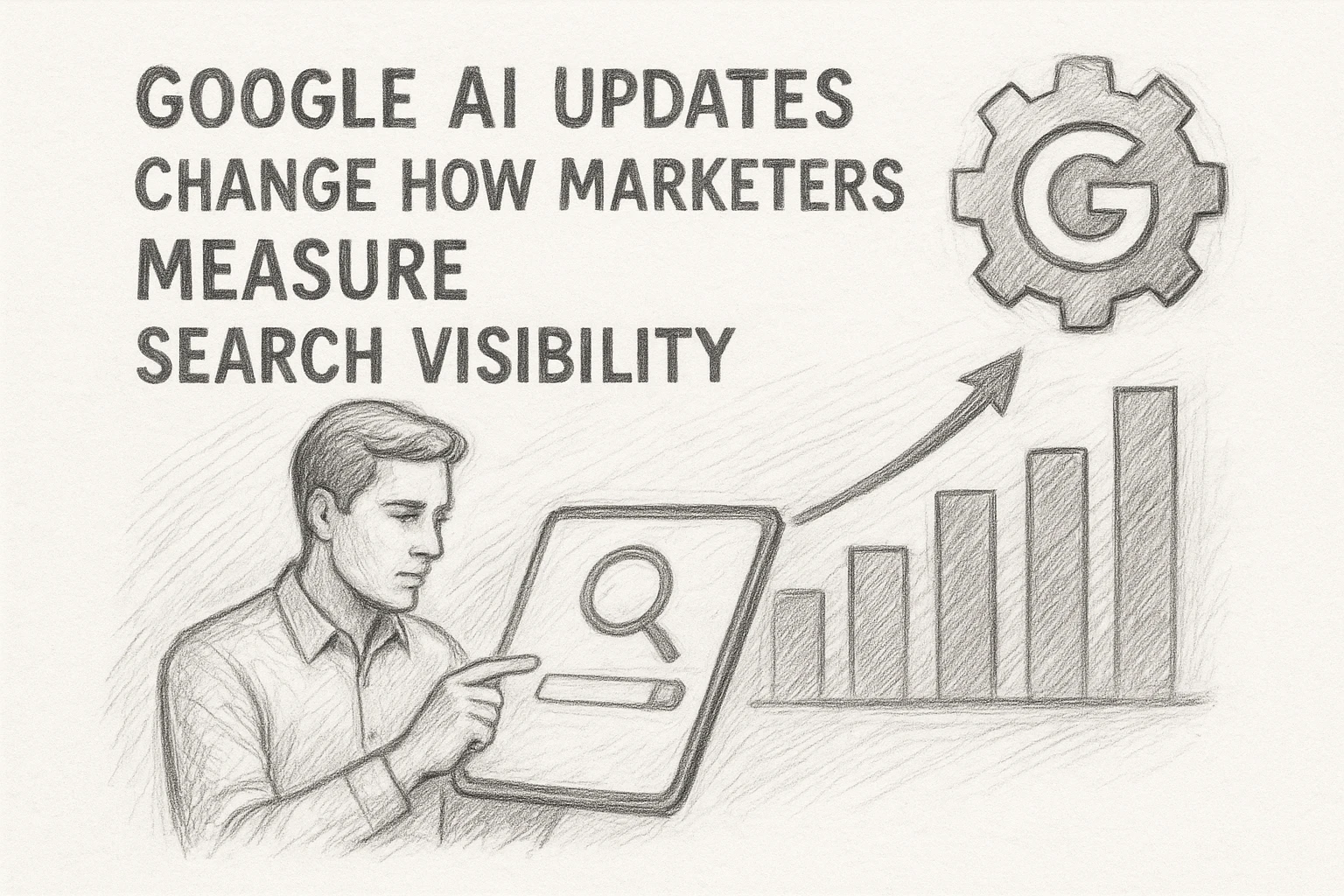
    Quick Summary: Google’s 2026 AI search guidance emphasizes content quality over automation, requiring AI-generated pages to meet standards and add real value. New Search Console controls let site owners manage AI features and track their impact on traffic. The focus is on avoiding manipulative AI use, with success depending on strong editing, originality, and clear topical authority.

    AI content generation news got real on May 15, 2026, when Google released fresh guidance for generative AI in Search, then sharper on June 3 with new Search Console controls and reporting. That changed AI content generation news from guesswork into process. For SEO teams, weak scaled pages now carry clearer risk. We track Google updates closely, so this AI content generation news story shows what changed, what still matters, and what to fix now.

    Google’s 2026 AI-search guidance puts content quality back at the center

    Google’s message is simple: AI content is fine if it helps users. Its updated Search guidance says pages made with generative AI must still meet Search Essentials and spam rules. Thin, scaled pages with little value can still trigger scaled content abuse concerns, while strong pages should focus on accuracy, quality, and relevance according to Google’s AI content guidance. Google also added a new optimization resource that tells site owners to publish unique, non-commodity content and keep solid SEO basics in place, as noted in Google’s Search Central update.

    Why this matters now is practical, not theoretical. SEO teams finally have a clearer line: do not ask whether AI wrote it. Ask whether the page adds something real. That changes briefs, QA, and reporting.

    • Keep first-hand proof, examples, and expert input
    • Cut duplicate pages before they scale
    • Review metadata, images, and structured data too

    AI speeds production. It does not lower Google’s quality bar.

    1. Audit AI-assisted pages for originality.
    2. Tighten human review before publishing.
    3. Track which pages earn clicks, not just output volume.

    Also Read: 10 New Keyword Research Techniques to Try Now

    Search Console’s new generative AI control gives teams a real visibility lever

    Google now gives some site owners a direct switch in Search Console to include, exclude, or inherit access to generative AI features. That covers AI Overviews, AI Mode, and generative AI features in Discover, according to Google’s Search Console help. If you opt out, you lose impressions and traffic from those surfaces, but Google says this setting does not affect rankings in regular Search.

    • Include if AI Search sends useful visits
    • Exclude if risk, licensing, or brand rules matter more
    • Inherit if you manage settings at parent-property level
    Flowchart of AI control settings in Search Console
    Flowchart of AI control settings in Search Console

    The new reporting matters just as much as the toggle. Google’s 2026 rollout adds a generative AI performance report with impressions by page, country, device, and date, as shown in Google’s Search Central announcement.

    1. Check which pages get AI impressions
    2. Compare countries and devices
    3. Watch trends before and after any setting change

    Tip: treat this like a visibility test, not a moral stance.

    Before changing anything, SEO teams should:

    • map affected properties and inheritance
    • benchmark current AI impressions
    • align legal, brand, and revenue teams first

    Also Read: 10 Must-Have Tools to Streamline Your SEO in 2025

    why AI content generation is being treated differently in 2026

    Google is not treating AI-written text as the problem. It is treating manipulative use at scale as the problem. That older rule still drives the 2026 shift. Back in 2023, Google said AI content was acceptable if it helped people, but using automation mainly to game rankings broke policy, according to Google’s AI content guidance.

    Search strategist reviewing AI draft notes
    Search strategist reviewing AI draft notes

    In 2026, that line matters more because Google now states its spam rules also cover attempts to manipulate generative AI responses in Search, not just blue-link rankings, as shown in Google’s spam policies.

    The big change is not “AI is banned.” The big change is that low-value AI workflows now create risk across both classic search and AI search surfaces.

    Homepage
    Homepage

    Turn 2026 AI content changes into action with SnowSEO. Run audits, plan keywords, create stronger content, and track search plus AI visibility in one place.

    Frequently Asked Questions

    Q1: How will AI content generation tools influence SEO strategies in 2026?

    Teams will move from volume to control. AI speeds drafts, refreshes, and gap coverage, but SEO wins come from strong editing, source checks, entity depth, and tighter Search Console feedback loops.

    Q2: What are the best AI content tools for SEO and how do they impact ranking today?

    The best tools help with briefs, clustering, and workflow control. Ranking still depends on useful pages, trust signals, and clean structure. SnowSEO stands out when you need content, audits, and tracking in one place.

    Q3: How can brands build topical authority using AI-powered content in 2026?

    Start with one clear topic cluster. Use AI to map subtopics, fill weak pages, and keep terms consistent. Then add expert edits, internal links, and regular updates so the site earns trust over time.

    Conclusion

    AI content wins in 2026 when teams pair strong SEO basics with real quality control. Google now offers generative AI guidance and Search Console AI reporting and controls, so the smart move is simple: publish useful pages, measure visibility, and stay in control.

  • SEO Tools Comparison: Ahrefs, Semrush, and SnowSEO Feature Set

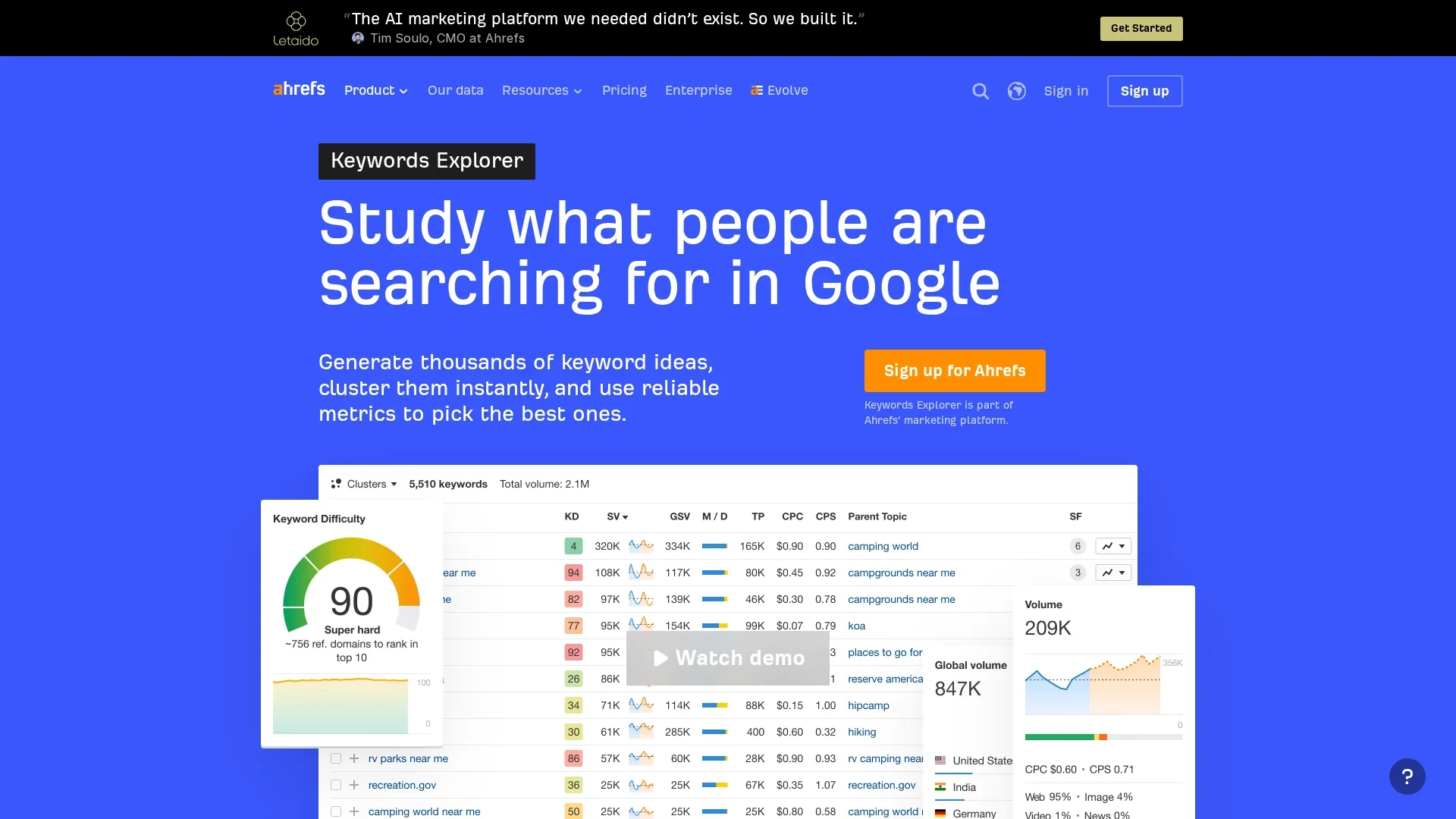
    SEO Tools Comparison: Ahrefs, Semrush, and SnowSEO Feature Set

    Quick Summary: SnowSEO offers the most automation across SEO tasks, from research to publishing and AI visibility tracking. Ahrefs excels in backlink and keyword data for manual analysis, while Semrush provides a broad marketing suite. Teams should choose based on whether they prioritize automation, data depth, or marketing features, with SnowSEO being ideal for reducing manual work and streamlining workflows.

    This SEO tools comparison gets to the real choice fast. If you want end-to-end automation, SnowSEO leads. If you need deep link and keyword data, Ahrefs wins. If you want a wider marketing suite, Semrush fits best. This SEO tools comparison helps teams pick between data, coverage, or execution. We review these platforms from an operator view, so this SEO tools comparison stays practical.

    SEO Workflow Automation at a Glance

    Ahrefs Semrush SnowSEO
    Automation scope Strong on analysis; lighter on end-to-end workflow automation Broad platform automation with strong optimization workflows End-to-end workflow automation across SEO and AI search
    Content publishing Content helper and optimization tools; no native full CMS autopublishing focus Content creation and optimization tools; workflow is still toolkit-based AI article creation plus direct CMS publishing and internal linking
    AI visibility tracking Brand Radar, prompts, and AI-search monitoring AI visibility, prompt research, sentiment, and search coverage AI visibility score, prompt tracking, citations, sentiment, and competitors
    Keyword and competitor research Deep keyword, content gap, and backlink research Very broad keyword and competitive datasets Keyword research, clusters, gaps, and competitor discovery
    Reporting and integrations Robust reports, API, and enterprise connectivity Strong branded reports, APIs, and enterprise options Connected dashboards, GSC/GA4, CMS integrations, API, and reporting
    Best for Teams prioritizing research depth and link intelligence Teams wanting one large marketing suite Teams that want the most automated execution stack

    Meet the Contenders

    Ahrefs

    Ahrefs is built for teams that care most about backlink data, competitor research, and search demand. In this comparison, it stands out as the research-heavy option with growing AI-search tracking, but less focus on full workflow automation.
    Ahrefs

    Semrush

    Semrush is a wide marketing suite for teams that want SEO, content, local, and reporting in one place. Here, it represents the broad-platform option with strong workflows and large datasets.
    Semrush

    SnowSEO

    SnowSEO is a unified SEO and GEO platform built for teams that want research, content, publishing, tracking, and AI visibility in one flow. In this comparison, its angle is simple: reduce manual work across the whole stack.
    SnowSEO

    Which Platform Automates the SEO Workflow Best?

    SnowSEO goes furthest on research-to-publish automation. It keeps keyword research, content briefs, AI drafting, on-page checks, and publishing work in one flow. Ahrefs and Semrush are strong for research, but teams still patch in other tools to write, approve, and ship. Google says Search is fully automated from crawling to serving results in its how search works guide, so your stack should remove handoffs too.

    Flowchart of SEO workflow steps with dashboards
    Flowchart of SEO workflow steps with dashboards

    After publication, the best platform is the one that helps you react fast. Semrush and Ahrefs give solid rank and backlink views. SnowSEO adds tighter workflow follow-up by pairing tracking with content refresh and AI visibility checks. Google Search Console data can be queried for clicks, impressions, CTR, and position through the Search Analytics documentation, which makes monitoring a core automation need, not a side task.

    Best fit: choose SnowSEO if you want fewer manual steps across the full loop.

    Also Read: 10 New Keyword Research Techniques to Try Now

    How They Compare on Data Depth, AI Visibility, and Control

    Ahrefs and Semrush still win on raw SEO datasets. They give deeper keyword, link, and SERP history, which helps analysts validate hard calls. SnowSEO matters more if your bottleneck is action, not lookup speed.

    • Ahrefs/Semrush: stronger for manual research depth
    • SnowSEO: stronger for turning research into content, tracking, and execution steps
    • Control tradeoff: deeper data often means more setup and more handoffs
    Focus Best fit Main tradeoff
    Deep manual analysis Ahrefs or Semrush Slower execution
    Faster workflow control SnowSEO Less analyst-style digging

    AI visibility changes the stack. Google rolled out AI Overviews on top of normal results, first in the U.S. and later far wider, according to Reuters and Google’s product update. That means teams now need two layers:

    1. rank in classic search
    2. show up in AI answers

    If your tool cannot track AI visibility beside rankings, you are missing part of the SERP.

    Also Read: 10 Must-Have Tools to Streamline Your SEO in 2025

    Which Should You Choose for Your Team?

    Best fit by team type

    Pick Ahrefs if your team cares most about backlink research and clean SEO data. Pick Semrush if you need a wider marketing stack and stronger cross-channel reporting. Pick SnowSEO if your team wants one workflow for audits, content, publishing support, rank tracking, and AI visibility. That matters more now because Google says crawl demand depends on site size, freshness, and quality in its crawl budget guide.

    SEO team leads reviewing dashboards in meeting room
    SEO team leads reviewing dashboards in meeting room

    Final pick

    For most busy teams, SnowSEO is the best fit if reducing manual work is the goal. If you mainly need link data, choose Ahrefs. If you want broad marketing features first, choose Semrush.

    Start with the tool that removes the most repeat tasks, not the one with the longest feature list.

    Homepage
    Homepage

    Cut manual SEO work and track AI visibility in one place with SnowSEO. Try it to audit, plan, write, publish, and monitor faster.

    Frequently Asked Questions

    Q1: What SEO platforms support automation of the entire SEO workflow for AI and traditional search engine ranking improvements?

    SnowSEO fits best if you want one system for audits, keyword research, AI content, tracking, and AI visibility. SE Ranking and Search Atlas automate parts well, but usually need more manual handoffs.

    Q2: Which platform saves the most time for small teams?

    Teams with limited staff usually save more time with platforms that combine research, writing, tracking, and reporting. SnowSEO reduces tool switching more than split-stack setups, so fewer tasks fall through.

    Q3: Do I still need separate AI visibility tools?

    Not always. If your platform tracks both search rankings and AI platform mentions, you can avoid extra tools. Separate tools help only when you need deeper AI prompt monitoring or brand mention analysis.

    Conclusion

    Pick the platform that removes the most manual work. Semrush leads on AI visibility breadth, while topic-level AI tracking now matters more and integrated SEO plus AI workflows outperform split setups.

  • 7 Agency Rank Tracking Features That Save Reporting Time

    7 Agency Rank Tracking Features That Save Reporting Time

    Quick Summary: Agency reporting is slow because of manual tasks like building reports and formatting data. Features like automated scheduled reports, white-label templates, multi-client dashboards, and client portals can significantly cut this time. The best tools automate data collection, branding, and sharing, helping teams manage more keywords and locations efficiently. SnowSEO offers these features to streamline agency SEO reporting workflows.

    Agency reporting slows down when rank data still sits in spreadsheets, screenshots, and weekly slide decks. Teams may track daily, but they still waste hours turning movement into client-ready updates across many accounts, locations, and stakeholders. This list ranks the Rank Tracking Features that cut the most labor. We chose these Rank Tracking Features by one test: Reporting Time Saving. The best Agency SEO Tools use Rank Tracking Features that automate collection, speed delivery, reduce screenshot work, shorten analysis, and need little cleanup.

    Quick Comparison

    Feature Best for Reporting time saved Agency value Coverage
    Automated scheduled reports Agencies that send recurring client updates High Eliminates repetitive report assembly Weekly, monthly, and custom schedules
    White-label reporting Client-facing agencies and consultants High Speeds up branded deliverables Reports, dashboards, and portals
    Multi-client dashboards Agencies managing several clients High Centralizes performance review Portfolio and project-level views
    Client portal or guest access Agencies with hands-on clients Medium to high Reduces repetitive client questions Read-only or limited-access views

    What to know about rank tracking features

    Agencies do not save time from prettier charts. They save time from features that remove repeat work. That can mean pulling data faster, cutting report formatting, or giving clients a clear reason for ranking changes.

    That matters more in 2026 because teams manage more keywords, more locations, and more client updates with the same headcount. The best rank tracking features keep reports accurate, branded, and easy to share without adding manual cleanup.

    Judge each feature by one thing: how many reporting steps it removes.

    1. Automated scheduled reports

    This is the biggest time-saver in rank tracking. Automated SEO reporting cuts the repeat work of building the same update every week or month, while tools pull core metrics like clicks, impressions, CTR, and position from Search Console performance reports.

    Agency strategist scheduling recurring SEO reports on multiple screens
    Agency strategist scheduling recurring SEO reports on multiple screens

    Highlights

    • Cuts screenshot and copy-paste work
    • Keeps every client on a fixed cadence
    • Lowers the risk of missed updates

    Specs

    • Best for: Agencies sending recurring client updates
    • Reporting time saved: High
    • Coverage: Weekly, monthly, custom schedules

    Pros

    • Scales across many accounts

    Cons

    • Needs setup first

    It ranks first because Google supports report exports and sharing, but scheduling replaces the repeated human task.

    Last updated: July 21, 2026

    Also Read: 10 New Keyword Research Techniques to Try Now

    2. White-label reporting

    White-label reporting makes rank updates look like they came from your agency, not a third-party tool. It cuts the extra slide work because branded dashboards, logos, and custom domains are built in, as shown by SE Ranking’s white-label setup and Mangools’ branded report options.

    Highlights

    • Adds agency branding without extra design work
    • Creates a polished client experience
    • Helps reports double as retention assets

    Specs

    • Best for: Client-facing agencies and consultants
    • Reporting time saved: High
    • Agency value: Speeds up branded deliverables
    • Coverage: Reports, dashboards, and portals

    Pros

    • Improves perceived professionalism
    • Avoids duplicate formatting in external tools
    • Works well for multi-client deliverables

    Cons

    • May be tied to higher-tier plans
    • Setup can take time upfront

    It ranks high because it turns raw rank data into client-ready output fast.

    Last updated: July 21, 2026

    Also Read: Best SEO Tools: 25 Picks to Improve Rankings in 2026

    3. Multi-client dashboards

    Track all client rankings from one place. Multi-client SEO dashboards cut reporting time because your team reviews trends, visibility, and account health in one workspace, not ten tabs. Google Search Console supports multiple properties, and its Performance report shows clicks, impressions, CTR, and position for faster checks.
    Account manager reviewing client ranking dashboards on dual monitors
    Highlights

    • Combines client, portfolio, and project views
    • Speeds up cross-account comparisons
    • Cuts login switching and repeat analysis

    Specs

    • Best for: Agencies managing several clients
    • Reporting time saved: High

    Pros

    • Faster monthly prep
    • Easier trend spotting

    Cons

    • Can get cluttered without clear naming
    • Larger teams may need training

    It ranks here because less context switching means faster reporting prep.

    Last updated: July 21, 2026

    Also Read: 10 Best Tools for Competitor SEO Analysis in 2024

    4. Client portal or guest access

    Client portals cut status emails fast. Clients can check ranks, clicks, and average position on their own, and Google notes those metrics in Search Console performance reporting. That means fewer export requests and less ad hoc explaining in your client reporting automation flow.

    Highlights

    • Reduces request-driven reporting
    • Gives clients on-demand visibility
    • Lets agencies control what data is shared

    Specs

    • Best for: Agencies with hands-on clients
    • Reporting time saved: Medium to high
    • Agency value: Reduces repetitive client questions
    • Coverage: Read-only or limited-access views

    Pros

    • Cuts routine reporting requests
    • Improves transparency
    • Useful for account management workflows

    Cons

    • Clients still need onboarding
    • Access control must be managed carefully, since shared views only allow limited actions in Search Console report sharing

    It ranks high because it cuts communication overhead, not just report-building time.

    Last updated: July 21, 2026

    More Time-Saving Features Worth Noting

    A few features missed the main list but still cut busywork fast. These matter most when your agency reports by location, reacts to sudden drops, or pipes data into other systems.

    • 5. Local and grid rank tracking – Essential for agencies that report by city, zone, or store location.
    • 6. Alerting and change notifications – Catch ranking drops before they become reporting surprises.
    • 7. Scheduled exports and API access – Best for teams that want rank data pushed into their own workflows.

    How to choose the right rank tracking feature

    Pick based on your biggest reporting bottleneck, not the longest feature list.

    • Choose scheduled reports first if your team rebuilds the same monthly deck. This saves the most time fastest.
    • Pick white-label reporting if clients want polished deliverables without extra screenshot cleanup. SnowSEO stands out here for agencies that want one cleaner workflow.
    • Use multi-client dashboards if account switching slows reviews and portfolio updates.
    • Add client portals or guest access if status-check emails eat your day.
    • Choose local or grid tracking for location-based clients.
    • Add alerts and API exports last once your core reporting flow already works.
    Homepage
    Homepage

    Cut reporting time and keep rankings, audits, and content work in one place with SnowSEO. Start there if your team needs faster, cleaner client reporting.

    Frequently Asked Questions

    Q1: What are the most impactful features in agency rank tracking tools that save reporting time?

    Scheduled reports, white-label templates, keyword tagging, location-level tracking, and client-ready dashboards save the most time. They cut copy-paste work, speed QA, and help account managers pull the right view fast.

    Q2: How does white-label reporting accelerate SEO reporting workflows for agencies?

    White-label reporting removes design rework on every client update. You set one branded template, auto-fill ranking data, and send cleaner reports faster. It also reduces mistakes when multiple team members handle reporting.

    Q3: What local SEO features are essential in agency rank tracking tools for multi-location clients?

    Look for zip code or city tracking, map pack visibility, device splits, location tags, and grouped reporting by branch. These features help you spot weak locations fast and show each client site’s local search impact clearly.

  • In-Depth Comparison: SnowSEO and AthenaHQ for Enterprise SEO

    In-Depth Comparison: SnowSEO and AthenaHQ for Enterprise SEO

    Quick Summary: AthenaHQ is best if your main focus is tracking brand mentions across AI platforms and measuring visibility, especially for large enterprises. SnowSEO offers a broader SEO workflow, combining monitoring with audits, content creation, and ranking, making it ideal for teams that want to act on data within one system. Choose AthenaHQ for AI mention insights and SnowSEO for comprehensive SEO management.

    Enterprise teams now need more than rank tracking. They need a fast system to catch brand mentions across ChatGPT, Perplexity, Claude, Gemini, and AI Overviews, then tie that data to action. This review tackles that gap. It compares SnowSEO and AthenaHQ on visibility, attribution, reporting, and response speed. I focus on real buying questions teams ask when weighing AI SEO Platforms, SEO Automation Tools, and practical Enterprise SEO Strategies for large sites and brands.

    How AthenaHQ and SnowSEO Handle AI Brand Mention Monitoring

    AthenaHQ leans into a cross-model tracking view. It is built to see whether your brand appears, how it is framed, and which sources support that mention across tools like ChatGPT and Claude. That matters because AI visibility is fragmented by platform, and only a small set of brands stay visible everywhere, according to Semrush’s 2026 AI Visibility Index coverage. For teams running Enterprise SEO Strategies, AthenaHQ fits best when brand mention share is the main KPI.

    SnowSEO takes a wider workflow approach. It can support AI visibility checks, but it also ties them to audits, keyword work, content production, and competitor tracking. That makes it more useful when your team wants action after the mention data, not just monitoring.

    If your workflow starts with “Where are we mentioned?”, AthenaHQ feels tighter. If it starts with “How do we improve visibility next?”, SnowSEO fits better.

    Also Read: Comfy UI vs SnowSEO Dashboard: An Honest Comparison for SEOs

    Which Platform Fits Enterprise SEO Strategies Better?

    AthenaHQ fits best when your main need is AI visibility oversight. If leadership asks, “Where is our brand showing up in AI answers, and how do we respond fast?” AthenaHQ is the cleaner pick. That matters more now because Google says AI search still runs on core ranking systems, while brands also need to watch how they are mentioned across the web in AI-driven experiences according to Google.

    SnowSEO fits best when your team needs an operational system, not just monitoring. If you want audits, keyword research, content support, rank tracking, and competitive workflows in one place, SnowSEO is the stronger fit. Adobe notes that enterprise teams now need more than rankings alone, including citation visibility, governance, and measurable action across AI and search surfaces in this 2026 overview.

    Pick AthenaHQ for focused AI mention tracking. Pick SnowSEO if enterprise SEO work must move from insight to execution inside one stack.

    Pros and Cons of AthenaHQ vs SnowSEO

    What stands out

    • AthenaHQ stands out for AI visibility depth. Its site highlights tracking across 8+ LLMs, brand mentions, sentiment, and board-ready reporting AthenaHQ’s platform overview.
    • SnowSEO stands out for breadth. It combines classic SEO, GEO, content creation, and wider CMS publishing in one workflow, based on SnowSEO’s Athena comparison.

    Where each platform falls short

    • AthenaHQ can feel pricey and usage-based, so costs may rise with heavier tracking.
    • SnowSEO is the better all-in-one pick, but teams that want very deep enterprise AI reporting may still prefer AthenaHQ’s narrower focus.

    Also Read: Best SEO Tools: 25 Picks to Improve Rankings in 2026

    Which One Should You Choose?

    Choose AthenaHQ if your main goal is AI mention monitoring. It is a better fit when you need to track share of voice, citations, and brand visibility across AI answers. AthenaHQ’s own 2026 report says new GEO metrics now matter, like mentions per prompt and daily citations in AI search State of AI Search 2026.

    Choose SnowSEO if you need a broader SEO execution stack. SnowSEO fits teams that want audits, keyword research, content generation, rank tracking, and AI visibility work in one place. That matters because many GEO tools still split monitoring from action, as noted in this 2026 GEO tools comparison.

    Pick AthenaHQ for reporting-first AI visibility. Pick SnowSEO for doing the work too.

    Homepage
    Homepage

    Need broader SEO automation plus AI visibility tracking? Try SnowSEO to audit, create, track, and act faster across search and AI platforms.

    Frequently Asked Questions

    Q1: How does AthenaHQ monitor AI platforms like ChatGPT and Perplexity for brand mentions?

    AthenaHQ tracks prompts, checks brand mention presence, and shows how AI engines describe your brand, rivals, and topics over time.

    Q2: What are the key differences between SnowSEO and AthenaHQ for enterprise SEO?

    SnowSEO covers broader SEO work, while AthenaHQ stays more focused on AI mention monitoring, reporting, and visibility tracking.

    Q3: Is AthenaHQ’s pricing suitable for mid-sized agencies or only large enterprises?

    AthenaHQ tends to fit larger teams better, while smaller agencies may want broader value and workflow coverage before committing.

    Conclusion

    AthenaHQ fits teams that need tight AI mention tracking and governance. SnowSEO fits broader SEO automation. Since AI visibility varies by platform and brand maturity, cross-platform measurement matters, and integrated reporting is now a real gap.

  • Surfer SEO Partners with SnowSEO for Enhanced On-Page Analysis

    Surfer SEO Partners with SnowSEO for Enhanced On-Page Analysis

    Quick Summary: The partnership between Surfer SEO and SnowSEO streamlines on-page SEO by integrating Surfer’s content guidance with SnowSEO’s workflow tools. This combo allows teams to quickly identify issues, create briefs, optimize content, and track results all in one system. It helps agencies and small businesses improve efficiency without adding staff, especially as SEO shifts toward AI-driven search standards.

    Surfer SEO’s 2026 updates lean hard into AI search rules, Content Editor automation, and citation signals. SnowSEO brings keyword clustering, automation, and AI-platform visibility. That makes this partnership useful for faster On Page Optimization. Teams now need On Page Optimization that fits Google and AI search, without messy tool stacks. This article looks at how stronger On Page Optimization, sharper SEO Content Strategy, and better Keyword Research Tools can work together across multi-page content workflows.

    What the partnership changes for on-page analysis

    Why the workflow matters now

    On-page analysis is no longer just a page score check. Surfer’s 2026 updates push teams to connect ranking signals with AI citation signals in one loop. Surfer says its newer workflow links AI Tracker, Content Editor, and Auto-Optimize so teams can move from finding weak pages to fixing them faster in the same flow, as shown in Surfer’s March 2026 update. That matters for agencies and content teams with lots of pages, because less tab switching means fewer missed fixes and quicker refresh cycles.

    Flowchart illustrating streamlined on-page SEO workflow
    Flowchart illustrating streamlined on-page SEO workflow

    Where SnowSEO adds value

    SnowSEO fits this shift by giving teams a second layer of action. If Surfer sharpens page-level guidance, SnowSEO can help turn that insight into broader content ops across audits, keyword planning, and AI visibility work. The practical gain is a tighter handoff: analyze in Surfer, then use SnowSEO to scale fixes across clusters and keep reporting in one place. Surfer’s own 2026 workflow update shows teams now need monitoring, quick wins, and content refreshes in one system, not scattered tools across the workflow.

    Also Read: Best SEO Tools: 25 Picks to Improve Rankings in 2026

    How Surfer and SnowSEO complement each other in practice

    Surfer handles page-level guidance well. SnowSEO helps teams cover the wider workflow. That mix works best when you want tighter on-page edits without losing keyword planning, publishing, and cross-channel tracking. For the full partnership context, link this section back to the main pillar post.

    From keyword research to page brief

    Start in SnowSEO to find topic clusters, gaps, and target pages. Then move the chosen keyword into Surfer’s Content Editor, where the 2026 wizard pulls in SERP context, templates, and brand inputs before drafting, according to Surfer’s March 2026 update.

    • SnowSEO picks the opportunity
    • Surfer shapes the page brief
    • Writers get clearer targets faster
    Content editor workspace with workflow diagram and digital tools
    Content editor workspace with workflow diagram and digital tools

    From draft to optimization

    Once the draft exists, Surfer becomes the fast editing layer. Its AI Search Guidelines and Auto-Optimize help add missing facts, entities, and structure for stronger on-page coverage, based on Surfer’s January 2026 feature update.

    Use SnowSEO for content production scale, then use Surfer for final on-page tightening.

    1. Draft in SnowSEO
    2. Refine in Surfer
    3. Review voice and claims manually

    From optimization to reporting

    After publish, SnowSEO can keep tracking rankings, AI visibility, and broader performance in one place. Surfer then helps with refresh work when a page slips or misses citation value.

    Stage Surfer role SnowSEO role
    Planning Brief guidance Keyword and cluster research
    Editing On-page recommendations Draft creation and publishing
    Tracking Refresh signals Rank and AI visibility reporting

    This setup fits agencies that want fewer handoffs between strategy, writing, and reporting.

    Why agencies and SMBs should care

    Agencies should care because faster on-page review means more output without adding headcount. That matters when many firms still feel margin pressure, and over half now see AI as a real threat to the agency model, according to SparkToro’s 2025 agency survey.

    For in-house teams and SMBs, the value is simpler: less tool hopping and quicker fixes. Small firms using AI already apply it to marketing and content, and 98% say it has not cut headcount, based on CNBC’s NFIB survey coverage.

    If this partnership reduces review time, lean teams get enterprise-like help without enterprise overhead.

    How this partnership fits the broader 2026 SEO stack

    The takeaway for optimization teams

    For 2026 teams, this partnership fits the shift from rank tracking to workflow-led search visibility. Search Engine Land says the SEO stack now blends classic SEO, AI influence, and tighter quality standards across content ops in its 2026 outlook. Ahrefs also notes AI Overviews cut clicks and push teams to cover topic depth, not just single terms in its 2026 trends report. For SnowSEO users, that makes Surfer-style on-page guidance more useful inside one operating system.

    Homepage
    Homepage

    Want faster on-page fixes after the Surfer SEO partnership news? Try SnowSEO to audit pages, build content, and track gains in one workflow.

    Frequently Asked Questions

    Q1: How does SnowSEO’s partnership with Surfer SEO enhance on-page analysis capabilities?

    It combines Surfer’s page-level content signals with SnowSEO’s wider workflow tools. Teams can spot gaps faster, tighten briefs, and move from audit to action in one setup instead of jumping between disconnected steps.

    Q2: What are the key features of SnowSEO’s integrated platform for SEO and AI content optimization?

    SnowSEO brings audits, keyword research, content generation, rank tracking, competitor checks, and AI visibility tracking into one platform. That helps teams manage both search rankings and AI answer presence without patching together several separate tools.

    Q3: How can businesses use SnowSEO to track AI platform mentions like ChatGPT and Claude?

    Teams can monitor whether their brand, products, and pages appear in AI-generated answers, then compare trends over time. That makes it easier to spot missing topics, weak authority signals, and pages that need clearer entity coverage.

    Conclusion

    Surfer and SnowSEO matter because they cut workflow friction. Surfer’s 2026 updates show tighter links between tracking and editing inside Content Editor, while SnowSEO strengthens practical on-page analysis for faster team action.

  • Comfy UI vs SnowSEO Dashboard: An Honest Comparison for SEOs

    Comfy UI vs SnowSEO Dashboard: An Honest Comparison for SEOs

    Quick Summary: Most SEO teams should pick SnowSEO Dashboard because it offers built-in rank tracking, AI mentions, and content results, making it easy to set up and use. ComfyUI is more suited for technical users who want to build custom AI workflows, not for day-to-day SEO tasks. If your focus is on search visibility and quick results, SnowSEO is the practical choice.

    Most SEO teams should pick SnowSEO Dashboard. It tracks rankings, AI mentions, and content results. ComfyUI fits a different job. It helps you build custom AI workflows. If you are choosing between AI flexibility and SEO visibility, this comparison shows where each tool fits for tracking, planning, and publishing based on real SEO use cases.

    ComfyUI vs SnowSEO Dashboard at a Glance

    ComfyUI SnowSEO Dashboard
    Primary purpose Visual AI workflow engine SEO and AI visibility dashboard
    Setup effort High Low
    SEO visibility tracking None Built in
    Automation depth Very high, but custom-built High, preconfigured for SEO
    Best for Technical AI workflow builders SEO teams and marketers

    How ComfyUI and SnowSEO Dashboard Compare

    ComfyUI

    ComfyUI is an open-source, node-based AI workflow tool for building custom image and model pipelines. It fits technical users who want deep control, not SEO teams that need ready-made search visibility data.
    ComfyUI
    Key strengths

    • Very deep automation
    • Flexible custom workflows

    SnowSEO Dashboard

    SnowSEO Dashboard is a unified platform for SEO and AI visibility tracking, content work, and brand mention monitoring. It fits marketing teams that want fast setup and built-in workflows instead of building systems from scratch.
    SnowSEO Dashboard
    Key strengths

    • Built-in SEO visibility tracking
    • High automation with low setup

    Use Case Fit for SEO Workflows

    ComfyUI is a node-based, open source workflow tool built for image and media generation, not day-to-day SEO ops, as noted by Wikipedia’s overview of ComfyUI. That matters fast.

    When a flexible AI engine is too much for SEO

    If your team needs keyword tracking, content briefs, audits, and reporting, a visual node graph is often extra work. You get freedom, but you also get setup overhead, testing time, and more room for workflow sprawl.

    • Good for custom AI experiments
    • Weak fit for repeatable SEO tasks
    • Harder for writers and account teams to adopt

    If the tool needs a power user to keep it useful, most marketing teams will not stick with it.

    Workflow comparison with node graph and dashboards
    Workflow comparison with node graph and dashboards

    Why SnowSEO matches marketing workflows

    SnowSEO fits better when the goal is search and AI visibility, not custom media pipelines. SEO teams usually need one place for:

    • audits
    • keyword research
    • content creation
    • rank tracking

    Comfy itself says it gives control over models, parameters, and outputs for visual AI work on its official site. That is powerful, but it is not the same as an SEO system built for marketers.

    Also Read: Best SEO Tools: 25 Picks to Improve Rankings in 2026

    AI Visibility, Rank Tracking, and Reporting

    Native metrics beat custom outputs here. Google says AI Overviews are a core Search feature, and they now reach users across many countries and languages, so teams need reporting built for real SERP behavior, not stitched-together logs from a workflow tool like ComfyUI according to Google Search Help. Track what matters:

    • AI Overview presence
    • brand mentions
    • source citations
    • click and rank shifts

    If the metric does not map to a search result, it is hard to trust in a client report.

    SnowSEO adds the missing layer for SEO teams. You get competitive monitoring, share-of-voice views, and reporting tied to search and AI visibility. That matters because AI Overviews can change brand discovery fast. A Medill study found AI Overviews appeared on 43% of tested queries, with much higher rates on informational searches in this research. Use a simple check:

    1. Track priority queries
    2. Watch competitor citations
    3. Report wins and losses weekly

    Which Should You Choose for Your Team?

    1. Choose SnowSEO if you need results fast
      SnowSEO fits SEO teams that want one place for audits, keyword work, content, tracking, and AI visibility. Pick it if marketers need clear workflows, fast setup, and reports without building systems first. It is the practical choice when your goal is traffic growth, not custom AI pipeline design.
    Marketing team comparing SEO dashboards on office wall screen
    Marketing team comparing SEO dashboards on office wall screen
    1. Choose ComfyUI only if workflow control is the priority
      ComfyUI makes sense for technical teams that need deep control over image and model workflows. It is a node-based tool, not an SEO platform, as shown by Wikipedia’s overview. Even Comfy’s site frames it around control over models and outputs, not search growth on its product page.

    For most SEO teams, this is an easy call: choose the platform built for SEO work.

    Homepage
    Homepage

    Pick the SEO-first option. Try SnowSEO to audit, track, and grow search plus AI visibility faster.

    Frequently Asked Questions

    Q1: What are the main differences between ComfyUI and SnowSEO Dashboard for SEO professionals?

    ComfyUI is a node-based AI workflow tool for building custom generation pipelines. SnowSEO Dashboard is built for SEO teams, with rank tracking, audits, keyword work, and AI visibility data in one place.

    Q2: How does SnowSEO’s AI-driven rank tracking compare to ComfyUI’s local node control capabilities?

    SnowSEO tracks search and AI visibility over time, so teams can spot gains and losses fast. ComfyUI gives deep local control over model flows, but it does not track rankings or SEO performance by itself.

    Q3: Which platform offers better model reach and automation: ComfyUI or SnowSEO Dashboard?

    ComfyUI offers flexible model handling for users who want to build custom workflows manually. SnowSEO offers better marketing automation because it turns SEO and AI visibility tasks into repeatable team workflows with less setup.

    Conclusion

    ComfyUI is a node-based generative AI tool, not an SEO platform. SnowSEO fits marketing teams better, while ComfyUI fits technical creators who want deep workflow control, as its official project shows.