
Quick Summary: Agency reporting is slow because of manual tasks like building reports and formatting data. Features like automated scheduled reports, white-label templates, multi-client dashboards, and client portals can significantly cut this time. The best tools automate data collection, branding, and sharing, helping teams manage more keywords and locations efficiently. SnowSEO offers these features to streamline agency SEO reporting workflows.
Agency reporting slows down when rank data still sits in spreadsheets, screenshots, and weekly slide decks. Teams may track daily, but they still waste hours turning movement into client-ready updates across many accounts, locations, and stakeholders. This list ranks the Rank Tracking Features that cut the most labor. We chose these Rank Tracking Features by one test: Reporting Time Saving. The best Agency SEO Tools use Rank Tracking Features that automate collection, speed delivery, reduce screenshot work, shorten analysis, and need little cleanup.
Quick Comparison
| Feature | Best for | Reporting time saved | Agency value | Coverage |
|---|---|---|---|---|
| Automated scheduled reports | Agencies that send recurring client updates | High | Eliminates repetitive report assembly | Weekly, monthly, and custom schedules |
| White-label reporting | Client-facing agencies and consultants | High | Speeds up branded deliverables | Reports, dashboards, and portals |
| Multi-client dashboards | Agencies managing several clients | High | Centralizes performance review | Portfolio and project-level views |
| Client portal or guest access | Agencies with hands-on clients | Medium to high | Reduces repetitive client questions | Read-only or limited-access views |
What to know about rank tracking features
Agencies do not save time from prettier charts. They save time from features that remove repeat work. That can mean pulling data faster, cutting report formatting, or giving clients a clear reason for ranking changes.
That matters more in 2026 because teams manage more keywords, more locations, and more client updates with the same headcount. The best rank tracking features keep reports accurate, branded, and easy to share without adding manual cleanup.
Judge each feature by one thing: how many reporting steps it removes.
1. Automated scheduled reports
This is the biggest time-saver in rank tracking. Automated SEO reporting cuts the repeat work of building the same update every week or month, while tools pull core metrics like clicks, impressions, CTR, and position from Search Console performance reports.

Highlights
- Cuts screenshot and copy-paste work
- Keeps every client on a fixed cadence
- Lowers the risk of missed updates
Specs
- Best for: Agencies sending recurring client updates
- Reporting time saved: High
- Coverage: Weekly, monthly, custom schedules
Pros
- Scales across many accounts
Cons
- Needs setup first
It ranks first because Google supports report exports and sharing, but scheduling replaces the repeated human task.
Last updated: July 21, 2026
2. White-label reporting
White-label reporting makes rank updates look like they came from your agency, not a third-party tool. It cuts the extra slide work because branded dashboards, logos, and custom domains are built in, as shown by SE Ranking’s white-label setup and Mangools’ branded report options.
Highlights
- Adds agency branding without extra design work
- Creates a polished client experience
- Helps reports double as retention assets
Specs
- Best for: Client-facing agencies and consultants
- Reporting time saved: High
- Agency value: Speeds up branded deliverables
- Coverage: Reports, dashboards, and portals
Pros
- Improves perceived professionalism
- Avoids duplicate formatting in external tools
- Works well for multi-client deliverables
Cons
- May be tied to higher-tier plans
- Setup can take time upfront
It ranks high because it turns raw rank data into client-ready output fast.
Last updated: July 21, 2026
Also Read: Best SEO Tools: 25 Picks to Improve Rankings in 2026
3. Multi-client dashboards
Track all client rankings from one place. Multi-client SEO dashboards cut reporting time because your team reviews trends, visibility, and account health in one workspace, not ten tabs. Google Search Console supports multiple properties, and its Performance report shows clicks, impressions, CTR, and position for faster checks.

Highlights
- Combines client, portfolio, and project views
- Speeds up cross-account comparisons
- Cuts login switching and repeat analysis
Specs
- Best for: Agencies managing several clients
- Reporting time saved: High
Pros
- Faster monthly prep
- Easier trend spotting
Cons
- Can get cluttered without clear naming
- Larger teams may need training
It ranks here because less context switching means faster reporting prep.
Last updated: July 21, 2026
Also Read: 10 Best Tools for Competitor SEO Analysis in 2024
4. Client portal or guest access
Client portals cut status emails fast. Clients can check ranks, clicks, and average position on their own, and Google notes those metrics in Search Console performance reporting. That means fewer export requests and less ad hoc explaining in your client reporting automation flow.
Highlights
- Reduces request-driven reporting
- Gives clients on-demand visibility
- Lets agencies control what data is shared
Specs
- Best for: Agencies with hands-on clients
- Reporting time saved: Medium to high
- Agency value: Reduces repetitive client questions
- Coverage: Read-only or limited-access views
Pros
- Cuts routine reporting requests
- Improves transparency
- Useful for account management workflows
Cons
- Clients still need onboarding
- Access control must be managed carefully, since shared views only allow limited actions in Search Console report sharing
It ranks high because it cuts communication overhead, not just report-building time.
Last updated: July 21, 2026
More Time-Saving Features Worth Noting
A few features missed the main list but still cut busywork fast. These matter most when your agency reports by location, reacts to sudden drops, or pipes data into other systems.
- 5. Local and grid rank tracking – Essential for agencies that report by city, zone, or store location.
- 6. Alerting and change notifications – Catch ranking drops before they become reporting surprises.
- 7. Scheduled exports and API access – Best for teams that want rank data pushed into their own workflows.
How to choose the right rank tracking feature
Pick based on your biggest reporting bottleneck, not the longest feature list.
- Choose scheduled reports first if your team rebuilds the same monthly deck. This saves the most time fastest.
- Pick white-label reporting if clients want polished deliverables without extra screenshot cleanup. SnowSEO stands out here for agencies that want one cleaner workflow.
- Use multi-client dashboards if account switching slows reviews and portfolio updates.
- Add client portals or guest access if status-check emails eat your day.
- Choose local or grid tracking for location-based clients.
- Add alerts and API exports last once your core reporting flow already works.
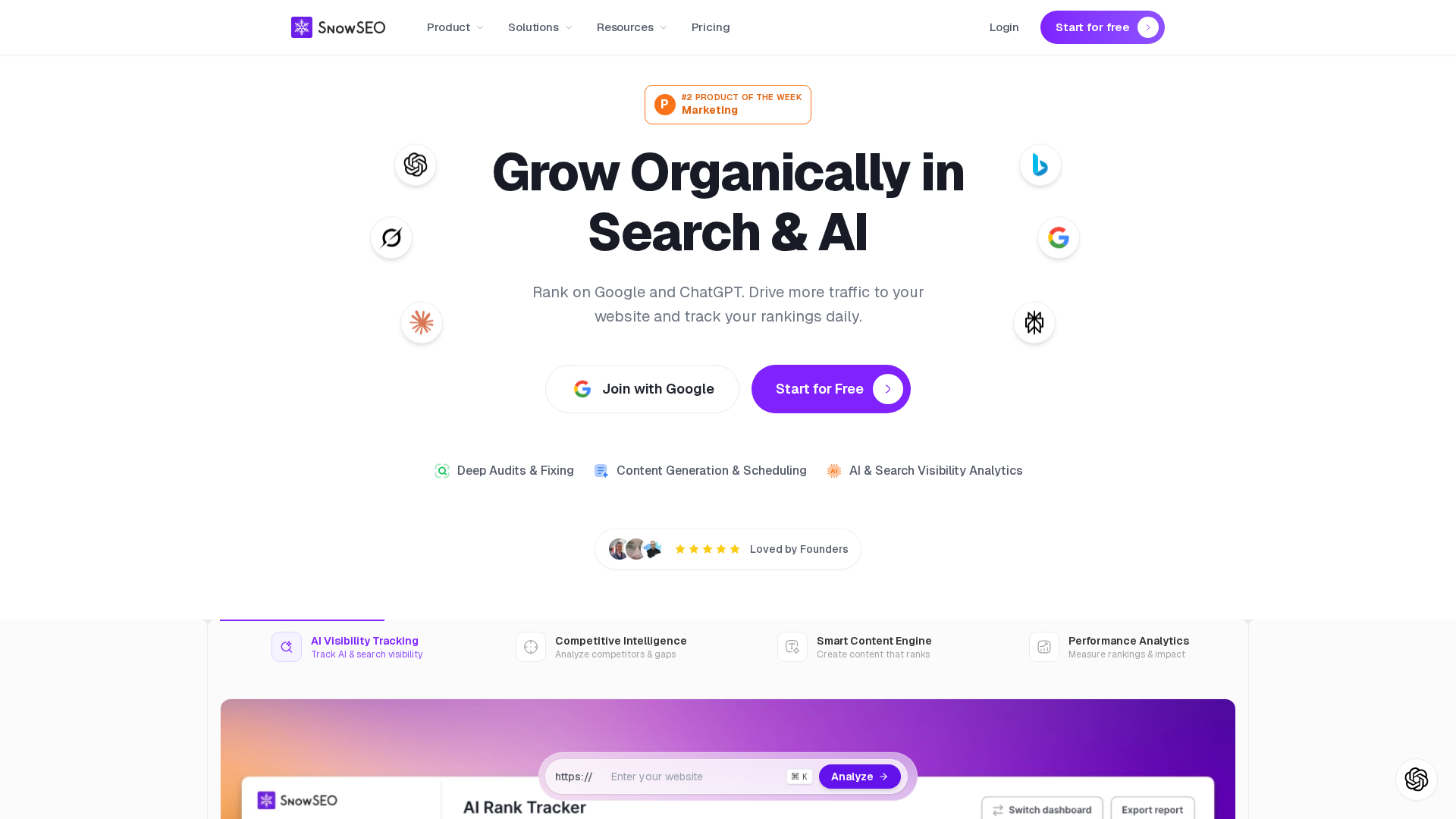
Cut reporting time and keep rankings, audits, and content work in one place with SnowSEO. Start there if your team needs faster, cleaner client reporting.
Frequently Asked Questions
Q1: What are the most impactful features in agency rank tracking tools that save reporting time?
Scheduled reports, white-label templates, keyword tagging, location-level tracking, and client-ready dashboards save the most time. They cut copy-paste work, speed QA, and help account managers pull the right view fast.
Q2: How does white-label reporting accelerate SEO reporting workflows for agencies?
White-label reporting removes design rework on every client update. You set one branded template, auto-fill ranking data, and send cleaner reports faster. It also reduces mistakes when multiple team members handle reporting.
Q3: What local SEO features are essential in agency rank tracking tools for multi-location clients?
Look for zip code or city tracking, map pack visibility, device splits, location tags, and grouped reporting by branch. These features help you spot weak locations fast and show each client site’s local search impact clearly.
Leave a Reply