
Choosing the best SEO platform in 2026 is no longer just about keyword research and rank tracking – it is about finding a system that can support audits, AI workflows, and faster decision-making.
Many teams waste time on SEO software that is too basic for growth or so complex that no one sets it up right. Most of the powerful features sit unused.
This guide gives you a clear plan. You will see how to choose the right platform, what to set up first, which 2026 features actually matter, and how to get quick wins.
It is built for SEO teams, agencies, and business owners who want a practical framework, not vague tool lists.
Quick Summary: The article argues that choosing an SEO platform in 2026 is a strategy decision centered on combining core SEO basics with newer AI-era capabilities, not just keyword research and rank tracking. It says the best tools should handle reliable keyword clustering, technical audits, content briefs, cross-channel rank tracking, and visibility in AI answers from systems like ChatGPT and Claude, while also fitting the needs of solo users, in-house teams, or agencies. The guide stresses that proper setup is crucial: connect Google Search Console, GA4, and your CMS first, build one simple dashboard, and run an initial audit to uncover quick wins. It also warns against overbuying software or skipping implementation planning, since even powerful platforms deliver little value if the team does not actually use them.
What to look for in the best SEO platform in 2026
1. Core features that matter most
Focus on platforms that nail the basics first. You need:
- Reliable keyword research and clustering
- Technical audits with clear fixes
- Rank tracking across web and AI results
- Content briefs and on-page suggestions
If a tool cannot give clean data and simple actions, skip it. SnowSEO, Surfer SEO, or similar suites should at least cover these core jobs in one place.

2. 2026 features you should not ignore
AI search is now part of SEO, not a side project. Look for:
- Visibility tracking in ChatGPT, Claude, and other LLMs
- Generative Engine Optimization features, not just classic SEO
- Competitor gap analysis across both Google and AI answers
Platforms like SnowSEO and PromptWatch lean into this dual view: SERPs plus AI responses in a single dashboard.
3. How to choose based on your team size
- Solo / small business: Pick one all-in-one tool. You do not have time to glue five tools together.
- In-house team: Prioritize workflow, roles, and reporting. You need handoffs and history.
- Agencies: You need multi-domain management, templates, and white-label style reports.
If a platform cannot match your team structure, it will gather dust.
Also Read: Surfer SEO Platform Review: Pros and Cons Explored
How to set up your SEO platform the right way
Set the platform up right and everything else gets easier. Rush it and your data lies to you for months.
1. Connect the right data sources first
Start with the sources that show real user behavior:
- Google Search Console for queries, clicks, and rankings
- Google Analytics 4 for sessions and conversions
- Your CMS (WordPress, Shopify, Webflow, etc.) for publishing
In SnowSEO, connect these inside your Brand settings so the platform pulls live search and traffic data, not random estimates. Make sure the right GA4 property and correct GSC domain are linked before you touch any reports.

2. Build your first tracking dashboard
Create one simple dashboard before you build ten fancy ones. Include:
- Total organic clicks and impressions
- Organic conversions or leads
- Ranked keywords and average position
- AI visibility or GEO metrics if your platform supports it
In SnowSEO, the Overview page already combines these, so you can use it as your default weekly control panel.
3. Run the first audit and quick wins report
Run a full site audit on day one. Use the first report to:
- Fix critical crawl and speed issues
- Patch broken links and redirect chains
- Tidy missing titles and meta descriptions
Focus on items that touch many URLs and can be fixed in one sprint. That first round of fixes often brings your first visible ranking lift.
Also Read: 5 Best Rank Tracking Tools to Boost Your SEO Results
Which platform features deliver the fastest ROI
You get ROI fast when a platform kills busywork, spots quick wins, and proves results without extra work.
1. Automation that saves time
Look for features that run on their own:
- Automatic audits with clear fixes
- Rank tracking and alerting
- Auto content briefs or drafts
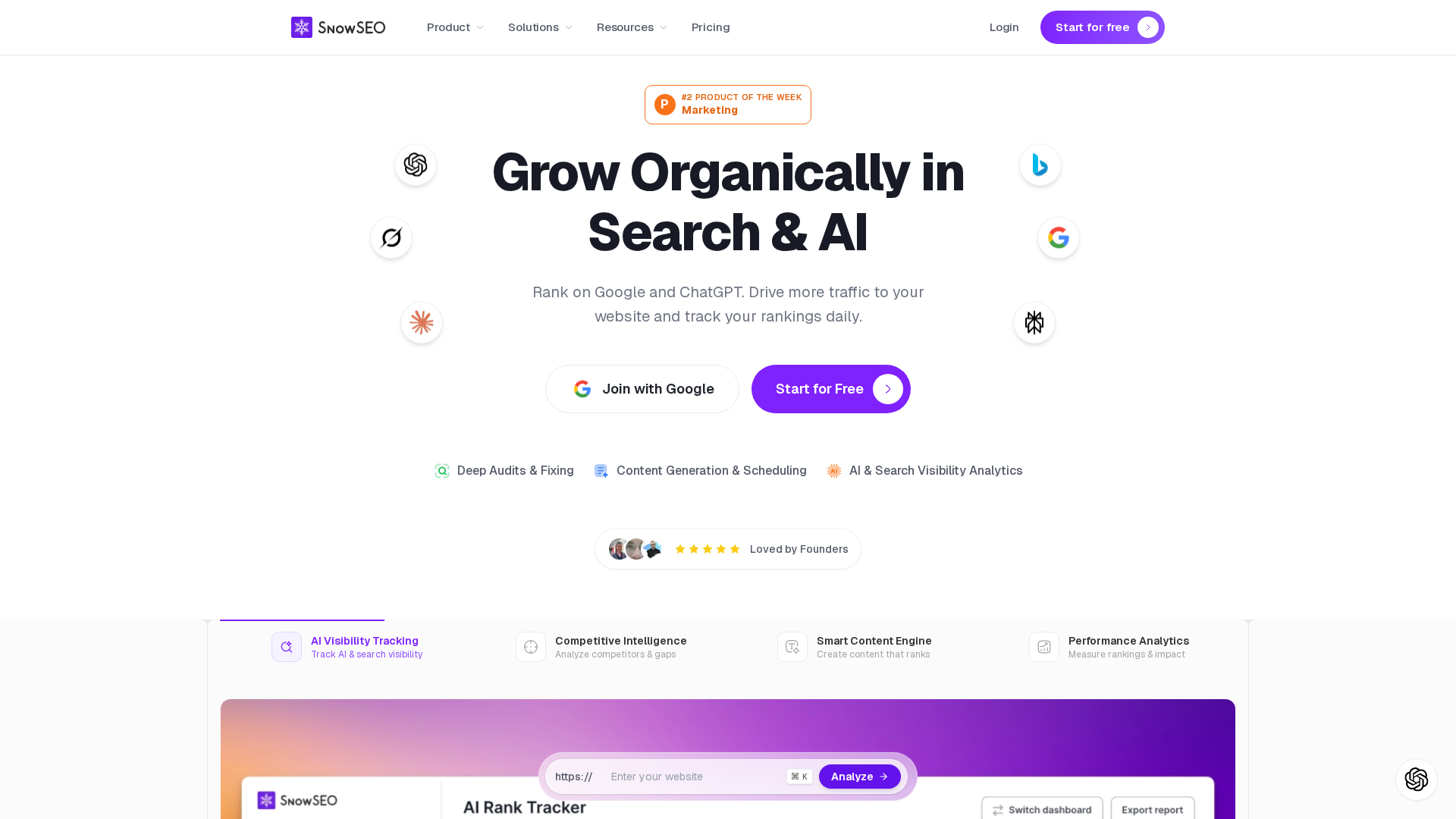
SnowSEO stands out here because it links audits, keyword data, AI content, and publishing in one loop. Less clicking, more output.
2. Competitive analysis and content support
You want tools that:
- Show keywords competitors rank for
- Reveal content gaps on your site
- Suggest pages to update first
This is where fast wins come from: update one page, see lifts in weeks, not months.
3. Reporting that proves value
Reporting should be instant, not a half day in spreadsheets:
- Prebuilt dashboards
- Client ready summaries
- Clear “what changed and why” views
If a platform cannot show impact in one screen, it will slow your ROI.
Also Read: Deep Dive: Profound SEO Platform Features Reviewed
Common mistakes to avoid when choosing SEO software
1. Buying too much, too soon
Teams often grab the biggest, flashiest platform first. Then they use 10 percent of it.
Start with your real weekly work, not a wish list. List core tasks, then pick the smallest plan that covers them.
You can always upgrade later. Downgrading or switching tools is painful.
All in one tools like SnowSEO work best when you actually use most of the workflow, from research to reporting.
2. Skipping implementation planning
Buying the tool is the easy part. Using it is the hard part.
Assign an owner, define success metrics, and plan your first 30 days.
Connect GA4, Search Console, and your CMS in week one.
If you do not bake the tool into your process, it turns into an expensive dashboard no one opens.
Choose one platform, start a trial, and use your setup checklist this week. Then let SnowSEO automate audits, content, and rank tracking.
Frequently Asked Questions
Q1: How many SEO platforms should I use to start in 2026?
Start with one main platform. Add Google Search Console and Google Analytics as your free base stack. Use a trial from a tool like SnowSEO to see if it fits. Only add more tools when you feel a clear gap.
Q2: How do I know if my SEO platform setup is working?
Check 3 things weekly: keyword rankings, organic traffic, and conversions. Look for early wins like more impressions on new pages. If nothing moves after 4 to 6 weeks, fix tracking, review your content, and adjust keywords.
Q3: What is the first dashboard I should build?
Create one dashboard that shows: key rankings, organic sessions, top landing pages, and conversions. Pull data from your SEO platform and Google Analytics. If you use SnowSEO, start with its rank tracking and content performance widgets.
Q4: Who should own the SEO platform in a small business?
Give ownership to one person: usually the marketing lead or founder. They manage logins, reports, and tasks. Other people can help with content and dev changes, but one owner keeps the roadmap and checks the numbers each week.
Conclusion
Picking an SEO platform in 2026 is a strategy call, not a shopping trip.
The best tools now blend technical audits, keyword research, rank tracking, and AI-assisted workflows so you can move fast, not just stare at data. Fast setup matters as much as fancy features, because unused features do nothing for revenue. The real win is fit: match the platform to your goals, your team size, and the reporting depth you actually need.
Leave a Reply