Tag: SEO Rank Monitoring

  • Google AI Updates Change How Marketers Measure Search Visibility

    Google AI Updates Change How Marketers Measure Search Visibility

    Quick Summary: Google now reports AI Overviews and AI Mode impressions separately in Search Console, so marketers must track AI visibility as exposure, not ranking. Treat these impressions as a leading signal and validate them with clicks, conversions, and revenue, since position alone no longer guarantees visibility. Google says existing SEO still matters, with no special AI-only rules, so keep focusing on crawlability, helpful content, and structured data. Track trends monthly and compare AI-visible pages against business outcomes to avoid mistaking presence for profit.

    Google AI updates search visibility by folding AI Overviews and AI Mode links into Search Console Web data. New site-owner insights now show AI-feature impressions and page appearances. Google also offers an AI opt-out, but that removes related traffic.

    Google AI updates search visibility beyond rank reports. A cited page may gain exposure without clicks. This guide explains what the data shows, what it cannot prove, and how to connect Search Console, analytics, and revenue.

    Google’s New AI Search Data Changes the Visibility Baseline

    What Google Now Counts as AI Visibility

    Google AI updates search visibility by separating generative exposure from the old blue-link baseline. Search Console’s new reports count how often your URLs appear in AI Overviews, AI Mode, and generative Discover features. They also break exposure down by page, country, device, and date, as Google’s 2026 announcement explains.

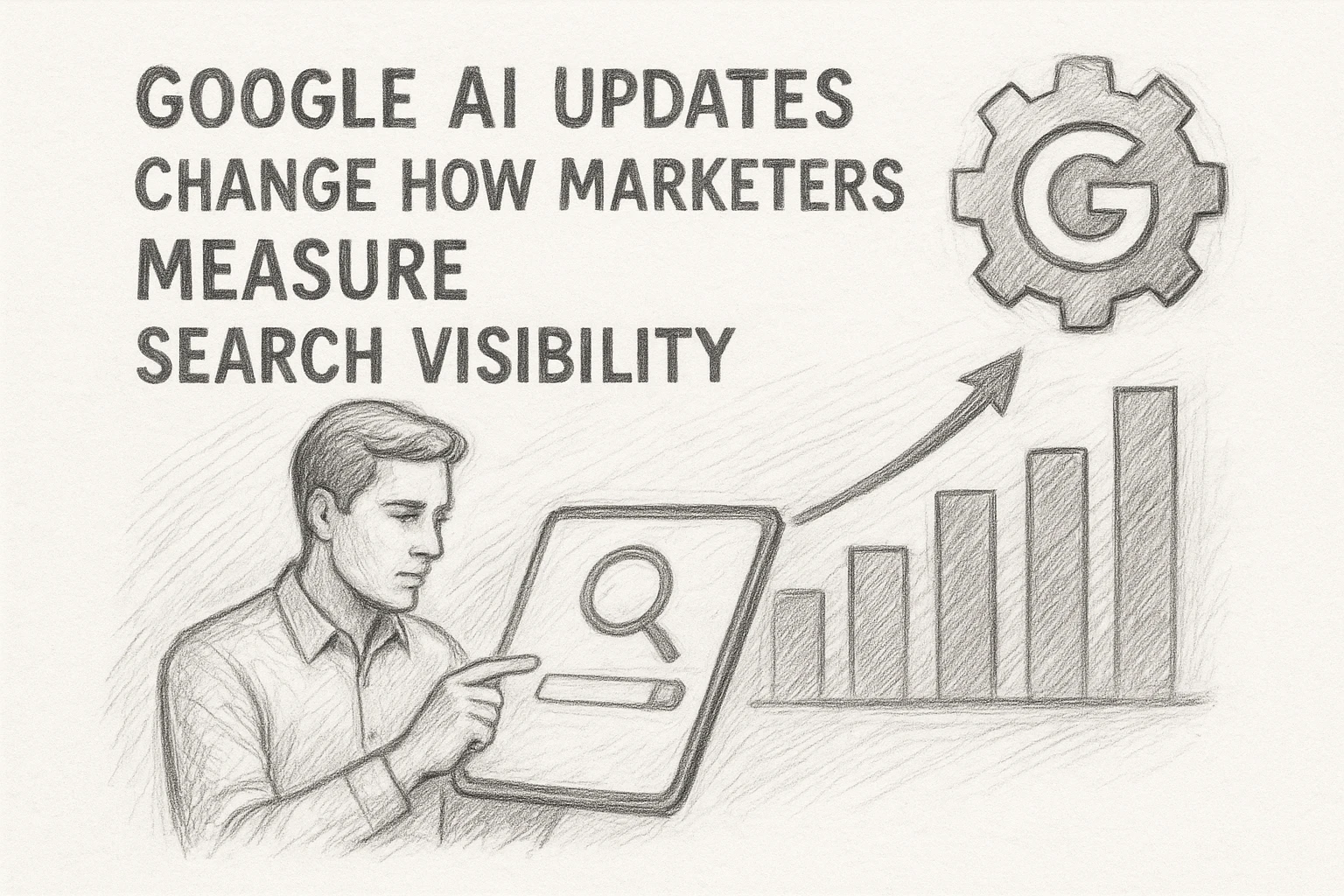
    Pencil sketch infographic comparing AI search visibility metrics
    Pencil sketch infographic comparing AI search visibility metrics
    Old baseline New baseline
    Overall Web impressions Generative AI feature impressions
    Clicks and average position Appearing URLs, country, device, and time
    Rank-focused reporting Visibility plus visit quality

    Do not treat an AI mention as a ranking. Measure it as exposure, then compare clicks, leads, and sales by landing page.

    Google AI updates search visibility, but generative data is rolling out first to a subset of sites.

    Also Read: Google and AI Platforms Shift Guidance for Generative Search Visibility

    The Metrics Marketers Have, and the Ones They Still Need

    A Four-Layer Reporting Model

    Google now separates AI feature impressions for AI Overviews and AI Mode by page, country, device, and date in Search Console’s Generative AI report. Build reporting around four layers:

    1. Presence: AI impressions by page and market.
    2. Organic demand: Total Search Console impressions, clicks, and average position.
    3. Site value: Sessions, engaged sessions, leads, sales, and revenue in analytics.
    4. Business impact: Assisted conversions, repeat visits, and branded search growth.

    Pencil sketch of layered marketing funnel
    Pencil sketch of layered marketing funnel
    Layer What you can measure What is still missing
    AI presence Impressions, pages, countries, devices Queries, clicks, CTR, citation position
    Organic search Clicks, impressions, rankings Clear AI feature attribution
    Outcomes Conversions and revenue Direct AI-assisted conversion path

    Treat AI impressions as a leading signal, not proof of traffic or sales. Google says it is still exploring further reporting insights in its 2026 announcement.

    • Review trends monthly, not daily.
    • Compare AI-visible pages with conversion data.
    • Flag pages that gain presence but lose organic clicks.

    Also Read: SnowSEO – Your Last SEO Platform

    Google’s AI Results Make Ranking Reports Less Complete

    Why Position Is No Longer the Whole Story

    A rank of #1 no longer guarantees the most visible spot. AI Overviews and AI Mode can place answers, links, and follow-up paths above or around classic results. Google also uses query fan-out, which can pull in pages that do not rank for the exact search term, according to Google’s AI features guide.

    Track more than position:

    Signal What it tells you
    Classic rank Your placement in blue-link results
    AI impressions How often your pages appear in AI features
    Clicks and leads Whether visibility creates business value

    Google’s new AI report separates impressions by page, country, device, and date, but it does not yet show every reason a page was selected. Google’s announcement confirms the shift.

    Treat rankings as a useful clue, not your full visibility score.

    • Check pages cited in AI results.
    • Compare AI impressions with clicks and conversions.
    • Review trends weekly, not one keyword at a time.

    Also Read: GEO Optimization vs Traditional SEO: Which Drives AI Visibility?

    Why Google Says Existing SEO Still Matters

    Google’s AI features draw from its existing Search index and core ranking systems, so solid SEO remains the entry point. Google’s guidance says there are no separate AI-only rules to chase.

    Keep doing the work that makes pages easy to find and trust:

    • Allow crawling and indexing.
    • Build clear internal links.
    • Publish helpful, first-hand content.
    • Match structured data to visible page text.

    Do not spend your budget on special AI files or forced content chunks. Google says they are not required for AI Overviews or AI Mode.
    Homepage
    Homepage

    Track the signals that matter. Use SnowSEO to audit visibility, monitor rankings, and spot search changes before traffic drops.

    Frequently Asked Questions

    Q1: What do Google’s latest AI announcements mean for organic search visibility?

    AI answers can reduce clicks while still showing your brand. Track impressions, citations, branded searches, and assisted conversions, not rankings alone.

    Q2: Should I stop tracking keyword rankings?

    No. Keep rankings, but group them with click-through rate and page conversions. A top position matters less if AI results answer the query first.

    Q3: Which pages should I review first?

    Start with high-impression pages losing clicks. Check whether the query now triggers AI results, then add direct answers, proof, and clear next steps.

    Conclusion

    Measure AI visibility separately from traffic and revenue. Google now reports AI-feature impressions by page, country, and device in Search Console. Treat them as a signal, then validate business impact with conversions.

  • SnowSEO GEO Optimization Review: Monitoring AI Brand Mentions

    SnowSEO GEO Optimization Review: Monitoring AI Brand Mentions

    Quick Summary: SnowSEO is worth using for AI brand mention tracking if you need it alongside daily SEO work, but treat mentions as directional signals, not proof of revenue. The tool tracks brand presence, competitor overlap, and topic gaps across AI prompts, though specialist platforms may offer deeper source-level analysis. A practical workflow involves running 10-20 prompts by intent, recording mentions and cited URLs, then validating changes against Search Console clicks and conversions. It suits agencies and growing brands best, while enterprise teams needing wide model coverage or custom exports should look elsewhere.

    Buyers need three answers: Does AI recommend the brand, which rivals take its place, and which cited page needs work? This SnowSEO GEO review tests that workflow, not a feature checklist. You will see how to judge mention data, prompt coverage, competitor gaps, and source links. This SnowSEO GEO review also flags where specialist tools may offer deeper detail. Our assessment focuses on useful actions, not vanity scores.

    How SnowSEO Monitors AI Brand Mentions

    What the Dashboard Can Tell You

    A SnowSEO GEO review should focus on whether the dashboard turns AI mentions into clear actions. SnowSEO tracks brand presence across AI search prompts, then helps you spot gaps in visibility, competitor overlap, and content topics worth improving.

    SnowSEO
    SnowSEO
    Dashboard signal Practical use
    Brand mentions See where your name appears or is absent
    Competitor overlap Find prompts where rivals gain attention
    Topic gaps Plan pages that answer missing questions

    Google says AI search can use related searches and varied sources to form answers, so test more than one wording per topic. Google’s guidance also confirms standard SEO still matters.

    Treat mention counts as a lead, not proof of revenue. Check traffic, leads, and sales before changing priorities.

    For this SnowSEO GEO review, the useful workflow is simple:

    1. Track priority prompts each week.
    2. Flag missing or wrong brand answers.
    3. Build or refresh the pages behind those gaps.

    Also Read: Google and AI Platforms Shift Guidance for Generative Search Visibility

    Is SnowSEO’s Monitoring Deep Enough for Real SEO Decisions?

    A Practical Prompt Test

    SnowSEO is deep enough for first-pass GEO decisions if you test the prompts that drive real buying research.

    Build a small set of prompts by intent, then check whether your brand appears, how it is described, and which sources the AI cites.

    1. Run 10 to 20 prompts across brand, category, comparison, and problem terms.
    2. Record brand mention, sentiment, cited URL, and competitor named.
    3. Repeat after a content or technical change.
    4. Match changes against Search Console clicks and impressions.
    Pencil sketch of SEO workflow testing
    Pencil sketch of SEO workflow testing
    Test signal Decision it supports
    Brand omitted Create or improve the source page
    Wrong product claim Fix key pages and entity details
    Competitor cited Review cited content gaps

    A mention alone is not a win. You need the prompt, wording, cited source, and trend to know what to fix.

    SnowSEO helps turn scattered AI answers into a workable watchlist. Specialist platforms may offer deeper prompt-scale analysis, but that only matters if your team can act on it. Google also advises judging search change through trends in impressions and clicks, not position alone, in its Search Console guidance.

    Also Read: GEO Optimization vs Traditional SEO: Which Drives AI Visibility?

    SnowSEO Pros and Cons for Agencies and Growing Brands

    SnowSEO suits teams that need SEO and AI visibility work in one place.

    Strength Watch-out
    Combines audits, keywords, rank tracking, content, and AI mention checks Specialist GEO tools may offer deeper prompt-level data
    Helps agencies standardize client reporting Teams still need to validate AI answers manually
    Supports both search and AI visibility work AI mentions do not prove traffic or revenue
    Two analysts reviewing dashboards on dual monitors
    Two analysts reviewing dashboards on dual monitors

    Best fit: agencies with several smaller clients and growing brands that need a shared workflow.

    Less ideal: enterprise teams needing wide model coverage, detailed citation history, or custom data exports. Use SnowSEO to spot trends, then check conversions in analytics. Google also advises measuring conversions and engagement, not clicks alone, for AI search work in its AI features guidance.

    Treat mention tracking as a signal, not a ranking guarantee.

    Also Read: 7 GEO Optimization Tools for Brand Visibility in AI Answers

    Is SnowSEO Worth It for Monitoring AI Brand Mentions?

    Yes, if you need AI mention tracking beside daily SEO work. SnowSEO monitors brand visibility, citations, sentiment, and competitor share across AI platforms in one workspace, as its product listing confirms.

    • Choose it for fast, action-led monitoring.
    • Pick a specialist tool if you need deep source-level analysis.

    Treat mention counts as signals, then check the actual AI responses.

    Homepage
    Homepage

    Track AI brand mentions alongside your search work. Try SnowSEO to audit visibility, monitor rankings, and find the gaps worth fixing first.

    Frequently Asked Questions

    Q1: How effectively does SnowSEO monitor brand mentions across generative search platforms?

    SnowSEO helps track AI visibility and brand references in key prompts. Use repeat checks to spot changes, then review the cited context before acting.

    Q2: What should I monitor first?

    Start with branded prompts, product categories, and competitor comparisons. Track mention rate, sentiment, and source pages.

    Q3: Can monitoring replace manual AI checks?

    No. Manual checks still help verify wording, location, and accuracy. Use SnowSEO to make those checks faster and easier to repeat.

    Conclusion

    SnowSEO makes AI brand mention checks clear and usable. Track prompts, wording, and cited sources over time. Treat results as directional, since AI visibility measures still vary by platform and method.

  • How to Move From Legacy SEO Platforms to SnowSEO

    How to Move From Legacy SEO Platforms to SnowSEO

    Quick Summary: Migrating 40 client projects to SnowSEO requires preserving keyword groups, rank baselines, and competitor data-not just logins-while ensuring generative search visibility stays tracked in one workflow. Start by exporting 12 months of trend data, mapping unused reports for retirement, and assigning owners to each workflow before switching. Run parallel tracking for two reporting cycles to validate data matches, then launch with a focus on priority pages and AI visibility continuity, fixing high-value gaps first. Google’s guidance emphasizes testing changes before launch and monitoring post-move, so keep the old platform active until SnowSEO’s data aligns exactly with your baseline.

    Moving 40 client projects is not about new logins. A legacy SEO platform migration must keep keyword groups, rank baselines, competitor data, reports, and the context behind each call.

    This guide shows how to plan a safer legacy SEO platform migration to SnowSEO, validate your data, and keep reporting steady. It also covers generative search continuity, so your team can track search and AI visibility in one workflow.

    Step 1: Inventory Your Legacy SEO Platform

    Capture Data, Workflows, and Ownership

    Start your legacy SEO platform migration with a full export. List every report, keyword set, audit, alert, integration, and user role before access changes.

    SEO team reviewing legacy platform workflows and report ownership
    SEO team reviewing legacy platform workflows and report ownership
    Area Capture Owner
    Search data Rankings, clicks, pages, keywords SEO lead
    Workflows Audits, briefs, approvals, alerts Content lead
    Access Admins, API keys, billing, exports Operations lead

    Google advises teams to prepare and test changes before a move, then monitor results after launch in its site migration guidance.

    • Export at least 12 months of trend data.
    • Record report schedules and decision rules.
    • Name one accountable owner per workflow.

    Do not cancel the old platform until SnowSEO data matches your baseline.

    Also Read: 10 New Keyword Research Techniques to Try Now

    Step 2: Build Your SnowSEO Migration Map

    Map What Transfers and What Needs Rebuilding

    List every legacy report, data source, keyword set, and alert before you switch. Keep raw exports safe. Google notes that Search Console report downloads can truncate data, while bulk exports retain fuller performance data for your property in BigQuery.

    Use a simple map:

    Asset Action Owner
    Keyword groups Transfer and tag SEO lead
    Rank baselines Export and verify Analyst
    Custom reports Rebuild in SnowSEO Marketing ops
    AI visibility prompts Create new tracking Content lead
    • Save date ranges, filters, and market settings.
    • Mark reports nobody uses for retirement.

    Warning: Do not compare new SnowSEO data with old data until settings match.

    Also Read: 10 Best Tools for Competitor SEO Analysis in 2024

    Step 3: Import, Configure, and Validate the Data

    Run a Parallel Comparison

    Import your saved keyword sets, target pages, tags, competitors, and past reports. Then configure SnowSEO to match the old platform’s search engines, locations, devices, and update schedule.

    Side-by-side SEO data migration workflow comparison
    Side-by-side SEO data migration workflow comparison

    Run both platforms side by side for two reporting cycles. Compare the same dates and filters. Google notes that property-level and page-level data use different counting rules, so match the view before judging a gap in results. See Google’s reporting guidance.

    Check What to compare
    Rankings Keywords, location, device, SERP type
    Traffic Clicks, impressions, landing pages
    AI visibility Prompts, cited pages, competitor mentions

    Do not switch off the legacy platform until the gaps have an owner and a clear reason.

    1. Flag missing keywords or URLs.
    2. Check tags and access rights.
    3. Approve SnowSEO as the new source of truth.

    Also Read: 10 Organic Growth Strategies to Drive Traffic in 2025

    Step 4: Launch the Unified SEO and Generative Search Workflow

    Measure Continuity and Business Value

    Launch with one shared baseline, then watch search and AI visibility together. Track priority pages, query groups, conversions, and brand mentions across the new workflow.

    Measure Check Business signal
    Organic visibility Clicks, impressions, and rank Demand retained
    AI visibility Brand and page mentions in AI answers Generative search continuity
    Conversions Leads, sales, and assisted revenue Real return on effort

    Use SnowSEO to keep audits, keyword work, content tasks, and visibility tracking in one view. Google says Search Console reports queries, clicks, impressions, and position, so compare these numbers with your pre-move baseline.

    Review weekly for the first month. Fix lost high-value pages first, not every small ranking shift.

    Homepage
    Homepage

    Move with control, not guesswork. Use SnowSEO to unite audits, rank tracking, content, and AI search visibility in one workflow.

    Frequently Asked Questions

    Q1: How to transition from legacy SEO platforms to SnowSEO for a unified approach to traditional and generative SEO?

    Export key data, map active reports, then run parallel tracking before switching. Keep baseline rankings and prompts.

    Q2: What data should I keep?

    Save keyword lists, site audits, backlinks, and historic rankings.

    Q3: How long should parallel tracking last?

    Use two to four weeks to spot gaps and confirm reporting matches.

    Conclusion

    A safe move to SnowSEO starts with clean data, clear ownership, and steady checks after launch. Protect search signals with tested redirects and monitoring, as Google recommends, while bringing SEO and generative search work into one workflow.

  • How to Track Rankings Across Google and Generative Search

    How to Track Rankings Across Google and Generative Search

    Quick Summary: A brand can rank third in Google but disappear entirely when users ask AI tools like ChatGPT, exposing a blind spot in traditional rank tracking. The fix is to track both Google’s position data (clicks, impressions) and generative search mentions (citations, answer share) separately, then compare them by keyword and page to spot gaps-like competitors ranking higher or earning AI citations. SnowSEO helps automate this by grouping gaps (e.g., missing citations, weak pages) and turning them into actionable updates, like adding expert-backed answers or refreshing underperforming content. The key move is treating AI visibility as a distinct metric, not a substitute for Google rankings, and updating content based on where you’re actually losing visibility.

    A client may rank third in Google for a high-value term, then vanish when buyers ask ChatGPT, Perplexity, or Google AI Mode for a recommendation. That gap makes old rank reports incomplete. Cross-platform rank tracking shows where brands appear, get cited, or lose ground. This guide gives agencies and SEO teams a clear cross-platform rank tracking workflow, so they can turn missing visibility into focused content and SEO actions.

    Step 1: Define What You Will Track on Each Search Surface

    Build a Keyword and Prompt Set

    Start with priority keywords, then pair each with realistic buyer prompts. Group both by topic, funnel stage, country, device, and page.

    1. Track core commercial and informational queries in Google.
    2. Track direct questions users may ask ChatGPT or Claude.
    3. Record the expected landing page and key competitors.

    This makes cross-platform rank tracking useful, not noisy.

    Keyword prompts flow into search and AI rankings
    Keyword prompts flow into search and AI rankings

    Use Different Metrics for Different Results

    Google gives measurable positions, impressions, clicks, and CTR. Search Console defines these core metrics, so track rank movement alongside traffic.

    Search surface Track What it shows
    Google Position, impressions, clicks, CTR Search demand and visits
    Generative search Mentions, citations, answer share Brand visibility in answers

    Do not treat an AI mention as a Google ranking. Cross-platform rank tracking needs separate scorecards.

    Also Read: 10 Must-Have Tools to Streamline Your SEO in 2025

    Step 2: Connect Google Ranking Data With Generative Search Visibility

    Start With Google Search Console

    Use Search Console to set your Google baseline. Export queries, pages, clicks, impressions, CTR, and average position. Google confirms these metrics show how users find and click your site in Search in its Performance report guide.

    Google Search Console metrics dashboard comparison
    Google Search Console metrics dashboard comparison

    Fill the Measurement Gaps

    Add a prompt list for ChatGPT and Claude. Record whether your brand appears, which page gets cited, and the answer context.

    Google signal Generative search signal
    Average position Brand mention or citation
    Clicks and CTR Citation quality and context

    A top Google rank does not guarantee an AI citation. Track both weekly.

    Also Read: 10 New Keyword Research Techniques to Try Now

    Step 3: Turn Competitor and Citation Gaps Into Optimization Work

    Find the Most Actionable Gaps

    Start with queries where competitors rank or earn AI citations and you do not. Prioritize pages with buying intent, clear traffic value, and a close match to your offer.

    Gap Best first action
    Competitor ranks higher Improve the existing page
    Competitor gets cited Add clear answers and proof
    You have no relevant page Create a focused page

    Google recommends original, helpful content with clear sourcing and real expertise. See its people-first content guidance.

    Choose the Right Optimization Response

    Do not copy a competitor’s page. Fill the missing need with stronger examples, updated facts, expert input, and direct answers. SnowSEO can help group gaps by ranking loss, citation loss, and page type.

    1. Refresh weak pages first.
    2. Add cited evidence and useful headings.
    3. Track rankings and citations after release.

    Also Read: 10 Best Tools for Competitor SEO Analysis in 2024

    Step 4: Standardize Agency Reporting and Optimization Reviews

    Create a Client Reporting View

    Give every client the same one-page view. Separate Google results from generative search evidence, then show change against the prior month. Google defines clicks, impressions, CTR, and average position in its Search Console Performance report.

    Area Report
    Google Search Clicks, CTR, rankings, page gains
    Generative search Brand mentions, cited URLs, prompt coverage
    Action plan Owner, due date, expected outcome

    Do not combine AI mentions with Google rankings. They measure different outcomes.

    Run a Monthly Optimization Loop

    Use the report to choose a short list of fixes, not a long wish list.

    1. Find pages with falling clicks or weak CTR.
    2. Check missed prompts and competitor citations.
    3. Update content, internal links, proof, and page titles.
    4. Log each change and review the result next month.

    Keep priorities tied to business value. SnowSEO can centralize the tracking evidence and audit tasks.

    Homepage
    Homepage

    Track Google rankings and AI visibility in one place. Use SnowSEO to spot gaps, audit pages, and act on clear search data.

    Frequently Asked Questions

    Q1: How can agencies implement SnowSEO for advanced rank tracking and optimization of generative AI visibility?

    Set client topics, target prompts, and Google keywords. Review ranking changes beside AI mentions, then turn missing citations into content briefs and audit tasks.

    Q2: How often should I check rankings?

    Check weekly for trends. Review daily only during launches, major site changes, or volatile search periods.

    Q3: What counts as generative search visibility?

    Track brand mentions, cited pages, answer placement, and prompt coverage. These signals differ from a standard Google position.

    Conclusion

    Track Google rankings and generative mentions separately, then join them by topic and page. Google defines position as a relative result rank; AI visibility signals citation and answer presence. Use both to find gaps and improve content.

  • SnowSEO Rank Tracking Review: Alerts, Reports, and Coverage

    SnowSEO Rank Tracking Review: Alerts, Reports, and Coverage

    Quick Summary: SnowSEO combines daily Google rank tracking with Google Search Console data to show keyword shifts and traffic demand-but alerts alone aren’t enough to act on, since rankings fluctuate naturally and require cross-checking with clicks, impressions, and device filters. The tool’s real strength lies in its granular reports, exports, and API access for teams, letting them filter by country, device, or keyword group before sharing client updates. A trial should confirm whether automated alerts actually trigger in time, as the tool’s value depends on validating ranking drops with GSC’s more stable traffic signals. It’s best suited for teams needing a unified workspace to spot trends, not just chase every position swing.

    A ranking drop matters most before a client spots the traffic loss. This SnowSEO rank tracking review looks at daily Google checks, Google Search Console links, and keyword gains or losses in one workspace. The real question is whether alerts and reports give teams enough warning and proof to act fast. This SnowSEO rank tracking review separates documented coverage, exports, insights, and API access from alert claims that need closer review.

    How SnowSEO Tracks Rankings and Detects Changes

    SnowSEO combines tracked keyword positions with Google Search Console data to show both rank movement and search demand. Treat these as different signals, not matching numbers.

    SnowSEO
    SnowSEO

    GSC Data Versus Live SERP Tracking

    GSC reports clicks, impressions, CTR, and average position from real Google searches. Google notes that position is an average and can vary by device, place, and user history in its Performance report guide.

    Signal Best use
    GSC data Find traffic and demand shifts
    SERP tracking Watch a chosen keyword’s rank

    What Counts as a Ranking Alert

    A useful alert flags a material change, then gives the keyword, landing page, date, and direction. Check the result before acting:

    1. Confirm the drop across several days.
    2. Compare clicks and impressions in GSC.
    3. Check whether the ranking URL changed.

    Do not treat every position swing as a problem. Search results naturally vary.

    Also Read: 10 New Keyword Research Techniques to Try Now

    Reports, Exports, and Coverage for Teams

    Coverage Controls That Matter

    Set coverage by country, device, search type, keyword group, and landing page. That makes client reports useful, not noisy. Pair rank changes with Search Console clicks, impressions, CTR, and average position. Google lets teams filter these views by queries, pages, countries, devices, and search appearance in its Performance report.

    Control Team use
    Keyword tags Split brands, products, and markets
    Device filters Catch mobile-only losses
    Page groups Assign fixes to owners
    Data-driven workflow connecting keyword insights device filters and team reports
    Data-driven workflow connecting keyword insights device filters and team reports

    Exported Search Console tables can be limited to 1,000 shown rows, so check scope before sharing.

    Can You Send Automated Reports?

    Do not assume SnowSEO sends scheduled email reports or alerts unless your plan confirms it. Its documented daily tracking and data views support review, but notification promises need proof.

    1. Export the filtered view.
    2. Add a short action note.
    3. Send it on a fixed weekly cadence.

    Google supports CSV, Excel, and Sheets exports from reports, as its export guide confirms.

    Also Read: 10 Must-Have Tools to Streamline Your SEO in 2025

    Pros and Cons for SEO Workflows

    SnowSEO can keep rank checks, audits, keyword work, and content tasks in one place. That cuts tab switching and makes client updates easier.

    Workflow area Upside Watch-out
    Rank tracking Clear daily trend checks A ranking shift needs context
    Reports Faster team sharing Confirm the fields each client needs
    GSC data Adds clicks and impressions Fresh data can still change
    SEO manager analyzing rank alerts beside client report
    SEO manager analyzing rank alerts beside client report

    Google Search Console tracks clicks, impressions, CTR, and average position, but its newest data may be preliminary, as Google explains.

    • Use alerts to flag sharp changes.
    • Check device, country, and page before acting.
    • Export reports for review.

    Warning: Do not treat a single ranking drop as a traffic loss.

    Also Read: 10 Organic Growth Strategies to Drive Traffic in 2025

    Is SnowSEO Rank Tracking Worth It?

    SnowSEO is worth testing if your team needs rank checks beside audits, keywords, and AI visibility work.

    Use it to spot movement, then validate impact in Google Search Console. Google reports clicks, impressions, CTR, and average position, but position is an average, not a fixed rank. Google explains the limits.

    Good fit Check first
    One team needs one SEO workspace Alert rules, exports, and API access
    You review ranking trends weekly Location, device, and SERP feature coverage

    Do not buy for alert promises alone. Confirm notification timing during a trial.

    1. Add a small keyword set.
    2. Compare results with GSC.
    3. Test a report export before rollout.

    Also Read: Rank Tracking Software Gains Real-Time AI Search Reporting

    Homepage
    Homepage

    Get daily rank tracking, clear reports, and wider SERP coverage in one place. Try SnowSEO to spot changes before they cost traffic.

    Frequently Asked Questions

    Q1: Does SnowSEO provide automated alerts and reports in its rank tracking system?

    SnowSEO documents daily rank tracking, exports, and reporting data. Confirm alert triggers, delivery timing, and report scheduling during a product demo before relying on them for client workflows.

    Q2: Can I track Google Search Console data?

    Yes, connect Search Console to compare tracked keywords with clicks, impressions, and page data.

    Q3: Does rank tracking cover AI search results?

    Check which AI platforms, prompts, locations, and result types SnowSEO tracks for your plan.

    Conclusion

    SnowSEO’s documented daily tracking, GSC data, SERP coverage, and exports support practical reporting. Treat alerts and API claims with care. Google confirms reporting data can be preliminary.

  • Rank Tracking Software Gains Real-Time AI Search Reporting

    Rank Tracking Software Gains Real-Time AI Search Reporting

    Quick Summary: Real-time AI rank tracking isn’t live updates-it’s daily scans of fixed prompts across ChatGPT, Google AI Mode, and Gemini, but tools vary wildly in how they log mentions, citations, and answer shifts. Google’s AI Overviews don’t work like traditional rankings; they pull different links and can omit your site entirely, so tracking must focus on brand mentions, linked sources, and answer context-not just position. SnowSEO explicitly ties rank tracking to AI visibility, letting teams spot gaps in mentions or citations before competitors do. The key is saving full answers, testing prompts across models, and treating daily changes as signals, not definitive proof.

    Rank tracking now reaches beyond Google. In 2026, Semrush tracks selected prompts daily across ChatGPT, Google AI Mode, and Gemini. Other tools report AI visibility across ChatGPT and, often, Claude. Yet real-time AI rank reporting means different things across vendors. Daily scans, weekly checks, and live dashboards are not equal. This guide tests real-time AI rank reporting against refresh rates, prompt position, citations, competitors, and answer changes.

    AI Rank Reporting Is Becoming a Daily Workflow

    What Vendors Mean by Real-Time

    Real-time AI rank reporting rarely means a live, second-by-second feed. It usually means a tool reruns a fixed set of prompts on a daily schedule, then logs what changed.

    Google itself says AI Overviews appear only when its systems find them helpful, and results can vary by query. Its AI features also surface supporting links, not a fixed rank list, as explained in Google Search Central’s guidance.

    Real-time AI search workflow visualization
    Real-time AI search workflow visualization
    Claim What to verify
    Real-time Exact refresh time and timezone
    AI position Prompt, market, device, and model used
    Citation tracking Linked source URL and captured answer
    Visibility score Formula and prompt sample size

    Tip: Treat daily changes as signals, not proof. AI answers can shift between checks.

    • Save answer snapshots.
    • Separate mentions from citations.
    • Flag meaningful changes for review.

    Also Read: 10 Organic Growth Strategies to Drive Traffic in 2025

    Which Trackers Cover ChatGPT and Claude?

    Coverage Is Only the First Test

    Several AI visibility platforms claim ChatGPT and Claude coverage, but the label alone proves little. Ask whether the tool runs the same saved prompts on both models and records answers separately.

    Side-by-side AI model comparison dashboard
    Side-by-side AI model comparison dashboard

    A useful report should show:

    Check Why it matters
    Brand mention Shows if the answer names you
    Citation or source URL Shows which pages support the answer
    Answer context Reveals how the model describes you
    Prompt history Separates a trend from one random result

    Ahrefs’ ChatGPT tracking guide treats mentions, citations, and share of voice as separate signals. Claude needs its own view because its answers may cite and frame brands differently.

    Do not call this a rank. AI answers have no fixed position. Track presence, source support, and change over time.

    Also Read: SnowSEO – Your Last SEO Platform

    The Metrics Behind a Useful AI Rank Report

    Position Is Not the Same as a Google Ranking

    An AI answer has no fixed blue-link rank. It can mention your brand, cite a page, quote your facts, or omit you entirely. Google says AI Overviews and AI Mode can use different models and return different links, so a useful report must log the exact prompt, platform, country, device, and check time. Google confirms that these results vary.

    Track these signals:

    Metric What it shows
    Mention rate How often your brand appears
    Citation rate How often your URL is linked
    Answer position Where the mention appears
    Share of voice Your mentions versus rivals

    Do not call a citation “rank one.” It is an answer placement, not a standard organic ranking.

    1. Save the full answer.
    2. Count mentions and links.
    3. Compare changes by prompt group.

    Also Read: 10 Must-Have Tools to Streamline Your SEO in 2025

    How Teams Should Validate a Real-Time AI Reporting Tool

    A Five-Point Verification Checklist

    “Real-time” should mean a fresh, repeatable check, not a daily data refresh labeled differently. Google notes that AI features can vary by query and may not trigger at all, so test across a fixed prompt set and location. Google’s guidance also confirms that AI results can surface different links than classic search.

    1. Timestamp every result – show the exact check time, timezone, and platform.
    2. Repeat key prompts – run them twice to spot unstable mentions or citations.
    3. Separate metrics – report answer position, brand mention, linked citation, and share of visibility separately.
    4. Keep proof – save the full answer and source links for each result.
    5. Test exclusions – confirm the tool records no-answer and no-citation cases.
    Check Pass condition
    Freshness A visible, precise timestamp
    Evidence Stored answer and citations

    Treat a mention without a citation as awareness, not traffic potential.

    Homepage
    Homepage

    Track search ranks, AI mentions, and citations in one place. Try SnowSEO to spot visibility gaps and act faster.

    Frequently Asked Questions

    Q1: Which rank trackers provide real-time insights and integrate with AI platforms like ChatGPT and Claude?

    SnowSEO combines rank tracking with AI visibility checks for ChatGPT and Claude, helping teams track mentions, citations, and answer placement.

    Q2: What should AI search reporting measure?

    Track brand mentions, linked citations, answer position, prompt coverage, and competitor presence.

    Q3: How often should teams review AI visibility?

    Review weekly for trends, then check after major content changes or campaign launches.

    Conclusion

    Real-time AI search reporting must separate rankings from mentions, citations, and visibility. Google’s report tracks generative impressions, but teams still need clear, prompt-level context to judge impact.

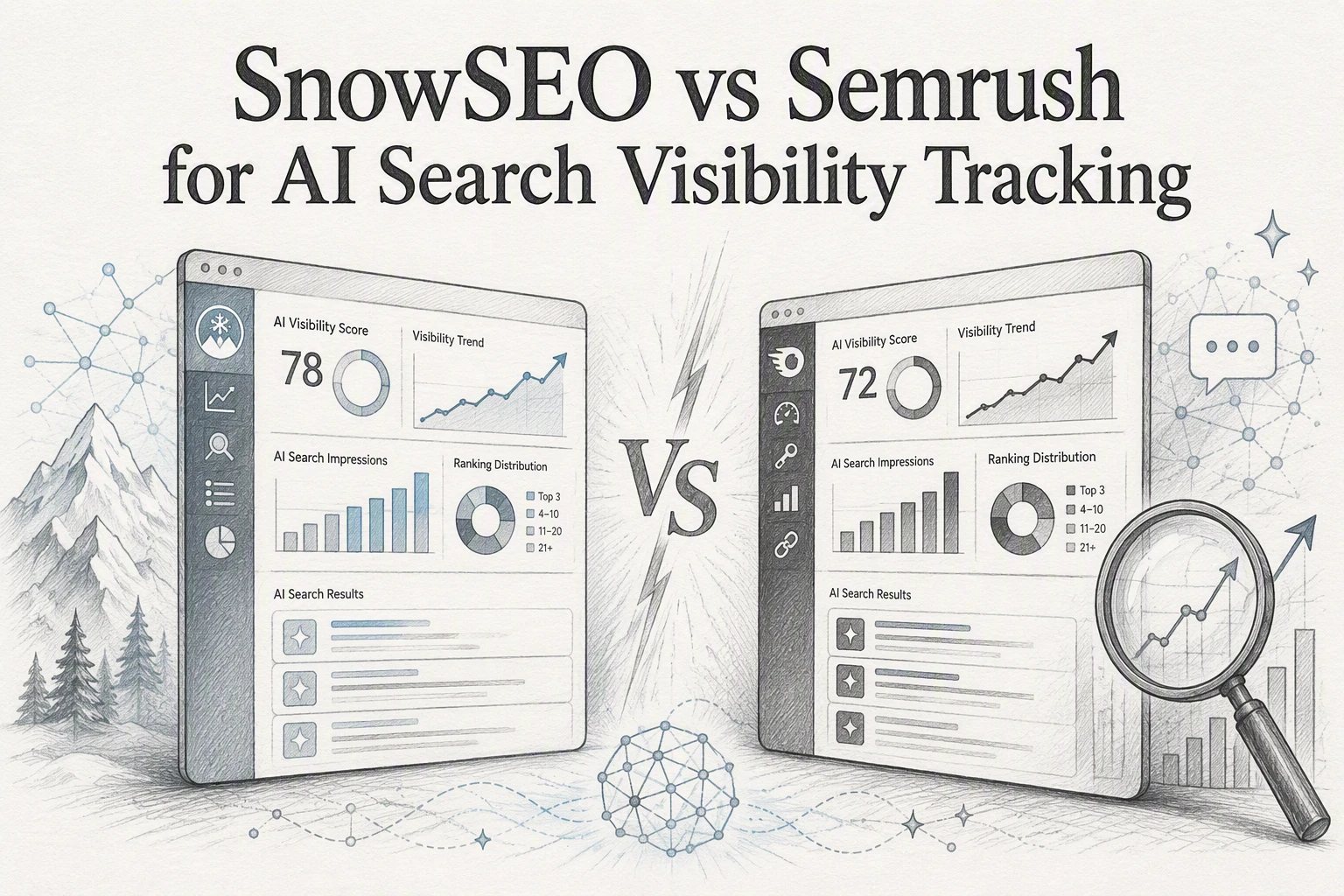
  • SnowSEO vs Semrush for AI Search Visibility Tracking

    SnowSEO vs Semrush for AI Search Visibility Tracking

    Quick Summary: Your Google rankings don’t matter if AI tools like ChatGPT ignore your brand-so SnowSEO bundles AI visibility tracking (mentions, citations, sentiment) directly into its SEO workflow, making it ideal for lean teams that need actionable insights without switching tools. Semrush, meanwhile, excels at deep AI prompt tracking across platforms (ChatGPT, Gemini) and competitor benchmarking, but its $99/month AI plan and sprawling suite suit larger teams already using its tools. The key difference: SnowSEO ties visibility data to audits and content tasks in one place, while Semrush delivers broader market context for teams prioritizing research over execution.

    Strong Google rankings mean little if ChatGPT or Gemini never mentions your brand. This AI search visibility tracking comparison tests SnowSEO and Semrush on AI mentions, citations, competitor gaps, and action steps. SnowSEO suits lean teams needing one workflow. Semrush fits teams using its wider SEO suite and AI Visibility Toolkit. This AI search visibility tracking comparison focuses on data you can use.

    SnowSEO vs Semrush: AI Visibility Tracking at a Glance

    SnowSEO Semrush AI Visibility Toolkit
    Primary tracking model Google keywords plus AI prompts and brand visibility AI prompts, brand visibility reports, and traditional Position Tracking
    AI visibility signals Mentions, citations, sentiment, share of voice, visibility score Visibility score, mentions, citations, cited pages, sentiment, average position
    Traditional rank tracking Daily keyword tracking with GSC and live SERP data Mature daily position tracking across locations and devices
    Competitive analysis Competitor visibility, SOV, citations, and ranking comparisons Competitor visibility, prompt gaps, cited sources, and benchmarks
    Optimization workflow Keywords, clusters, content, audits, outreach, and publishing Research, audits, reporting, and connected Semrush toolkits
    Best fit Lean teams, SMBs, agencies seeking an integrated workflow Existing Semrush users, larger SEO teams, and agencies needing depth

    How SnowSEO and Semrush AI Visibility Toolkit Compare

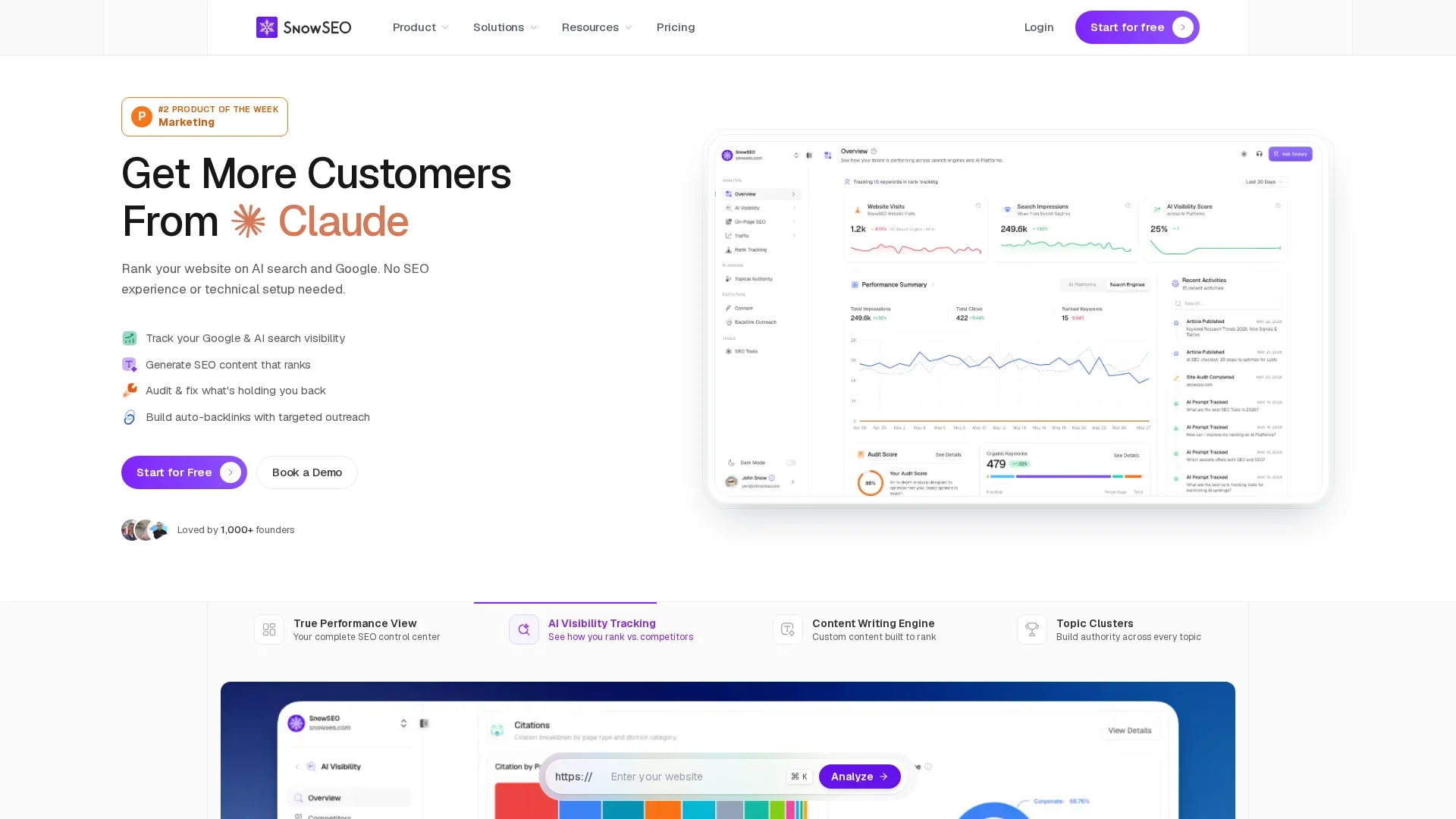
    SnowSEO

    SnowSEO unifies Google rank tracking with AI prompt, brand, and competitor visibility in one SEO and GEO workflow. It suits lean teams, SMBs, and agencies that need data tied to content, audits, outreach, and publishing in this AI search visibility tracking comparison.
    SnowSEO

    Semrush AI Visibility Toolkit

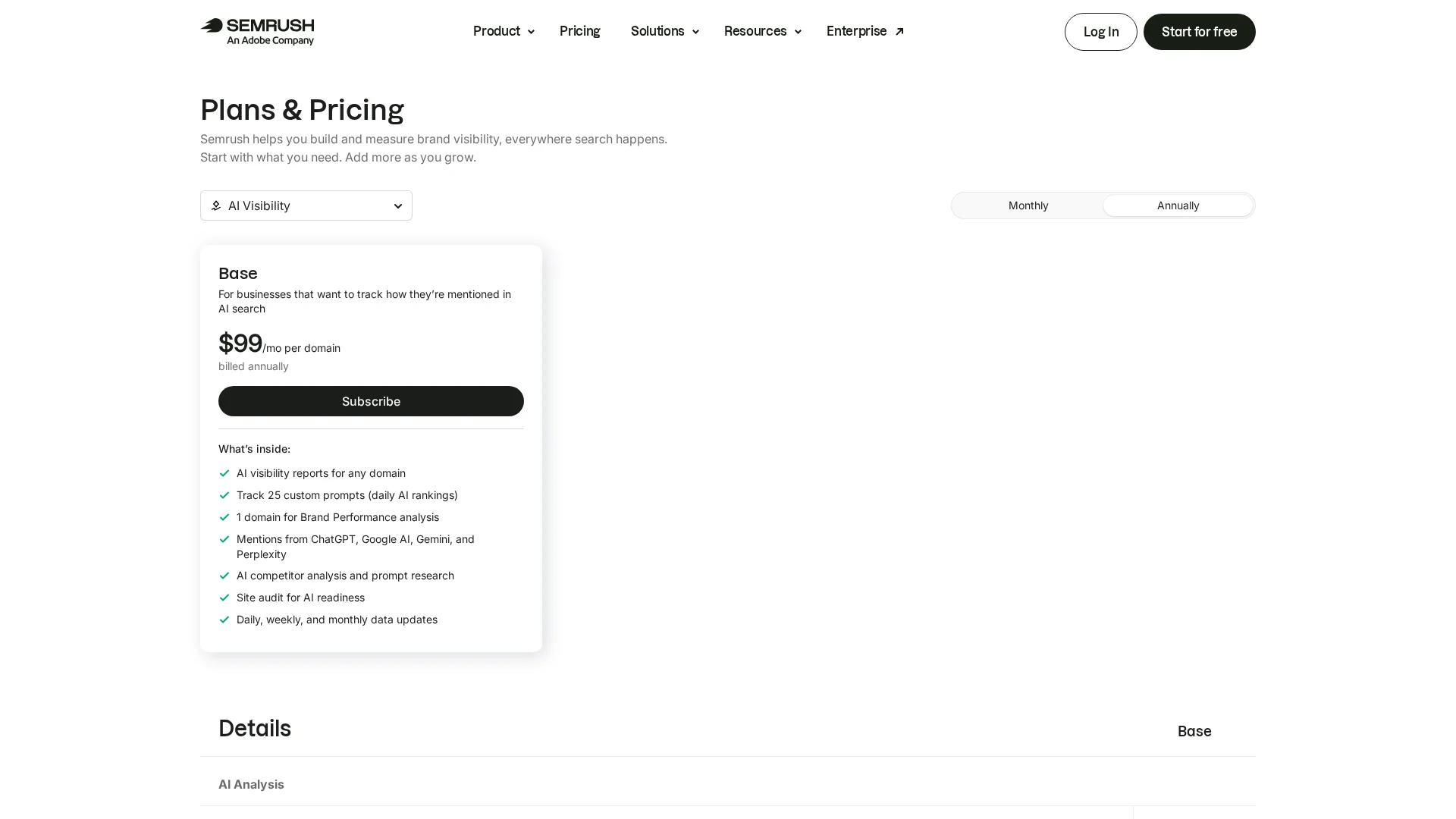
    Semrush adds AI prompt tracking, citations, sentiment, and competitor research to its established SEO suite. It fits existing Semrush users and larger teams needing depth, with daily prompt tracking across key AI platforms.
    Semrush AI Visibility Toolkit

    What Each Platform Actually Tracks

    From Keyword Positions to AI Answer Presence

    Traditional rank tracking measures where a page sits in search results. AI tracking asks whether your brand, page, or citation appears inside an answer.

    Platform What it tracks
    SnowSEO Keyword ranks, AI platform visibility, citations, audits, and competitor gaps
    Semrush AI mentions, cited pages, prompt visibility, sentiment, and average citation position

    Semrush tracks prompts across ChatGPT, Google AI Mode, and Gemini, including daily changes and cited domains, as its Prompt Tracking guide explains.

    Tip: Track citations and mentions separately. A brand mention builds awareness; a cited page shows content AI systems use.

    Also Read: 10 Organic Growth Strategies to Drive Traffic in 2025

    Coverage, Competitor Insights, and Reporting Compared

    Which Tool Gives More Actionable Competitive Context?

    Semrush offers broader AI coverage and clear competitor benchmarks. Its reports compare mentions, citations, audience, and prompt gaps across major AI platforms. You can add up to four rivals, then find prompts where they appear and you do not, as outlined in Semrush’s competitor report.

    Competitor gap analysis dashboards side by side
    Competitor gap analysis dashboards side by side

    SnowSEO is the better fit when your team needs those gaps tied to execution in one workspace.

    Need Better fit
    Cross-platform benchmark reporting Semrush
    Audit, content, tracking, and competitor work together SnowSEO

    Track prompt gaps, cited pages, and competitor mentions. A visibility score alone does not tell your team what to fix.

    • Use Semrush for wide market reporting.
    • Use SnowSEO to turn findings into SEO tasks.

    Also Read: 10 Best Tools for Competitor SEO Analysis in 2024

    Workflow and Value: Tracking Data That Leads to Action

    Cost and Workflow Fit Matter More Than Feature Count

    Pick the tool that turns a visibility drop into a clear task. Semrush tracks daily prompts, competitors, citations, and AI search issues, but its AI Visibility plan starts at $99 per domain per month. It fits teams already using its wider SEO stack.

    Workflow need Better fit
    One place for audits, content, rankings, and AI visibility SnowSEO
    Deep AI prompt research alongside a large SEO suite Semrush
    Workflow clarity over feature depth
    Workflow clarity over feature depth
    • Find prompts where competitors earn citations.
    • Update the matching page or build a new answer.
    • Recheck mentions and cited URLs weekly.

    Track fewer high-value prompts first. More data is useless without an owner and a next step.

    Also Read: 7 Rank Trackers for Google, ChatGPT, and Claude Visibility

    Which Should You Choose: SnowSEO or Semrush?

    Choose SnowSEO if you need AI visibility tracking tied to audits, content, keyword work, and action in one workflow. Choose Semrush if your team already relies on its broad SEO suite and needs deep prompt-level benchmarking. Semrush tracks visibility across ChatGPT, Gemini, and Google AI Mode, including daily prompt changes in its AI Visibility Toolkit.

    Pick the platform your team will use to fix gaps, not just report them.

    Homepage
    Homepage

    Turn AI visibility data into clear actions. Track rankings, audits, and content gaps with SnowSEO.

    Frequently Asked Questions

    Q1: How does SnowSEO’s rank tracking feature compare to Ahrefs and SEMrush in AI search visibility?

    SnowSEO focuses on AI platform visibility alongside search tracking. Semrush and Ahrefs remain strong for classic rankings, while SnowSEO ties AI mentions to audits, content work, and next actions.

    Q2: Can I track ChatGPT visibility by keyword?

    Yes. Track prompts that reflect buyer questions, product terms, and category needs. Review brand mentions, cited sources, and competitor presence over time.

    Q3: Which metrics should agencies report first?

    Report AI mention rate, prompt coverage, share versus competitors, source citations, and change over time. Pair each metric with a clear content or technical action.

    Conclusion

    Choose SnowSEO for metric-led action in one workflow. Choose Semrush for broad prompt benchmarking, which tracks daily AI visibility.

  • 7 Rank Trackers for Google, ChatGPT, and Claude Visibility

    7 Rank Trackers for Google, ChatGPT, and Claude Visibility

    Quick Summary: Your page might rank on Google’s first page but disappear entirely from ChatGPT or Claude answers-so tracking AI visibility is just as critical as Google rankings. SnowSEO stands out by combining daily keyword tracking with AI mention monitoring across ChatGPT, Claude, and other engines, then directly linking gaps to actionable content tasks like audits and publishing. While tools like OtterlyAI focus narrowly on AI citations or Profound targets enterprise prompt-level insights, SnowSEO’s strength lies in its unified workflow for teams that need both SEO and AI visibility tied to real content improvements.

    A page can rank on Google page one yet vanish from a buyer’s ChatGPT or Claude answer. Google positions differ from AI mentions and citations. These AI visibility rank trackers compare both systems without extra spreadsheet work. We reviewed seven AI visibility rank trackers for coverage, prompts, citations, competitors, reports, and workflow fit. SnowSEO leads for teams that need AI visibility rank trackers tied to action.

    Quick Comparison of AI Visibility Rank Trackers

    Tool Best for Google tracking AI coverage Actionability
    SnowSEO Founders, SMBs, content teams, and lean agencies Daily keyword tracking with GSC and live SERP data ChatGPT, Claude, Gemini, Perplexity, Grok, DeepSeek, and other supported providers Content, clusters, audits, backlinks, publishing, and competitor gaps
    OtterlyAI SEO teams, agencies, ecommerce, and AI-search specialists AI Overviews and AI Mode monitoring rather than a full traditional SEO suite Seven AI engines, with some surfaces available as add-ons Citation gaps, competitor comparisons, reports, integrations, and shopping insights
    Profound Enterprise brands, agencies, and structured GEO programs Best used alongside a traditional SEO rank tracker AI answer engines with prompt-level daily tracking Prompt research, segmentation, content, outreach, and agents
    Search Atlas LLM Visibility Marketing teams and agencies wanting SEO plus AI automation Available through the wider Search Atlas SEO platform ChatGPT, Claude, Gemini, Perplexity, and additional supported engines Competitor gaps, sentiment, content optimization, and SEO automation

    What to know about AI visibility rank tracking

    Google rank tracking shows where a page ranks for a keyword. AI visibility tracking shows whether ChatGPT or Claude mentions, recommends, or cites your brand.

    It also reveals answer placement, competitor context, and source influence. Strong trackers keep these signals separate, then make trend changes easy to compare.

    1. SnowSEO

    SnowSEO is the best all-in-one rank tracker for Google and AI search. It links measurement to content, audits, and publishing in one workspace.
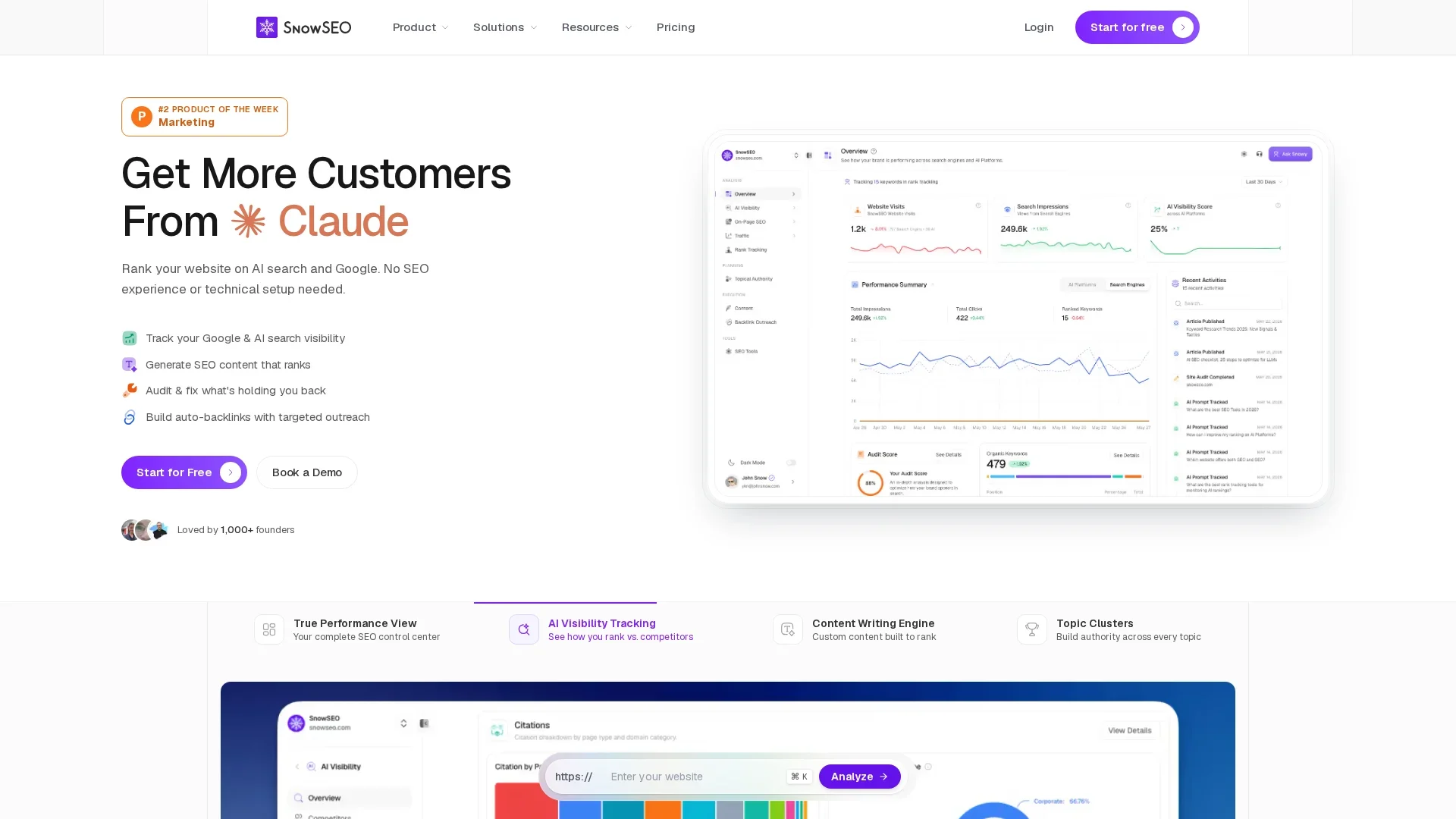
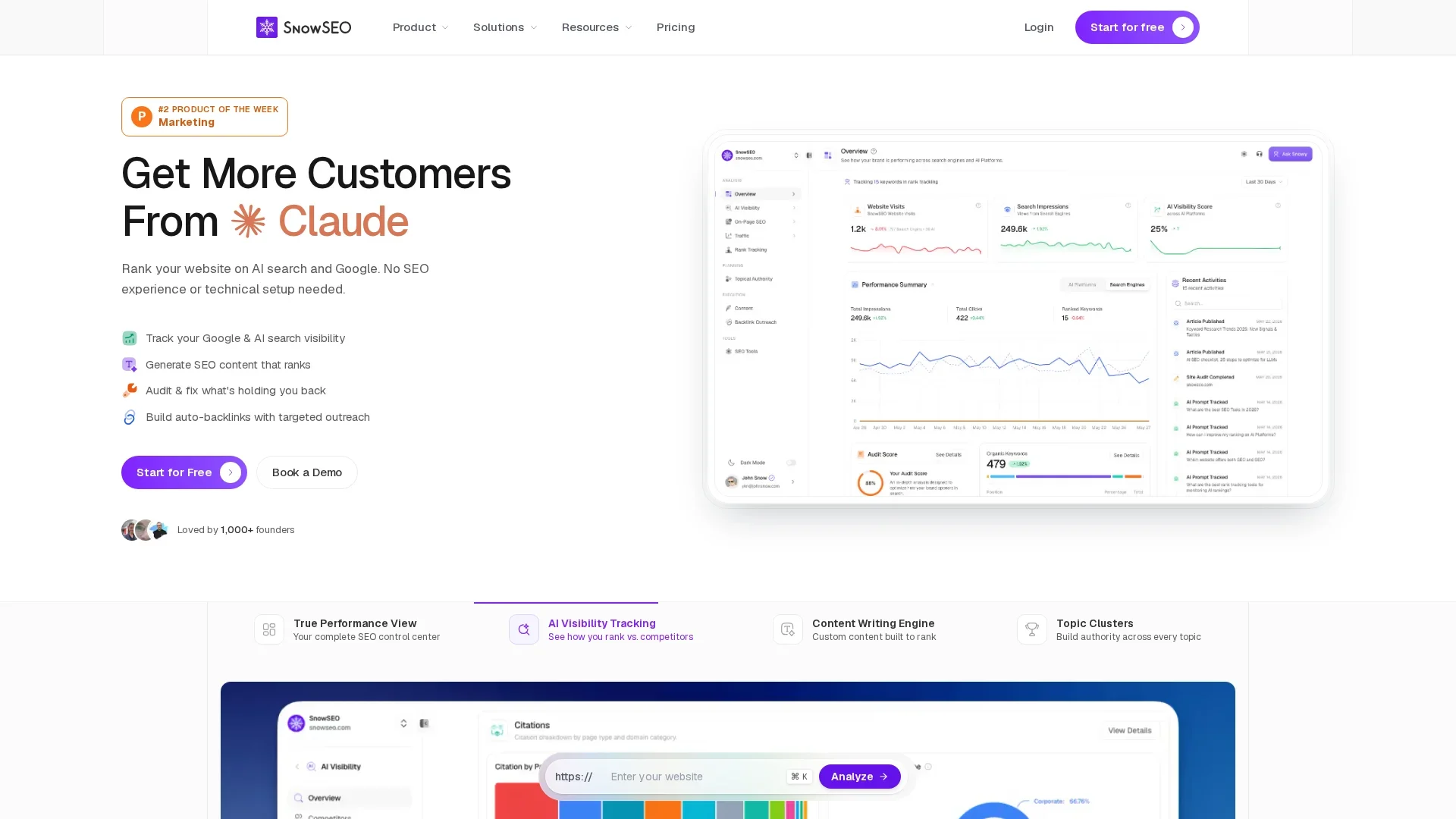
    SnowSEO
    Highlights

    • Track Google keywords daily, plus AI mentions, citations, sentiment, share of voice, and competitors across ChatGPT, Claude, Gemini, Perplexity, and more. See the platform overview.

    Specs

    • Best for: Founders, SMBs, content teams, and lean agencies
    • Actionability: Content, clusters, audits, backlinks, publishing, and gaps

    Pros

    • Fewer disconnected tools

    Cons

    • Review composite AI scores with prompt-level results.

    It ranks first because it turns visibility gaps into work you can publish and track.

    Last updated: August 23, 2026

    Also Read: 10 Best Tools for Competitor SEO Analysis in 2024

    2. OtterlyAI

    OtterlyAI is a specialist AI search analytics platform for mentions and citations. It focuses on where AI answers name, cite, and frame your brand.
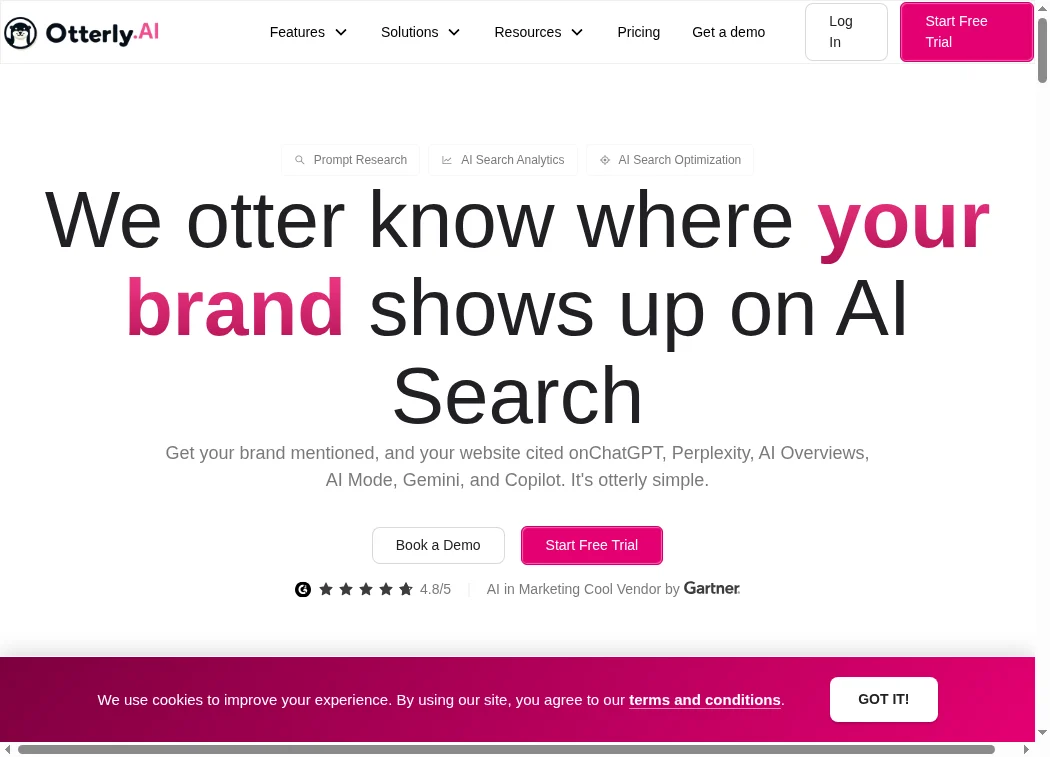
    OtterlyAI
    Highlights

    • Tracks seven AI engines, including ChatGPT, Claude, Gemini, and Google AI surfaces.
    • Stores answers to measure citation gaps, sentiment, share of voice, and competitor mentions.

    Specs

    • Best for: Agencies, SEO teams, ecommerce, and AI-search specialists.
    • Google tracking: AI Overviews and AI Mode, not full traditional SEO tracking.

    Pros

    Cons

    • Advanced engines may require add-ons.

    It ranks here because AI answer monitoring is its core strength, but its wider SEO toolkit is narrower than SnowSEO.

    Last updated: August 23, 2026

    Also Read: Best SEO Tools: 25 Picks to Improve Rankings in 2026

    3. Profound

    Profound suits enterprise teams that need structured AI search prompt intelligence. It tracks daily answers and turns findings into repeatable content and outreach work.
    ![Enterprise marketing team reviewing AI search insights on large office screens]
    Highlights

    Specs

    • Best for: Enterprise brands, agencies, and GEO programs
    • Google tracking: Use alongside a traditional rank tracker
    • AI coverage: Daily prompt-level answer tracking
    • Actionability: Content, outreach, reporting, and agents

    Pros

    • Strong segmentation by persona, region, and funnel stage.

    Cons

    • May overwhelm small teams seeking a simple dashboard.

    It ranks here because its enterprise depth exceeds many smaller teams’ needs.

    Last updated: August 23, 2026

    Also Read: SnowSEO – Your Last SEO Platform

    4. Search Atlas LLM Visibility

    Search Atlas suits teams that want AI visibility inside a broader SEO suite. It tracks how AI answers frame your brand, then connects findings to content and SEO work.

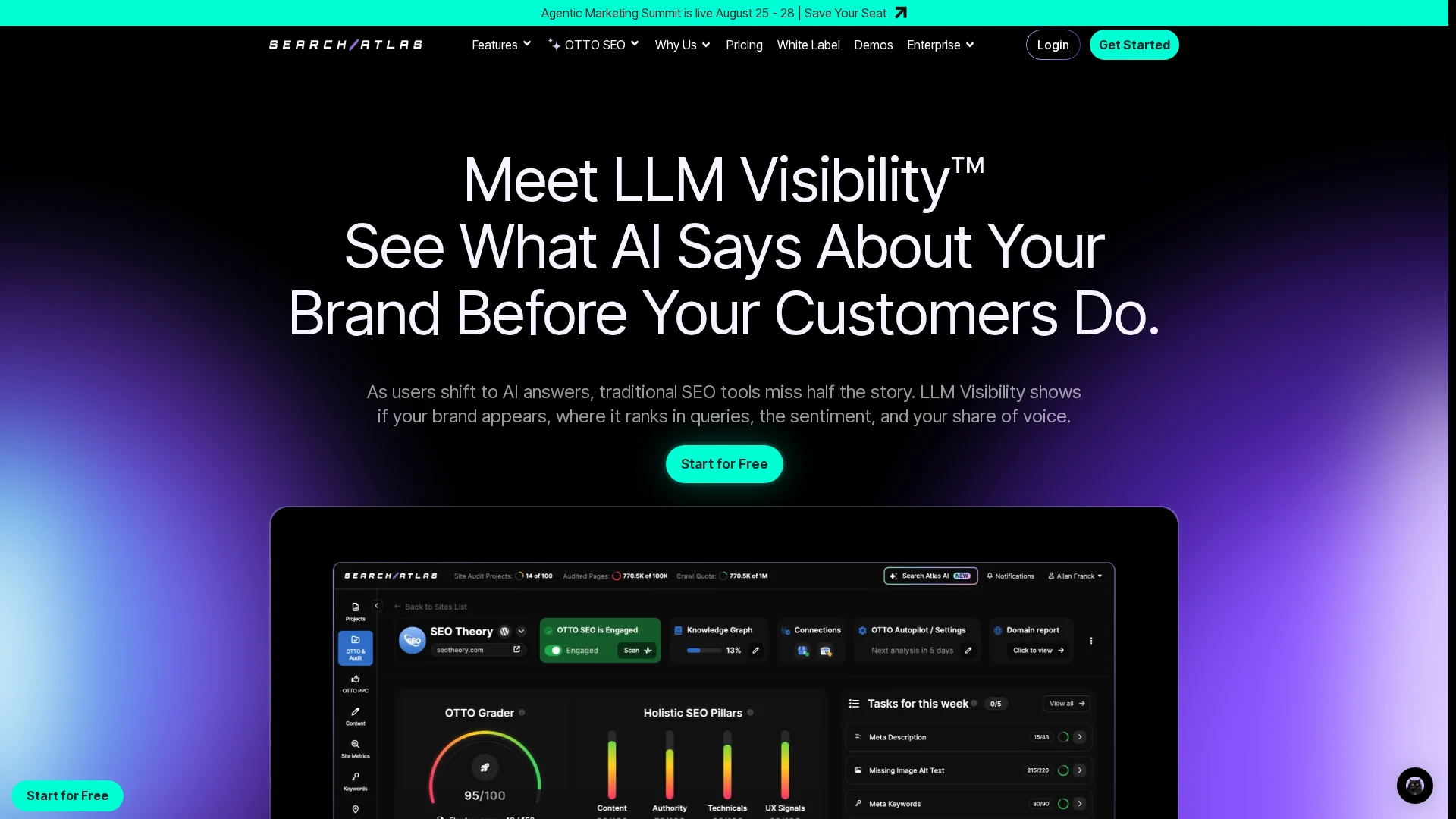
    Search Atlas LLM Visibility
    Highlights

    Specs

    • Google tracking: Available in the wider SEO platform
    • Best for: Agencies needing SEO plus AI automation

    Pros

    • Broad workflow beyond tracking

    Cons

    • Metrics need method-aware review.

    It ranks fourth because its wider suite may exceed simple tracking needs.

    Last updated: August 23, 2026

    More AI Visibility Trackers to Consider

    The four main picks fit most teams. These alternatives suit enterprise, agency, or reporting-heavy needs.

    1. AthenaHQ – Enterprise source intelligence, crawlability, citation outreach, governance, and team workflows.
    2. SE Visible – Agency-focused AI visibility with competitor, source, sentiment, multi-brand, and export tools.
    3. Rankability Tracker – Unified reporting for Google, AI engines, local, video, and citations.

    How to choose the right AI visibility rank tracker

    • Separate each signal. Track Google rank, AI mentions, answer placement, citations, and share of voice separately.
    • Confirm engine coverage. Check ChatGPT, Claude, Gemini, Perplexity, AI Overviews, and AI Mode by plan and region.
    • Demand prompt history. Saved answers reveal ranking shifts, cited sources, and competitor wins.
    • Match your workflow. Choose SnowSEO if you need tracking, content, and publishing in one place. Otterly.AI and Profound suit specialist monitoring.
    • Plan for reporting. Agencies need projects, exports, access controls, and location settings.

    Treat AI visibility as a KPI beside clicks, conversions, and Google rankings.

    Homepage
    Homepage

    Track Google rankings and AI visibility in one place. Try SnowSEO for audits, keywords, competitor insights, and smarter reporting.

    Frequently Asked Questions

    Q1: What are the best rank tracking tools for monitoring AI and traditional search engine rankings?

    SnowSEO is a strong all-in-one choice for Google ranks and AI visibility. AthenaHQ, Peec AI, and Otterly.AI focus more on AI mentions. Choose based on the platforms you need to track.

    Q2: Do AI rank trackers measure Google rankings?

    Not always. AI trackers often measure brand mentions, citations, and prompt answers. Use a tool with separate Google keyword positions and AI visibility data.

    Q3: How often should I check AI visibility?

    Check weekly for trends and after major content updates. Daily checks can be useful for active campaigns, but AI answers can change without a clear ranking signal.

  • SEO Platform Features That Matter for Agencies in 2026

    SEO Platform Features That Matter for Agencies in 2026

    Quick Summary: In 2026, choosing an SEO platform depends on workflow integration rather than flashy dashboards. Key features include effective rank tracking, AI content tools that support quality and brand voice, strong competitive analysis, and streamlined reporting for multi-client management. SnowSEO is highlighted as a platform that consolidates these features, reducing tool sprawl and improving agency efficiency.

    Choosing an SEO platform in 2026 comes down to workflow, not checklists. Basic rank tracking and keyword tools are expected. The real test is whether SEO platform features connect with AI content, competitive analysis, and client reporting in one clean system. Many agencies still juggle too many tools, lose time, and miss insights. This guide breaks down the SEO platform features that matter most, which SEO platform features cut tool sprawl, and how agencies should judge platforms for real client work.

    1. Start with the features that affect agency output, not just dashboard appeal

    Pretty charts do not save team time. Output does. Start with rank tracking and keyword workflows that help account managers act fast across many clients. Google says Search Console reports clicks, impressions, CTR, and average position, with daily, weekly, and monthly views for trend checks in its Performance report guide.

    • Rank tracking should support daily checks, device splits, and client-to-client views.
    • Comparisons should be easy at page, query, and market level.
    SEO workflow diagram with charts and dashboards
    SEO workflow diagram with charts and dashboards

    A platform also needs keyword research tied to briefs and content calendars. Google’s query and page groupings help teams see which searches bring traffic and which pages win or miss in Search Console dimensions.

    If your team exports keywords into separate docs, your platform still has a workflow gap.

    Also Read: 10 Best Tools for Competitor SEO Analysis in 2024

    2. Verify whether AI content generation actually helps your SEO process

    AI writing helps only if it improves speed, quality, and control. Google still rewards helpful, original pages, not mass text built to game rankings, per Google’s AI content guidance.

    • Look for SEO-aware briefs, not generic text generation
      Choose tools that build from search intent, entities, page type, and gaps in the current SERP. The output should start with a brief, not a blank prompt. Check whether it can suggest internal links, evidence to add, and sections your writer must verify. If it only spins readable copy, it will create commodity content fast.

    • Check whether the tool supports brand voice, approval, and publishing
      Good AI content needs guardrails. Your platform should store voice rules, require human review, and track edits by client or team. Google’s 2026 guidance on generative search also stresses unique, non-commodity content and solid publishing basics, as covered by Google’s new generative AI search guide.

    Also Read: Rank Tracking Setup for Google and AI Search

    3. Make competitive analysis a first-class buying criterion

    Do not treat competitor data as a nice extra. Make it a core buying test. As HubSpot notes, your real SEO competitors are often not your business rivals, so the platform must show visibility overlap clearly.

    • Compare shared keywords by market, device, and client location
    • Flag keyword gaps by intent, not just volume
    • Show which competitor pages win, not only which domains rank
    Modern SEO analysis dashboard with competitor comparison
    Modern SEO analysis dashboard with competitor comparison

    Use competitor tracking to make client strategy easier to defend. Moz defines competitor keyword analysis as finding valuable keywords competitors rank for that you do not. That should feed reports, briefs, and monthly actions.

    1. Track 3-5 true search rivals per client
    2. Tie ranking shifts to content updates
    3. Turn gaps into priority page lists

    If SnowSEO can connect gap data to reporting in one place, you cut tool sprawl fast.

    Also Read: 10 Must-Have Tools to Streamline Your SEO in 2025

    4. Choose the platform based on reporting, collaboration, and scale

    Pick the platform your clients will actually feel. White-label reporting and scheduled sends matter fast. Google says Search Console bulk export runs daily and starts within 48 hours after setup, which helps if your platform can turn raw data into client-ready reports without manual work Google Search Console help.

    • Check branded report templates
    • Confirm automated email delivery
    • Test PDF and live link options

    Your team also needs a clean workspace model. Google notes bulk exports can keep growing over time and data is retained unless you set limits, so scale and permissions matter table reference.

    • Separate clients by workspace or property
    • Set role-based access
    • Audit task history and approvals

    Also Read: SnowSEO – Your Last SEO Platform

    Homepage
    Homepage

    Cut tool sprawl and manage client SEO faster with SnowSEO. Get audits, tracking, content, and competitive data in one platform built for agencies.

    Frequently Asked Questions

    Q1: Which SEO platform offers the best integration of rank tracking, keyword research, AI content generation, and competitive analysis?

    SnowSEO fits agencies that want one workflow, not five tools.

    Q2: What feature matters most for multi-client agencies?

    Client-level permissions and clean reporting save the most time.

    Q3: Should agencies replace point tools in 2026?

    Not always. Replace overlap first, then keep tools with clear, unique value.

    Conclusion

    Agencies should buy for shared workflows, clean reporting, strong integrations, and AI search tracking, not bloated checklists. Google says core SEO still supports generative search in its AI optimization guide, while AI Search updates show why unified platforms now matter more.

  • 9 Rank Tracking Tools for Local SEO and Maps

    9 Rank Tracking Tools for Local SEO and Maps

    Quick Summary: Local SEO rank tracking tools vary in focus, from broad SEO platforms like SnowSEO and SE Ranking to specialized geo-grid tools like RankGrid. The best tool depends on whether you need street-level map visibility, competitor overlays, or integrated workflows. SnowSEO offers AI insights and comprehensive SEO features, making it ideal for teams managing multiple aspects of local SEO.

    A bakery can rank first at the counter, then disappear three blocks away. That is why the real question is where it ranks on the map. Most Local SEO Tools hide that with one score. Good Maps Ranking Software shows street-level gaps, rival strongholds, and where calls start or stop. This list reviews 9 Local SEO Tools, including geo-grid tracking, Maps coverage, competitor views, and reporting. We picked active Local SEO Tools with official pages, local SERP support, and solid Keyword Rank Checker features.

    Quick Comparison

    Tool Best for Maps ranking coverage Geo-grid / heatmap depth Reporting and collaboration
    SnowSEO Teams that want rank tracking inside a broader SEO workflow Not the main public emphasis Limited or not foregrounded in public docs AI insights and exports for internal reporting
    SE Ranking Agencies and SMBs wanting an all-in-one SEO suite Google Maps and local pack tracking Grid Rank Tracker with adjustable settings Strong reporting and integrations
    Search Atlas Agencies wanting local tracking plus automation Local heatmaps and local rankings Strong local grid support White-label and automated reporting
    RankGrid Neighborhood-level local SEO analysis Google Maps geo-grid visibility Core product strength Live client portals and shareable views

    What to know about local rank tracking

    Local rank tracking shows where you rank by street, ZIP code, and device type. That matters because a business can rank well in one neighborhood and poorly a few blocks away.

    Maps SEO adds another layer. You need to track both local pack and map results, not just standard organic positions. The best tools show geo-grid coverage, nearby competitors, and the exact areas where visibility drops.

    Small location changes can lead to big ranking shifts. That is why broad keyword averages often hide real local SEO problems.

    1. SnowSEO

    SnowSEO works best as your rank tracking workflow hub, not a maps-only niche tool. Its keyword tracking docs show daily Google Search Console data with live SERP fallback, and onboarding supports region targeting for market-by-market views.

    SnowSEO
    Highlights

    • Daily tracking from GSC with live fallback for new terms
    • Region filters, AI insights, and exports

    Specs

    • Best for: Teams that want rank tracking inside a broader SEO workflow
    • Maps ranking coverage: Not the main public emphasis

    Pros

    • Strong operator fit
    • Clean reporting

    Cons

    • Limited geo-grid depth

    It ranks first because it fits real SEO operations better than a heatmap-only tool.

    Last updated: August 7, 2026

    Also Read: 10 Best Tools for Competitor SEO Analysis in 2024

    2. SE Ranking

    SE Ranking is a broad SEO platform with solid local rank tracking built in. Its local module tracks Google Maps, local pack, and organic local results, with city, postal code, and grid-based views, according to SE Ranking’s local rank tracker page and its Local Rankings knowledge base.
    SE Ranking
    Highlights

    • Tracks Google Maps and organic local rankings in one module
    • Supports adjustable geo-grid tracking and competitor monitoring

    Specs

    • Best for: Agencies and SMBs wanting an all-in-one SEO suite
    • Maps ranking coverage: Google Maps and local pack tracking
    • Reporting and collaboration: Strong reporting and integrations

    Pros

    • Balanced local and broader SEO tools

    Cons

    • Less specialized than geo-grid-first tools

    It ranks this high because it blends dependable Maps tracking with a full SEO suite.

    Last updated: August 7, 2026

    Also Read: 10 Must-Have Tools to Streamline Your SEO in 2025

    3. Search Atlas

    Search Atlas fits agencies that want local SEO software tied to execution, not just charts. Its local SEO software centers on heatmaps, reporting, GBP tasks, and wider SEO automation in one stack.

    ![coffee shop owner reviewing neighborhood map rankings on a laptop beside storefront window)
    Highlights

    • Local heatmaps show rankings block by block.
    • Local search grid supports competitor comparison.
    • White-label reporting helps client delivery.

    Specs

    • Best for: Agencies wanting local tracking plus automation

    Pros

    • Strong mix of maps ranking software and reporting

    Cons

    • Broad platform may feel bigger than needed

    It ranks here because it connects geo-grid rank tracker data to agency workflows.

    Last updated: August 7, 2026

    Also Read: 10 New Keyword Research Techniques to Try Now

    4. RankGrid

    RankGrid is a focused geo-grid rank tracker built to show Google Maps visibility by neighborhood, not just one city average. It is strongest when you need scan diffs, competitor overlays, and live portals in one clean view, as shown on its features page.
    ![sunlit marketing team reviewing a neighborhood map heat grid on office monitor)
    Highlights

    • Geo-grid scans for neighborhood visibility analysis
    • Scan diff maps show gains and losses over time
    • Competitor overlays add local market context

    Specs

    • Best for: Neighborhood-level local SEO analysis
    • Maps ranking coverage: Google Maps geo-grid visibility
    • Reporting and collaboration: Live client portals and shareable views

    Pros

    Cons

    • Less broad than all-in-one SEO platforms
    • Overkill for simple keyword checks

    It ranks here because it stays tightly focused on map-based local visibility.

    Last updated: August 7, 2026

    More tools worth a look

    If the main list feels too narrow for your setup, these runners-up still deserve a scan. They may fit better if you need a specific workflow or reporting style.

    1. Map Ranking
    2. Getpin
    3. ProMapRanker
    4. OtterlyAI
    5. AthenaHQ

    How to choose the right local rank tracker

    Use these checks before you buy:

    • Pick a geo-grid-first tool if you care about street-by-street Maps visibility, not one citywide average.
    • Pick SnowSEO if you want rank tracking plus audits, reporting, content, and competitor research in one workflow. It is the strongest fit for teams that do more than Maps alone.
    • Look for competitor overlays and scan history if you need to explain weak zones fast.
    • Choose shareable reports or white-label portals for clients and multi-location brands.
    • Verify support for your locations, devices, and countries.
    • Already use SE Ranking or Search Atlas? Compare their local module against specialists before adding another tool.
    Homepage
    Homepage

    Want one place to track local rankings, map visibility, audits, and content? Try SnowSEO to turn scattered SEO work into one clear workflow.

    Frequently Asked Questions

    Q1: What are the most accurate tools for local Google Maps rank tracking in 2026?

    Geo-grid trackers usually give the clearest Maps view because they show rank by street-level area, not one ZIP code. SnowSEO stands out if you want rank tracking tied to audits, keywords, and reporting in one workflow.

    Q2: How can geo-grid tracking reveal geographic gaps in local SEO efforts?

    It maps rankings across many points around your business. That helps you spot weak zones, service-area blind spots, and places where competitors outrank you even when your average local rank looks fine.

    Q3: Which rank tracking tools support AI-driven insights for local SEO in 2026?

    SnowSEO is the strongest fit when you want AI help tied to broader SEO work, not rank checks alone. Look for tools that flag patterns, group location drops, and turn ranking data into clear action steps.