TL;DR: Surfer SEO is presented as a strong but specialized on-page optimization tool, with its Content Editor and SERP Analyzer helping teams create clearer briefs, faster edits, and data-backed content decisions. The review’s main pros are workflow speed, standardized guidance for agencies and in-house teams, and useful SERP insights, while the biggest cons are its relatively high price, feature limits, and the risk of producing formulaic, overoptimized content if users follow the scores too literally. It’s most worthwhile for teams publishing regularly and already handling other SEO functions elsewhere, but it’s less compelling for low-volume blogs, tight budgets, or beginners who lack search intent and SEO judgment. Overall, the article argues Surfer works best as one layer in a broader SEO stack rather than a full replacement for all-in-one SEO platforms.
Surfer SEO looks powerful on paper, but does its workflow actually save time and boost rankings enough to justify the cost?
Most review pages throw features at you. They do not answer the real question: do the content editor, SERP analysis, and audit tools give real value for teams in 2026?
This review cuts through the noise. You get clear pros and cons, who Surfer fits, and when the pricing makes sense or not. It is built around how real SEO teams, agencies, and content managers choose tools today.
Surfer SEO’s biggest pros for content optimization
1. Content Editor speeds up on-page optimization
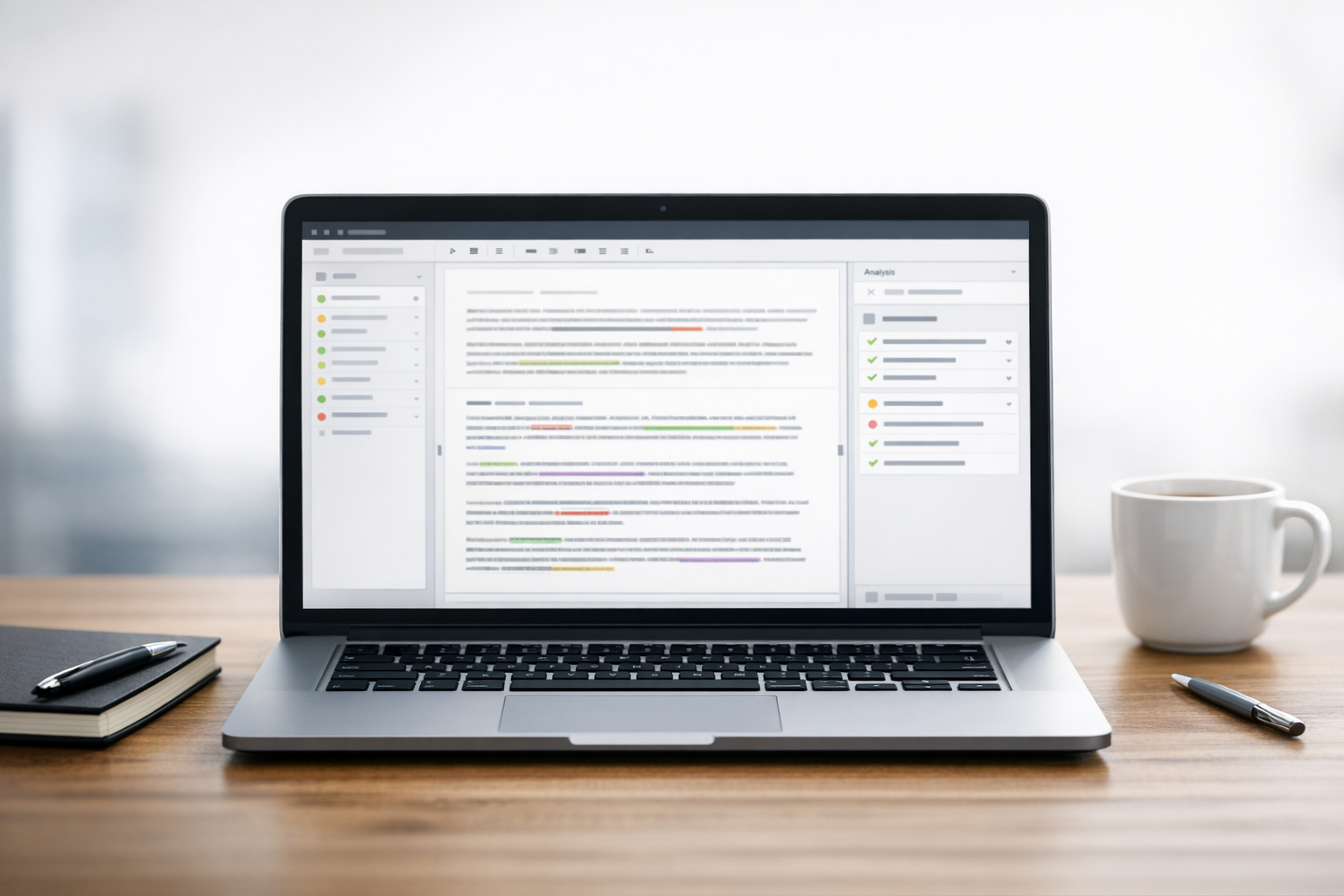
Surfer SEO’s Content Editor is the main reason people pay for the tool.
You get real time guidelines for word count, headings, and terms to use, based on live SERP data, not guesswork. The Content Score gives you a simple target to aim for while you write, which makes briefs clearer and edits faster.
Auto Optimize can then tweak your draft to add missing NLP terms and fill small gaps without wrecking tone, as shown in surferseo.com. Instead of manually checking keywords in a spreadsheet, your writer just writes inside the editor and watches the score climb.
2. SERP Analyzer supports stronger content decisions
Surfer’s SERP analysis underpins all the suggestions.
It reverse engineers top ranking pages and flags what they share: length, headings, entities, and structure. That lets you decide if you actually need 3,000 words or if 1,200 is enough to compete.
For high stakes pages, this is much faster than doing manual audits and still more detailed than many classic SEO tools, as you can see across their case studies on surferseo.com.
3. Useful for agencies and scaled content teams
Agencies and in house teams like Surfer because it standardizes quality.
You can hand a writer a Content Editor link, even if they do not have an account, and know they will follow the same data backed brief.
For teams that already use a full stack platform like SnowSEO, Surfer often slots in as the dedicated on page optimizer when content volume is high and you need fast, repeatable guidance.
Also Read: 10 Essential Tips for Accurate Rank Tracking Metrics
Surfer SEO’s main cons and limitations
Surfer SEO is useful, but it is not a magic bullet. There are real tradeoffs you should weigh before locking in a subscription.
1. Pricing can feel high for light users
You start to feel the price if you are not publishing often. At around $89 per month for the Essential plan, casual blogs and tiny teams struggle to get real ROI from a handful of articles.
Plans also gate features and credits. Hit your Content Editor or audit limits, and you either stop optimizing or upgrade. If you also pay for a separate SEO suite and AI writer, your monthly stack climbs fast.
For low volume sites, that bundle cost often beats the extra traffic you gain.
2. Recommendations can push overly formulaic content
Surfer’s scoring system is correlation based. It pushes you to match what already ranks. That can tempt writers to chase a 90+ score instead of writing something actually helpful.
When you blindly follow every term and heading, you often get:
- Stiff, keyword heavy sentences
- Articles that look cloned from competitors
- Too many sections and subheads for simple topics
Many SEOs now treat a mid‑range score as “good enough” and trust their own judgment for the rest.
3. Best features still require SEO experience
Surfer is not a beginner’s shortcut. You still need to understand:
- Search intent
- When to ignore keyword suggestions
- How word count and structure fit your niche
If you lack these basics, the interface can overwhelm you. You might over optimize weak topics or chase bad keywords because they “look green” in the tool.
The result: lots of time spent polishing content that never had a real chance to rank.
Is Surfer SEO worth it in 2026?
You should only pay for Surfer SEO if it fits your volume and workflow. The tool is strong, but it is not cheap or all‑in‑one.
1. Best for agencies and teams publishing regularly
Surfer SEO makes sense if you:
- Publish at least 6 to 10 SEO articles per month
- Manage multiple writers or clients
- Already handle keyword research in another tool
In that setup, the Content Editor becomes your on‑page standard. You give writers a target score, get more consistent drafts, and cut review time. For busy teams, that time saving alone often beats the $89+ monthly cost.
2. Less compelling for occasional publishing or tight budgets
If you:
- Publish one or two posts per month
- Do not have clear ROI from organic search
- Need keyword research, tracking, and audits in one place
Then Surfer feels expensive and incomplete. You will pay for power you rarely use and still need other tools.
3. Quick verdict by use case
- Agencies and in‑house teams with steady content: Yes, Surfer is worth it.
- Serious solo creators posting weekly: Worth testing for 2 to 3 months.
- Hobby blogs and low‑volume sites: No, focus on fundamentals and cheaper options first.
Also Read: 5 Best Rank Tracking Tools to Boost Your SEO Results
Final verdict and best next step
1. Overall recommendation
Treat Surfer SEO as a sharp, single-purpose tool, not your whole stack.
Pick Surfer SEO if you:
- Already get traffic from Google.
- Have writers who can follow data driven briefs.
- Care more about on page wins than AI visibility.
Skip it or pair it with something else if you:
- Need AI search visibility tracking and GEO.
- Want technical SEO, backlinks, and full funnel reporting in one place.
Expert verdict: Surfer SEO fits best as the on page optimization layer inside a wider stack that might also include a GEO platform like SnowSEO for AI visibility and rank tracking.
2. Read the pillar page for broader platform context
To see how Surfer SEO stacks up against full GEO and AI visibility tools, go to our complete guide to AI SEO and GEO platforms. That pillar page gives you the bigger picture so you can choose the right mix of Surfer SEO, SnowSEO, and other tools for your team.
If you are evaluating Surfer SEO, compare your publishing volume and budget against the platform’s pricing before choosing a plan.

Then test SnowSEO to centralize audits, AI content, and rank tracking so your whole search workflow actually scales.
Frequently Asked Questions
Q1: Is Surfer SEO worth it if I already use SnowSEO?
Yes, but for a narrow use. Use Surfer mainly for on-page content optimization. Keep SnowSEO as your core platform for audits, AI visibility, and tracking. If budgets are tight, you can likely skip Surfer and go all in on SnowSEO.
Q2: Who gets the most value from Surfer SEO?
Surfer fits content-heavy teams. Think agencies producing many briefs, publishers, and SaaS blogs that live on organic traffic. If you publish only a few posts per month, it may feel pricey for what you use. At that point, an all-in-one tool is smarter.
Q3: How should I use Surfer SEO with editors or writers?
Set Surfer Content Editor as your base brief. Add your brand voice and examples outside the tool. Tell writers to hit Surfer’s content score, but never at the cost of clarity. Do a final human pass to remove keyword stuffing and awkward phrases.
Q4: What are common mistakes when using Surfer SEO?
People chase a perfect score and forget readers. They overuse suggested keywords, ignore search intent, or skip manual SERP checks. Treat Surfer as a decision aid, not a rulebook. Always ask: would a real person find this clear, helpful, and trustworthy?
Conclusion
Surfer SEO is strongest for teams that publish often and need repeatable optimization workflows. Its Content Editor and SERP Analyzer shine but still need human SEO judgment. Pricing makes sense at volume. Light users may prefer simpler, cheaper tools.
Leave a Reply