
Tag: ROI

  • How to Move From Legacy SEO Platforms to SnowSEO

    How to Move From Legacy SEO Platforms to SnowSEO

    Quick Summary: Migrating 40 client projects to SnowSEO requires preserving keyword groups, rank baselines, and competitor data-not just logins-while ensuring generative search visibility stays tracked in one workflow. Start by exporting 12 months of trend data, mapping unused reports for retirement, and assigning owners to each workflow before switching. Run parallel tracking for two reporting cycles to validate data matches, then launch with a focus on priority pages and AI visibility continuity, fixing high-value gaps first. Google’s guidance emphasizes testing changes before launch and monitoring post-move, so keep the old platform active until SnowSEO’s data aligns exactly with your baseline.

    Moving 40 client projects is not about new logins. A legacy SEO platform migration must keep keyword groups, rank baselines, competitor data, reports, and the context behind each call.

    This guide shows how to plan a safer legacy SEO platform migration to SnowSEO, validate your data, and keep reporting steady. It also covers generative search continuity, so your team can track search and AI visibility in one workflow.

    Step 1: Inventory Your Legacy SEO Platform

    Capture Data, Workflows, and Ownership

    Start your legacy SEO platform migration with a full export. List every report, keyword set, audit, alert, integration, and user role before access changes.

    SEO team reviewing legacy platform workflows and report ownership
    SEO team reviewing legacy platform workflows and report ownership
    Area Capture Owner
    Search data Rankings, clicks, pages, keywords SEO lead
    Workflows Audits, briefs, approvals, alerts Content lead
    Access Admins, API keys, billing, exports Operations lead

    Google advises teams to prepare and test changes before a move, then monitor results after launch in its site migration guidance.

    • Export at least 12 months of trend data.
    • Record report schedules and decision rules.
    • Name one accountable owner per workflow.

    Do not cancel the old platform until SnowSEO data matches your baseline.

    Also Read: 10 New Keyword Research Techniques to Try Now

    Step 2: Build Your SnowSEO Migration Map

    Map What Transfers and What Needs Rebuilding

    List every legacy report, data source, keyword set, and alert before you switch. Keep raw exports safe. Google notes that Search Console report downloads can truncate data, while bulk exports retain fuller performance data for your property in BigQuery.

    Use a simple map:

    Asset Action Owner
    Keyword groups Transfer and tag SEO lead
    Rank baselines Export and verify Analyst
    Custom reports Rebuild in SnowSEO Marketing ops
    AI visibility prompts Create new tracking Content lead
    • Save date ranges, filters, and market settings.
    • Mark reports nobody uses for retirement.

    Warning: Do not compare new SnowSEO data with old data until settings match.

    Also Read: 10 Best Tools for Competitor SEO Analysis in 2024

    Step 3: Import, Configure, and Validate the Data

    Run a Parallel Comparison

    Import your saved keyword sets, target pages, tags, competitors, and past reports. Then configure SnowSEO to match the old platform’s search engines, locations, devices, and update schedule.

    Side-by-side SEO data migration workflow comparison
    Side-by-side SEO data migration workflow comparison

    Run both platforms side by side for two reporting cycles. Compare the same dates and filters. Google notes that property-level and page-level data use different counting rules, so match the view before judging a gap in results. See Google’s reporting guidance.

    Check What to compare
    Rankings Keywords, location, device, SERP type
    Traffic Clicks, impressions, landing pages
    AI visibility Prompts, cited pages, competitor mentions

    Do not switch off the legacy platform until the gaps have an owner and a clear reason.

    1. Flag missing keywords or URLs.
    2. Check tags and access rights.
    3. Approve SnowSEO as the new source of truth.

    Also Read: 10 Organic Growth Strategies to Drive Traffic in 2025

    Step 4: Launch the Unified SEO and Generative Search Workflow

    Measure Continuity and Business Value

    Launch with one shared baseline, then watch search and AI visibility together. Track priority pages, query groups, conversions, and brand mentions across the new workflow.

    Measure Check Business signal
    Organic visibility Clicks, impressions, and rank Demand retained
    AI visibility Brand and page mentions in AI answers Generative search continuity
    Conversions Leads, sales, and assisted revenue Real return on effort

    Use SnowSEO to keep audits, keyword work, content tasks, and visibility tracking in one view. Google says Search Console reports queries, clicks, impressions, and position, so compare these numbers with your pre-move baseline.

    Review weekly for the first month. Fix lost high-value pages first, not every small ranking shift.
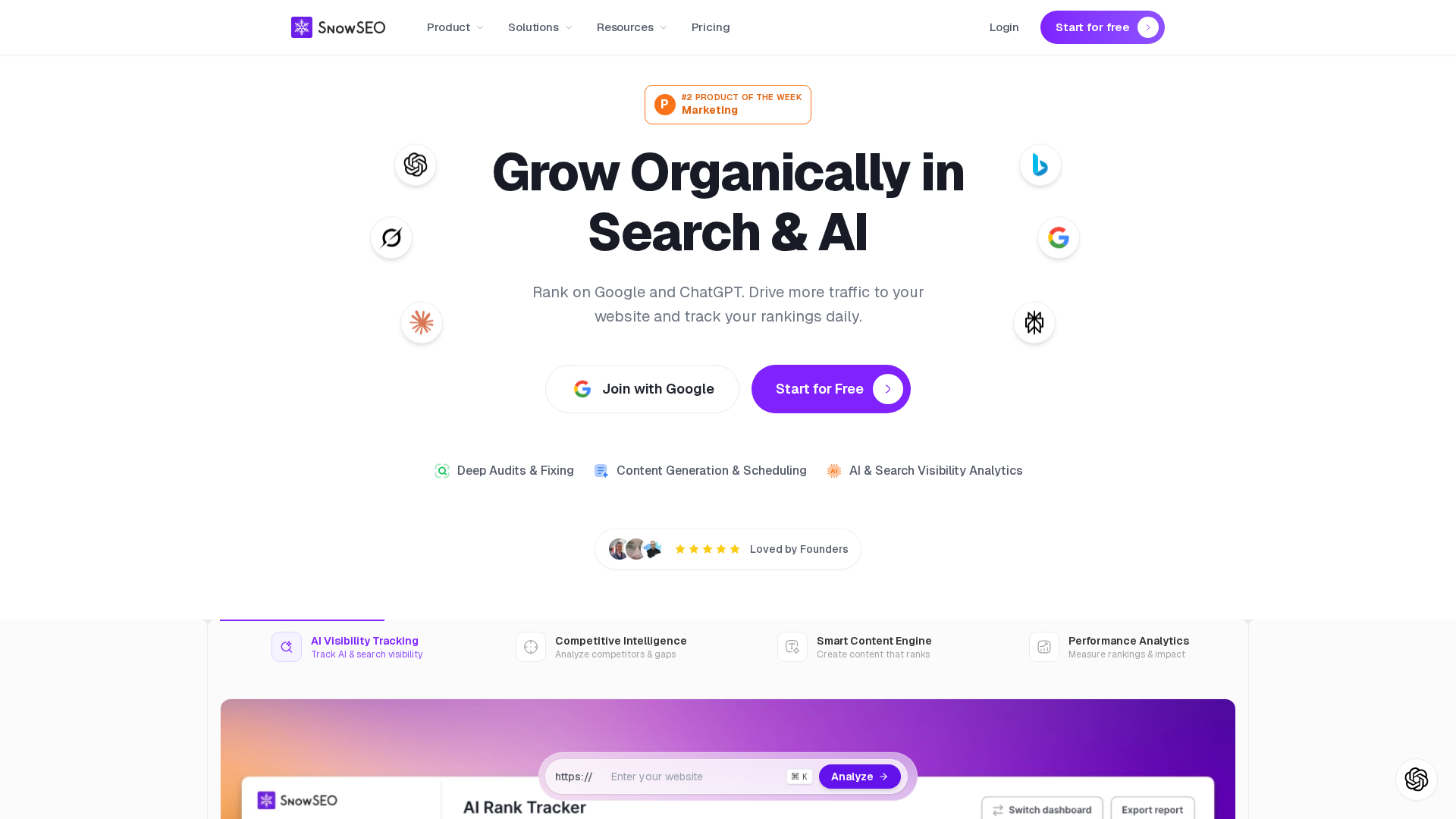
    Homepage
    Homepage

    Move with control, not guesswork. Use SnowSEO to unite audits, rank tracking, content, and AI search visibility in one workflow.

    Frequently Asked Questions

    Q1: How to transition from legacy SEO platforms to SnowSEO for a unified approach to traditional and generative SEO?

    Export key data, map active reports, then run parallel tracking before switching. Keep baseline rankings and prompts.

    Q2: What data should I keep?

    Save keyword lists, site audits, backlinks, and historic rankings.

    Q3: How long should parallel tracking last?

    Use two to four weeks to spot gaps and confirm reporting matches.

    Conclusion

    A safe move to SnowSEO starts with clean data, clear ownership, and steady checks after launch. Protect search signals with tested redirects and monitoring, as Google recommends, while bringing SEO and generative search work into one workflow.
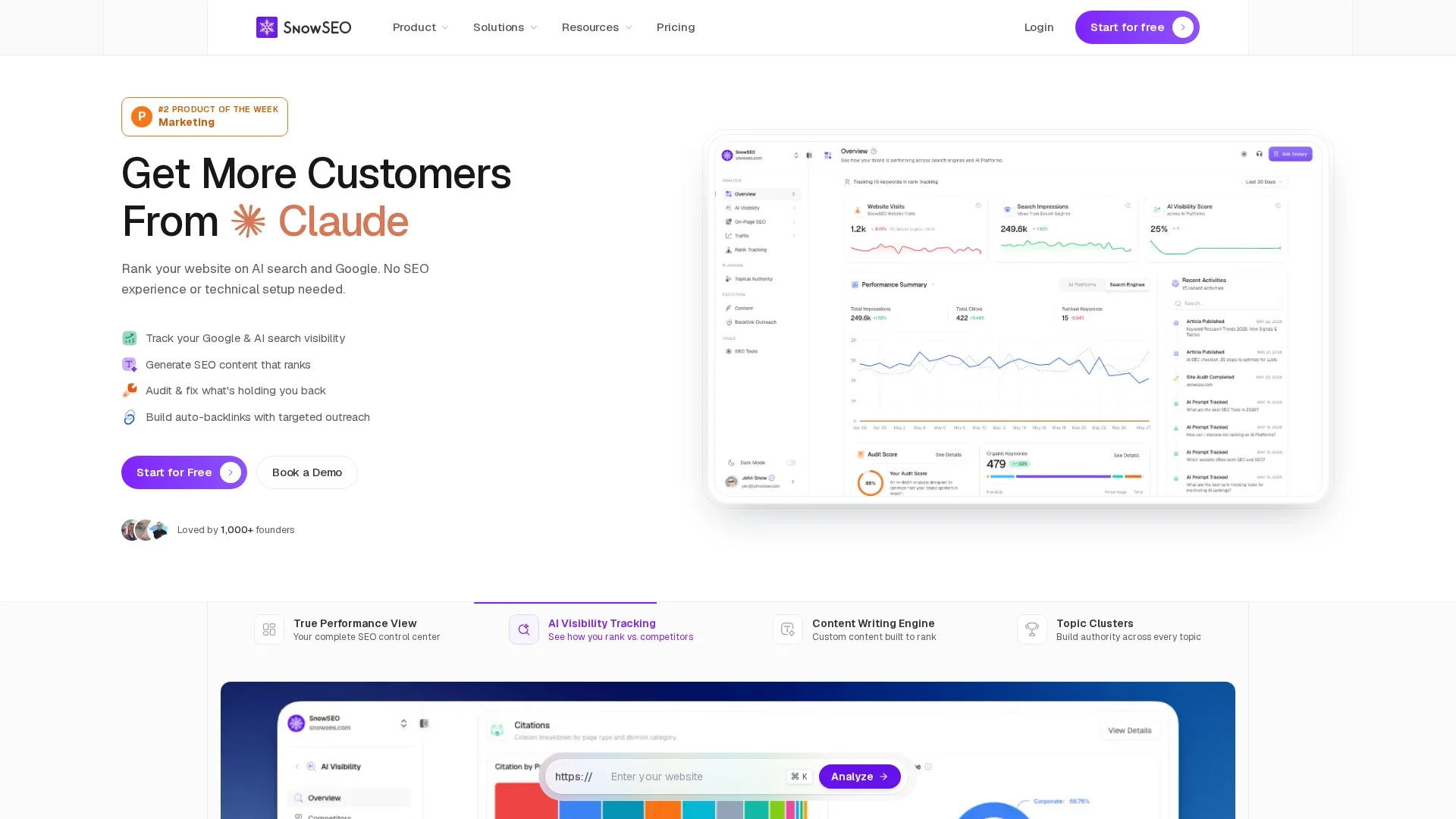
  • SnowSEO Rank Tracking Review: Alerts, Reports, and Coverage

    SnowSEO Rank Tracking Review: Alerts, Reports, and Coverage

    Quick Summary: SnowSEO combines daily Google rank tracking with Google Search Console data to show keyword shifts and traffic demand-but alerts alone aren’t enough to act on, since rankings fluctuate naturally and require cross-checking with clicks, impressions, and device filters. The tool’s real strength lies in its granular reports, exports, and API access for teams, letting them filter by country, device, or keyword group before sharing client updates. A trial should confirm whether automated alerts actually trigger in time, as the tool’s value depends on validating ranking drops with GSC’s more stable traffic signals. It’s best suited for teams needing a unified workspace to spot trends, not just chase every position swing.

    A ranking drop matters most before a client spots the traffic loss. This SnowSEO rank tracking review looks at daily Google checks, Google Search Console links, and keyword gains or losses in one workspace. The real question is whether alerts and reports give teams enough warning and proof to act fast. This SnowSEO rank tracking review separates documented coverage, exports, insights, and API access from alert claims that need closer review.

    How SnowSEO Tracks Rankings and Detects Changes

    SnowSEO combines tracked keyword positions with Google Search Console data to show both rank movement and search demand. Treat these as different signals, not matching numbers.

    SnowSEO
    SnowSEO

    GSC Data Versus Live SERP Tracking

    GSC reports clicks, impressions, CTR, and average position from real Google searches. Google notes that position is an average and can vary by device, place, and user history in its Performance report guide.

    Signal Best use
    GSC data Find traffic and demand shifts
    SERP tracking Watch a chosen keyword’s rank

    What Counts as a Ranking Alert

    A useful alert flags a material change, then gives the keyword, landing page, date, and direction. Check the result before acting:

    1. Confirm the drop across several days.
    2. Compare clicks and impressions in GSC.
    3. Check whether the ranking URL changed.

    Do not treat every position swing as a problem. Search results naturally vary.

    Also Read: 10 New Keyword Research Techniques to Try Now

    Reports, Exports, and Coverage for Teams

    Coverage Controls That Matter

    Set coverage by country, device, search type, keyword group, and landing page. That makes client reports useful, not noisy. Pair rank changes with Search Console clicks, impressions, CTR, and average position. Google lets teams filter these views by queries, pages, countries, devices, and search appearance in its Performance report.

    Control Team use
    Keyword tags Split brands, products, and markets
    Device filters Catch mobile-only losses
    Page groups Assign fixes to owners
    Data-driven workflow connecting keyword insights device filters and team reports
    Data-driven workflow connecting keyword insights device filters and team reports

    Exported Search Console tables can be limited to 1,000 shown rows, so check scope before sharing.

    Can You Send Automated Reports?

    Do not assume SnowSEO sends scheduled email reports or alerts unless your plan confirms it. Its documented daily tracking and data views support review, but notification promises need proof.

    1. Export the filtered view.
    2. Add a short action note.
    3. Send it on a fixed weekly cadence.

    Google supports CSV, Excel, and Sheets exports from reports, as its export guide confirms.

    Also Read: 10 Must-Have Tools to Streamline Your SEO in 2025

    Pros and Cons for SEO Workflows

    SnowSEO can keep rank checks, audits, keyword work, and content tasks in one place. That cuts tab switching and makes client updates easier.

    Workflow area Upside Watch-out
    Rank tracking Clear daily trend checks A ranking shift needs context
    Reports Faster team sharing Confirm the fields each client needs
    GSC data Adds clicks and impressions Fresh data can still change
    SEO manager analyzing rank alerts beside client report
    SEO manager analyzing rank alerts beside client report

    Google Search Console tracks clicks, impressions, CTR, and average position, but its newest data may be preliminary, as Google explains.

    • Use alerts to flag sharp changes.
    • Check device, country, and page before acting.
    • Export reports for review.

    Warning: Do not treat a single ranking drop as a traffic loss.

    Also Read: 10 Organic Growth Strategies to Drive Traffic in 2025

    Is SnowSEO Rank Tracking Worth It?

    SnowSEO is worth testing if your team needs rank checks beside audits, keywords, and AI visibility work.

    Use it to spot movement, then validate impact in Google Search Console. Google reports clicks, impressions, CTR, and average position, but position is an average, not a fixed rank. Google explains the limits.

    Good fit Check first
    One team needs one SEO workspace Alert rules, exports, and API access
    You review ranking trends weekly Location, device, and SERP feature coverage

    Do not buy for alert promises alone. Confirm notification timing during a trial.

    1. Add a small keyword set.
    2. Compare results with GSC.
    3. Test a report export before rollout.

    Also Read: Rank Tracking Software Gains Real-Time AI Search Reporting

    Homepage
    Homepage

    Get daily rank tracking, clear reports, and wider SERP coverage in one place. Try SnowSEO to spot changes before they cost traffic.

    Frequently Asked Questions

    Q1: Does SnowSEO provide automated alerts and reports in its rank tracking system?

    SnowSEO documents daily rank tracking, exports, and reporting data. Confirm alert triggers, delivery timing, and report scheduling during a product demo before relying on them for client workflows.

    Q2: Can I track Google Search Console data?

    Yes, connect Search Console to compare tracked keywords with clicks, impressions, and page data.

    Q3: Does rank tracking cover AI search results?

    Check which AI platforms, prompts, locations, and result types SnowSEO tracks for your plan.

    Conclusion

    SnowSEO’s documented daily tracking, GSC data, SERP coverage, and exports support practical reporting. Treat alerts and API claims with care. Google confirms reporting data can be preliminary.