Category: Marketing

  • SEO Platform Features That Matter for Agencies in 2026

    SEO Platform Features That Matter for Agencies in 2026

    Quick Summary: In 2026, choosing an SEO platform depends on workflow integration rather than flashy dashboards. Key features include effective rank tracking, AI content tools that support quality and brand voice, strong competitive analysis, and streamlined reporting for multi-client management. SnowSEO is highlighted as a platform that consolidates these features, reducing tool sprawl and improving agency efficiency.

    Choosing an SEO platform in 2026 comes down to workflow, not checklists. Basic rank tracking and keyword tools are expected. The real test is whether SEO platform features connect with AI content, competitive analysis, and client reporting in one clean system. Many agencies still juggle too many tools, lose time, and miss insights. This guide breaks down the SEO platform features that matter most, which SEO platform features cut tool sprawl, and how agencies should judge platforms for real client work.

    1. Start with the features that affect agency output, not just dashboard appeal

    Pretty charts do not save team time. Output does. Start with rank tracking and keyword workflows that help account managers act fast across many clients. Google says Search Console reports clicks, impressions, CTR, and average position, with daily, weekly, and monthly views for trend checks in its Performance report guide.

    • Rank tracking should support daily checks, device splits, and client-to-client views.
    • Comparisons should be easy at page, query, and market level.

    SEO workflow diagram with charts and dashboards
    SEO workflow diagram with charts and dashboards

    A platform also needs keyword research tied to briefs and content calendars. Google’s query and page groupings help teams see which searches bring traffic and which pages win or miss in Search Console dimensions.

    If your team exports keywords into separate docs, your platform still has a workflow gap.

    Also Read: 10 Best Tools for Competitor SEO Analysis in 2024

    2. Verify whether AI content generation actually helps your SEO process

    AI writing helps only if it improves speed, quality, and control. Google still rewards helpful, original pages, not mass text built to game rankings, per Google’s AI content guidance.

    • Look for SEO-aware briefs, not generic text generation
      Choose tools that build from search intent, entities, page type, and gaps in the current SERP. The output should start with a brief, not a blank prompt. Check whether it can suggest internal links, evidence to add, and sections your writer must verify. If it only spins readable copy, it will create commodity content fast.

    • Check whether the tool supports brand voice, approval, and publishing
      Good AI content needs guardrails. Your platform should store voice rules, require human review, and track edits by client or team. Google’s 2026 guidance on generative search also stresses unique, non-commodity content and solid publishing basics, as covered by Google’s new generative AI search guide.

    Also Read: Rank Tracking Setup for Google and AI Search

    3. Make competitive analysis a first-class buying criterion

    Do not treat competitor data as a nice extra. Make it a core buying test. As HubSpot notes, your real SEO competitors are often not your business rivals, so the platform must show visibility overlap clearly.

    • Compare shared keywords by market, device, and client location
    • Flag keyword gaps by intent, not just volume
    • Show which competitor pages win, not only which domains rank

    Modern SEO analysis dashboard with competitor comparison
    Modern SEO analysis dashboard with competitor comparison

    Use competitor tracking to make client strategy easier to defend. Moz defines competitor keyword analysis as finding valuable keywords competitors rank for that you do not. That should feed reports, briefs, and monthly actions.

    1. Track 3-5 true search rivals per client
    2. Tie ranking shifts to content updates
    3. Turn gaps into priority page lists

    If SnowSEO can connect gap data to reporting in one place, you cut tool sprawl fast.

    Also Read: 10 Must-Have Tools to Streamline Your SEO in 2025

    4. Choose the platform based on reporting, collaboration, and scale

    Pick the platform your clients will actually feel. White-label reporting and scheduled sends matter fast. Google says Search Console bulk export runs daily and starts within 48 hours after setup, which helps if your platform can turn raw data into client-ready reports without manual work Google Search Console help.

    • Check branded report templates
    • Confirm automated email delivery
    • Test PDF and live link options

    Your team also needs a clean workspace model. Google notes bulk exports can keep growing over time and data is retained unless you set limits, so scale and permissions matter table reference.

    • Separate clients by workspace or property
    • Set role-based access
    • Audit task history and approvals

    Also Read: SnowSEO – Your Last SEO Platform
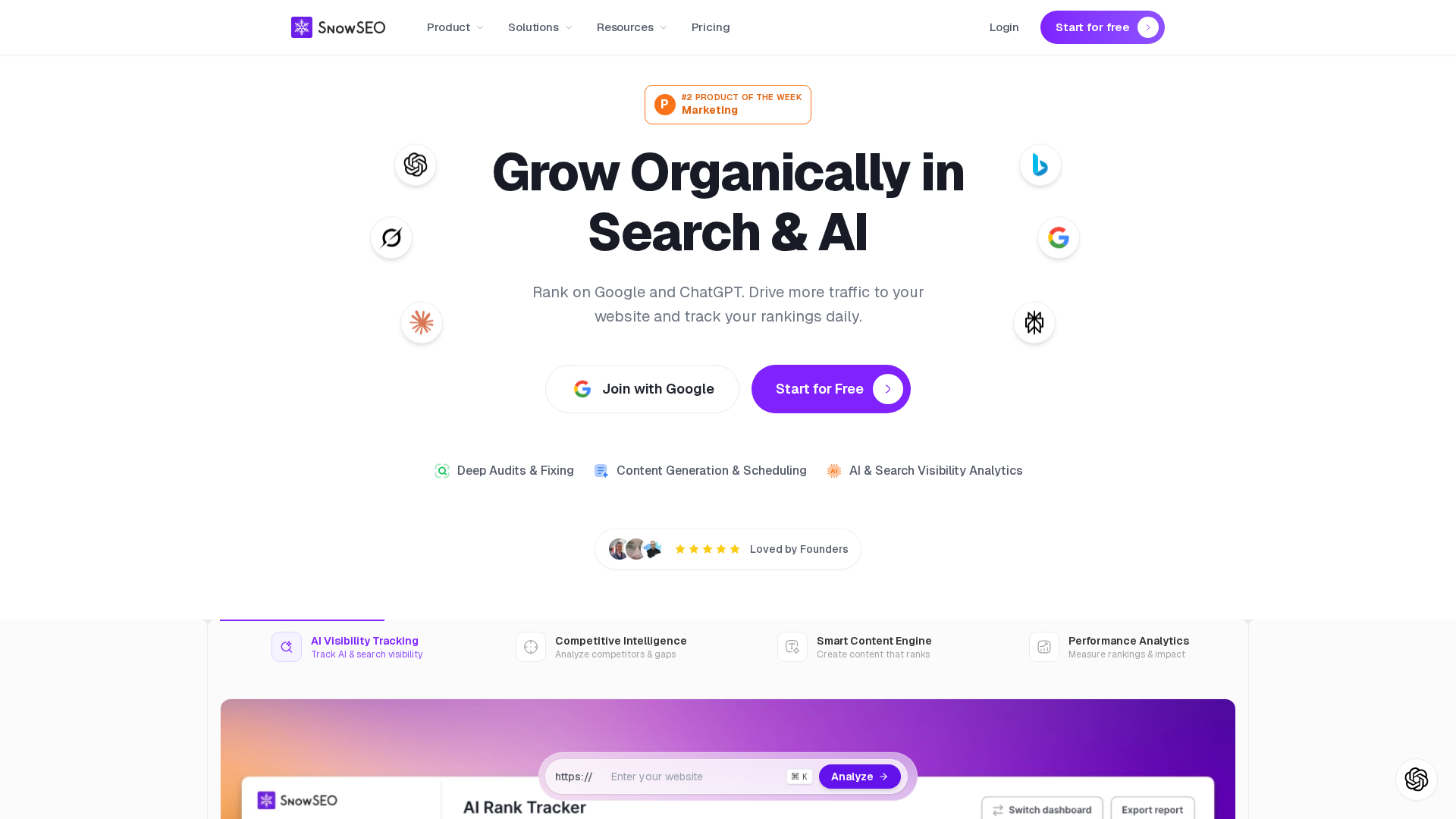
    Homepage
    Homepage

    Cut tool sprawl and manage client SEO faster with SnowSEO. Get audits, tracking, content, and competitive data in one platform built for agencies.

    Frequently Asked Questions

    Q1: Which SEO platform offers the best integration of rank tracking, keyword research, AI content generation, and competitive analysis?

    SnowSEO fits agencies that want one workflow, not five tools.

    Q2: What feature matters most for multi-client agencies?

    Client-level permissions and clean reporting save the most time.

    Q3: Should agencies replace point tools in 2026?

    Not always. Replace overlap first, then keep tools with clear, unique value.

    Conclusion

    Agencies should buy for shared workflows, clean reporting, strong integrations, and AI search tracking, not bloated checklists. Google says core SEO still supports generative search in its AI optimization guide, while AI Search updates show why unified platforms now matter more.

  • 9 Rank Tracking Tools for Local SEO and Maps

    9 Rank Tracking Tools for Local SEO and Maps

    Quick Summary: Local SEO rank tracking tools vary in focus, from broad SEO platforms like SnowSEO and SE Ranking to specialized geo-grid tools like RankGrid. The best tool depends on whether you need street-level map visibility, competitor overlays, or integrated workflows. SnowSEO offers AI insights and comprehensive SEO features, making it ideal for teams managing multiple aspects of local SEO.

    A bakery can rank first at the counter, then disappear three blocks away. That is why the real question is where it ranks on the map. Most Local SEO Tools hide that with one score. Good Maps Ranking Software shows street-level gaps, rival strongholds, and where calls start or stop. This list reviews 9 Local SEO Tools, including geo-grid tracking, Maps coverage, competitor views, and reporting. We picked active Local SEO Tools with official pages, local SERP support, and solid Keyword Rank Checker features.

    Quick Comparison

    Tool Best for Maps ranking coverage Geo-grid / heatmap depth Reporting and collaboration
    SnowSEO Teams that want rank tracking inside a broader SEO workflow Not the main public emphasis Limited or not foregrounded in public docs AI insights and exports for internal reporting
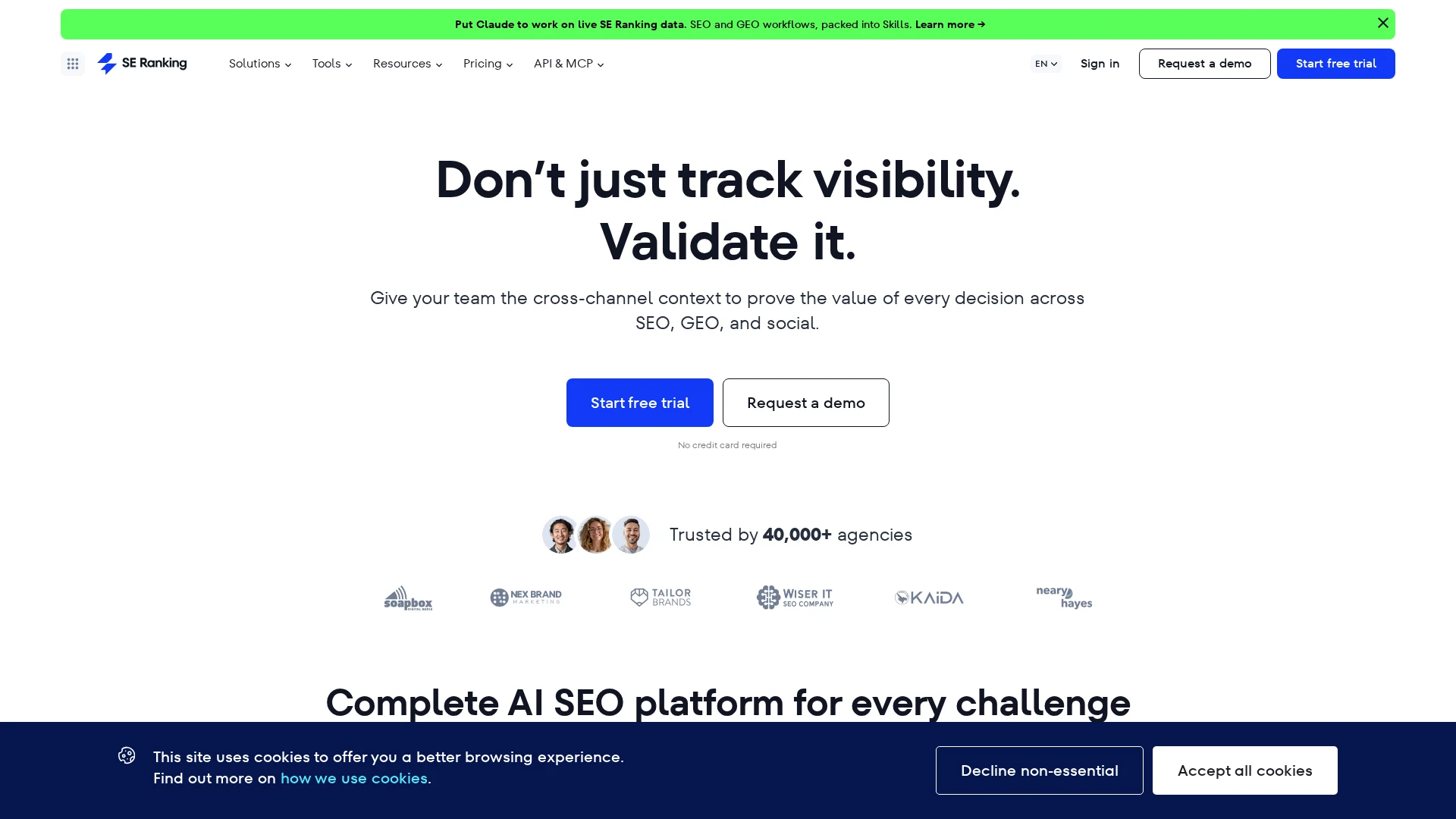
    SE Ranking Agencies and SMBs wanting an all-in-one SEO suite Google Maps and local pack tracking Grid Rank Tracker with adjustable settings Strong reporting and integrations
    Search Atlas Agencies wanting local tracking plus automation Local heatmaps and local rankings Strong local grid support White-label and automated reporting
    RankGrid Neighborhood-level local SEO analysis Google Maps geo-grid visibility Core product strength Live client portals and shareable views

    What to know about local rank tracking

    Local rank tracking shows where you rank by street, ZIP code, and device type. That matters because a business can rank well in one neighborhood and poorly a few blocks away.

    Maps SEO adds another layer. You need to track both local pack and map results, not just standard organic positions. The best tools show geo-grid coverage, nearby competitors, and the exact areas where visibility drops.

    Small location changes can lead to big ranking shifts. That is why broad keyword averages often hide real local SEO problems.

    1. SnowSEO

    SnowSEO works best as your rank tracking workflow hub, not a maps-only niche tool. Its keyword tracking docs show daily Google Search Console data with live SERP fallback, and onboarding supports region targeting for market-by-market views.

    SnowSEO
    Highlights

    • Daily tracking from GSC with live fallback for new terms
    • Region filters, AI insights, and exports

    Specs

    • Best for: Teams that want rank tracking inside a broader SEO workflow
    • Maps ranking coverage: Not the main public emphasis

    Pros

    • Strong operator fit
    • Clean reporting

    Cons

    • Limited geo-grid depth

    It ranks first because it fits real SEO operations better than a heatmap-only tool.

    Last updated: August 7, 2026

    Also Read: 10 Best Tools for Competitor SEO Analysis in 2024

    2. SE Ranking

    SE Ranking is a broad SEO platform with solid local rank tracking built in. Its local module tracks Google Maps, local pack, and organic local results, with city, postal code, and grid-based views, according to SE Ranking’s local rank tracker page and its Local Rankings knowledge base.
    SE Ranking
    Highlights

    • Tracks Google Maps and organic local rankings in one module
    • Supports adjustable geo-grid tracking and competitor monitoring

    Specs

    • Best for: Agencies and SMBs wanting an all-in-one SEO suite
    • Maps ranking coverage: Google Maps and local pack tracking
    • Reporting and collaboration: Strong reporting and integrations

    Pros

    • Balanced local and broader SEO tools

    Cons

    • Less specialized than geo-grid-first tools

    It ranks this high because it blends dependable Maps tracking with a full SEO suite.

    Last updated: August 7, 2026

    Also Read: 10 Must-Have Tools to Streamline Your SEO in 2025

    3. Search Atlas

    Search Atlas fits agencies that want local SEO software tied to execution, not just charts. Its local SEO software centers on heatmaps, reporting, GBP tasks, and wider SEO automation in one stack.

    ![coffee shop owner reviewing neighborhood map rankings on a laptop beside storefront window)
    Highlights

    • Local heatmaps show rankings block by block.
    • Local search grid supports competitor comparison.
    • White-label reporting helps client delivery.

    Specs

    • Best for: Agencies wanting local tracking plus automation

    Pros

    • Strong mix of maps ranking software and reporting

    Cons

    • Broad platform may feel bigger than needed

    It ranks here because it connects geo-grid rank tracker data to agency workflows.

    Last updated: August 7, 2026

    Also Read: 10 New Keyword Research Techniques to Try Now

    4. RankGrid

    RankGrid is a focused geo-grid rank tracker built to show Google Maps visibility by neighborhood, not just one city average. It is strongest when you need scan diffs, competitor overlays, and live portals in one clean view, as shown on its features page.
    ![sunlit marketing team reviewing a neighborhood map heat grid on office monitor)
    Highlights

    • Geo-grid scans for neighborhood visibility analysis
    • Scan diff maps show gains and losses over time
    • Competitor overlays add local market context

    Specs

    • Best for: Neighborhood-level local SEO analysis
    • Maps ranking coverage: Google Maps geo-grid visibility
    • Reporting and collaboration: Live client portals and shareable views

    Pros

    Cons

    • Less broad than all-in-one SEO platforms
    • Overkill for simple keyword checks

    It ranks here because it stays tightly focused on map-based local visibility.

    Last updated: August 7, 2026

    More tools worth a look

    If the main list feels too narrow for your setup, these runners-up still deserve a scan. They may fit better if you need a specific workflow or reporting style.

    1. Map Ranking
    2. Getpin
    3. ProMapRanker
    4. OtterlyAI
    5. AthenaHQ

    How to choose the right local rank tracker

    Use these checks before you buy:

    • Pick a geo-grid-first tool if you care about street-by-street Maps visibility, not one citywide average.
    • Pick SnowSEO if you want rank tracking plus audits, reporting, content, and competitor research in one workflow. It is the strongest fit for teams that do more than Maps alone.
    • Look for competitor overlays and scan history if you need to explain weak zones fast.
    • Choose shareable reports or white-label portals for clients and multi-location brands.
    • Verify support for your locations, devices, and countries.
    • Already use SE Ranking or Search Atlas? Compare their local module against specialists before adding another tool.
    Homepage
    Homepage

    Want one place to track local rankings, map visibility, audits, and content? Try SnowSEO to turn scattered SEO work into one clear workflow.

    Frequently Asked Questions

    Q1: What are the most accurate tools for local Google Maps rank tracking in 2026?

    Geo-grid trackers usually give the clearest Maps view because they show rank by street-level area, not one ZIP code. SnowSEO stands out if you want rank tracking tied to audits, keywords, and reporting in one workflow.

    Q2: How can geo-grid tracking reveal geographic gaps in local SEO efforts?

    It maps rankings across many points around your business. That helps you spot weak zones, service-area blind spots, and places where competitors outrank you even when your average local rank looks fine.

    Q3: Which rank tracking tools support AI-driven insights for local SEO in 2026?

    SnowSEO is the strongest fit when you want AI help tied to broader SEO work, not rank checks alone. Look for tools that flag patterns, group location drops, and turn ranking data into clear action steps.

  • Rank Tracking Setup for Google and AI Search

    Rank Tracking Setup for Google and AI Search

    Quick Summary: Effective rank tracking now combines Google search positions with AI visibility metrics like citations and mentions. Building a keyword set focused on buyer intent and splitting content types helps monitor both search worlds. Regularly reviewing AI citations, adjusting prompts, and tracking metrics like mentions and citations improve understanding of brand presence across AI and traditional search platforms.

    If your client sits at #3 for a money term in Google but stays invisible in ChatGPT, Perplexity, and AI Overviews, your Rank Tracking misses half the market. That is the gap this guide fixes. You will build a simple Rank Tracking system that joins Google data with AI visibility, prompt coverage, and reporting. I work with teams that already use SEO Rank Tools and need cleaner AI Search Optimization. Good Rank Tracking now means tracking both search worlds together.

    Step 1: Build a keyword set that works for both Google and AI search

    Start with buyer-intent prompts, not just broad terms. Google says its systems match both words and concepts, and AI search still sits on core search systems, so natural questions matter as much as short keywords according to Google and its 2026 AI search guidance here. Build lists like:

    • “best crm for small law firm”
    • “shopify seo app comparison”
    • “how to switch from agency to in-house seo”
    Flowchart with grouped keyword prompts on a workspace desk
    Flowchart with grouped keyword prompts on a workspace desk

    Split the set into clear page types:

    • Money pages – product, service, category, demo, pricing
    • Support content – how-to, setup, use case, troubleshooting
    • Comparison queries – best, vs, alternatives, reviews

    Do not track every variation. Track the main query, close variants, and the prompt-style version.

    Also Read: Best SEO Tools: 25 Picks to Improve Rankings in 2026

    Step 2: Configure Google rankings and AI surfaces in one tracking view

    Start with Google organic as your control layer. Track:

    1. Primary keyword rank
    2. SERP feature presence like featured snippets, People Also Ask, local pack, and video
    3. Device and location splits

    Google now blends AI Overviews and AI Mode more tightly into Search, so your baseline report needs both classic rank and feature ownership, not just blue-link position, per Google’s 2026 Search update.

    Then add AI surfaces as a second view for the same keyword set:

    • AI Overview present or not
    • Brand cited or not
    • Competitor cited or not
    • ChatGPT, Claude, Perplexity, and Gemini mention share

    Keep one row per keyword and add columns for each engine. That makes gaps obvious fast.

    Keyword Google Rank AI Overview ChatGPT Perplexity Gemini
    running shoes flat feet 4 cited not cited cited cited

    Google’s AI answers appeared in 43% of searches by mid-2026, according to TechCrunch citing Similarweb.

    Also Read: 10 New Keyword Research Techniques to Try Now

    Step 3: Standardize your metrics so reporting stays clean

    Use average position and share of top 3 or top 10 for Google. Keep those separate from AI search. Google itself says AI Overviews show an AI snapshot with links to dig deeper, so track mentions, linked citations, and citation rate instead of forcing a rank model onto AI results (Google Search Help). That keeps reports honest.

    Channel Core metric Good use
    Google Search Position Rank trend
    AI Search Mentions Brand visibility
    AI Search Citations Source inclusion
    Comparison dashboard with charts and data visualizations
    Comparison dashboard with charts and data visualizations

    Build one simple template your team uses every week:

    1. Google – average position, clicks, landing page.
    2. AI – prompt, mention yes or no, citation yes or no.
    3. Outcome – traffic, leads, revenue.

    Also Read: 10 Organic Growth Strategies to Drive Traffic in 2025

    Step 4: Set your tracking cadence, alerts, and review process

    1. Pick a cadence that matches volatility. Track core money terms daily. Check mid-tier keywords and AI prompts weekly. Review low-risk long-tail sets monthly. Google says it regularly improves ranking systems, so fixed monthly reviews alone miss useful shifts. Set alerts for sharp drops, new AI citations, and page swaps.

    2. Review competitors and refresh the prompt set regularly. Check which rival pages, entities, and answer formats now appear. Update prompts every month so they match real buyer questions. Google’s Generative AI performance report tracks impressions over time by page, device, and country, which helps flag drift fast.

    Homepage
    Homepage

    If you want one workflow for Google rankings and AI visibility, try SnowSEO. Track positions, spot gaps, and turn reports into action faster.

    Frequently Asked Questions

    Q1: What are the essential steps to set up comprehensive rank tracking for Google and AI platforms?

    Track target keywords, prompts, pages, and brand mentions. Split branded and non-branded terms. Set a weekly pull, device and location rules, and one reporting view for rankings, AI citations, traffic, and conversions.

    Q2: How can businesses monitor brand citations in AI-generated results across ChatGPT, Claude, and Perplexity?

    Save a fixed prompt set by topic, intent, and funnel stage. Check whether your brand appears, where it appears, which source gets cited, and whether the answer is accurate. Log changes over time to spot wins and losses.

    Q3: What tools and metrics are best for tracking AI overview visibility and traditional search rankings?

    Use one system that tracks Google positions plus AI answer mentions. Key metrics include rank, share of voice, citation rate, AI overview presence, landing page, traffic, and assisted conversions. SnowSEO helps keep those signals in one workflow.

    Conclusion

    Track Google rankings and AI search visibility in one system, not two. Google says AI features rely on core ranking systems and can show mistakes, so your reporting should pair classic rankings with AI presence and page-level impact Google ranking systems guide AI Overviews help.

  • AI SEO Process Guide for Planning, Writing, and Review

    AI SEO Process Guide for Planning, Writing, and Review

    Quick Summary: Effective AI SEO requires a clear strategy before using AI tools, including defining goals, audience, and intent. Creating detailed briefs and human editing are essential to ensure quality, accuracy, and originality. Content should be regularly reviewed and updated to maintain rankings, with a focus on helping people first rather than just optimizing for search engines.

    If your team uses AI to draft posts from a keyword list but still rewrites every piece, the real issue is often the process. Most teams lack a clear SEO Content Strategy that connects briefs, drafting, review, and updates. This guide shows how to build that SEO Content Strategy, use a Keyword Research Platform, and apply AI Optimization Tools without breaking quality. It is built for teams that need a repeatable SEO Content Strategy that scales and still meets SEO standards.

    1. Build the Strategy Before You Use AI

    Set the plan first. AI should speed up work, not choose what you publish. Google says strong content starts with a clear audience and a real purpose, not pages made mainly to pull search traffic, according to Google’s people-first content guidance.

    • Define the business goal: traffic, leads, sales, or support
    • Name the reader: beginner, buyer, customer, or partner
    • Match each page to one intent: learn, compare, or buy
    Team planning a content strategy with flowchart and dashboards
    Team planning a content strategy with flowchart and dashboards

    Map topics next. Use a keyword platform to group terms by intent, not just volume. Good research shows what people ask, why they ask it, and which page should answer it, as explained in this 2026 keyword research guide.

    If AI writes before strategy is set, teams usually publish fast and miss the right topic.

    Also Read: 10 Organic Growth Strategies to Drive Traffic in 2025

    2. Create a Brief AI Can Actually Follow

    A good AI brief acts like a spec, not a loose idea. NIST’s 2026 GenAI challenge even treats prompters as a real role because prompt quality shapes output quality and believability in its evaluation design.

    • Include the essentials in every brief:
      • Goal
      • Audience
      • Search intent
      • Primary points to cover
      • Format
      • Tone
      • Must-use facts
      • Must-avoid claims

    If any of those are missing, the draft gets vague fast.

    Content strategist reviewing AI article brief with SERP notes
    Content strategist reviewing AI article brief with SERP notes

    Add examples, constraints, and source rules. Harvard’s prompt guidance says specific prompts, examples, and clear “do” and “don’t” instructions improve output quality for text-based generative AI tools.

    Give AI one strong sample paragraph, one bad example, and clear review rules.

    1. Define what good looks like.
    2. Set hard limits.
    3. List trusted references.

    Also Read: 10 Best Tools for Competitor SEO Analysis in 2024

    3. Write, Optimize, and Human-Edit the Draft

    Use AI to build the outline, key points, and first draft fast. That saves time, but it does not remove editorial work. Google says content should help people first, not exist mainly to game rankings, so treat AI as a drafting tool, not the author of record Google’s people-first content guidance.

    Edit next for facts, overlap, and brand voice. Cut filler. Add real examples, sharp claims, and clear source checks. Google’s rater guide also flags pages with little effort, low originality, or little added value, which is exactly what unchecked AI drafts often become Google’s Search Quality Rater overview.

    Optimize last, not first. Tighten headings, internal links, entity mentions, and search intent match. Then check if the page answers the query better than what already ranks. Tools like SnowSEO can speed up brief-to-draft checks, but a human should still approve accuracy, tone, and final publish readiness.

    Also Read: 10 New Keyword Research Techniques to Try Now

    4. Review, Publish, and Refresh the Content

    Use a simple publish-ready checklist

    Check the page before it goes live. Confirm search intent, facts, links, headings, schema, and on-page UX. Google says people-first content should be helpful, accurate, and clearly trustworthy in its content quality guidance.

    Publish only when the page feels complete, not just finished.

    Plan updates before rankings fade

    Set a refresh date when you publish. Review performance, query shifts, CTR, and outdated claims every 60 to 90 days. Google advises waiting at least a week after a core update ends before comparing performance in Search Console, per its core updates guidance.

    Homepage
    Homepage

    Ready to turn your AI SEO process into a repeatable system? Use SnowSEO to plan, write, audit, track, and improve content faster.

    Frequently Asked Questions

    Q1: What are the best strategies for planning an effective AI-driven SEO content workflow?

    Set clear briefs, search intent, owners, and review steps. Map topics first.

    Q2: How can I optimize AI-generated content for search engines and AI platform mentions?

    Edit for facts, structure, entity clarity, and original insight. Add useful examples.

    Q3: What human editing practices ensure AI SEO content ranks well and maintains quality?

    Check accuracy, remove filler, fix tone, and improve headings, links, and trust signals.

    Conclusion

    AI SEO works best as one shared process. Plan with search intent, write for people, review with standards, and improve often. Google says SEO still matters for generative AI search, while content quality matters more than production method.